

Log new Flock messages in a Google Sheets spreadsheet
Each message that reaches the Flock trigger in this workflow is written to a new row in Google Sheets, so you keep a spreadsheet record of your Flock messages that you can sort, search and share.
 Flock
Flock
 Google Sheets
2 steps Setup ~5 min Used on 641 sites Free to import
What this workflow does
Chat is quick to write and hard to look back through. Decisions, customer details and requests scroll away, and searching inside Flock is not the same as having a list you can filter or hand to someone else. This workflow copies Flock messages into a Google Sheets spreadsheet as they come in.
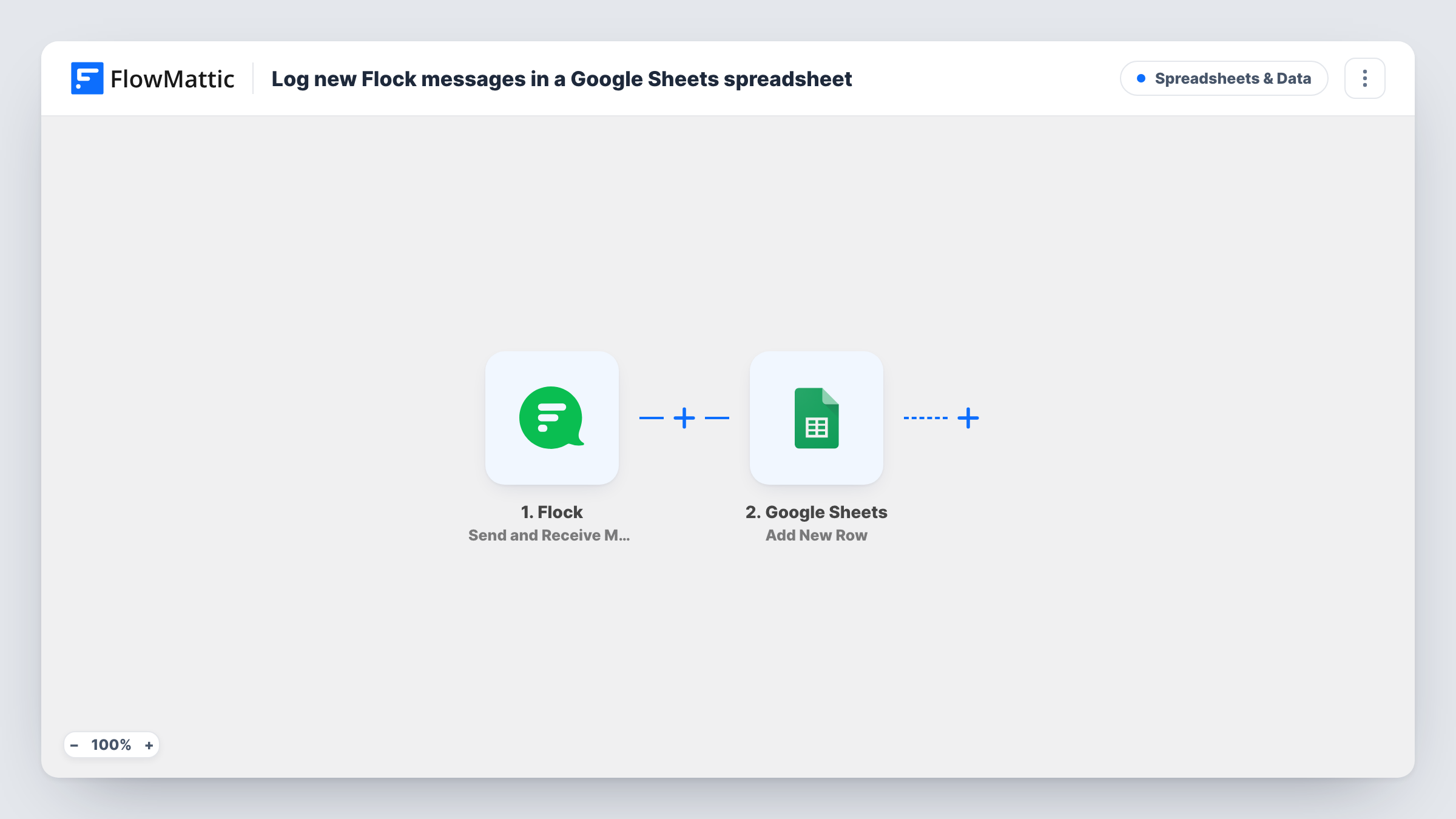
The Flock trigger in this template is Send and Receive Messages. Each time it fires, FlowMattic receives the message data from Flock. The second step adds a new row in Google Sheets, and you choose which parts of the message go into which columns.
Which messages reach the trigger depends on how you connect Flock during setup, so send a test message after import and check that it appears in the run. There are no conditions, so every message the trigger receives becomes one row. Task History lists each run if you need to check what Flock sent.
Record of decisions in a project chat
Your team agrees on scope and deadlines in Flock. The sheet keeps every message in order, so you can find what was agreed without scrolling through chat history.
Requests posted by colleagues
People ask the operations team for things in Flock. Each message becomes a row, and the team adds a status column in the sheet to track what is done.
Sharing chat content with people outside Flock
A client or manager without a Flock account can read the Google Sheet you share with them instead of asking for screenshots.
How this workflow runs
What happens at each step once the workflow is on, and what you need before you import it.
 Flock Send and Receive Messages
Runs when the Flock trigger receives a message. The message data is passed to the Google Sheets step. Use a test message to see exactly which values arrive.
- Google Sheets Add New Row
Adds one row per Flock message to the spreadsheet you select. Map the message parts you want into the sheet's columns and connect your Google account.
What you need
- FlowMatticCore
- Flock AccountAccount
- Google Sheets AccountAccount
After importing, map your own data. To keep the template universal, not every step is pre-filled. Open each step in the builder and connect your accounts and fields (channels, lists, sheets, recipients) before you switch the workflow on.
Make it yours
Changes worth making after you import it.
- Add a Filter after the trigger to log only messages that contain a keyword, such as #log or a project code, so the sheet holds the messages you meant to keep.
- Send one message in Flock after import so FlowMattic captures real data. Then map the values in the Google Sheets step and check the first row before relying on it.
- Add a column in the sheet that you fill in by hand, such as status or owner, next to the mapped columns. The workflow only writes to the columns you map.
Questions about this workflow
Which Flock messages are logged to Google Sheets?
Every message that reaches the Send and Receive Messages trigger. Which conversations that covers depends on how Flock is connected, so test with a message from the chat you care about.
Are older Flock messages copied into the sheet?
No. Only messages the trigger receives after the workflow is turned on create rows.
Does editing a Flock message update its row?
No. Its single action is Add New Row, so each row is written once and later edits in Flock leave it as it was.
Can I keep messages from different Flock channels in separate sheets?
Yes, with a change. Replace the single Google Sheets step with a Router, give each route a condition on a value that identifies the channel, and add a Google Sheets step to each route.
More Spreadsheets & Data workflows
Other ready-to-import templates from the same category.


Import this workflow into your WordPress site
Download the JSON, import it from the Workflows screen and connect your accounts. Every run stays on your server, with no per-task fees.
30-day money-back guarantee Unlimited workflows and runs Self-hosted