

Add new row to Google Sheet when a member cancels the membership
When a membership is cancelled in Restrict Content Pro, this workflow adds a row to a Google Sheets spreadsheet with the details you map, giving you one place to review cancellations and plan follow-up.
 Restrict Content Pro
 Google Sheets
2 steps Setup ~5 min Used on 1.1k sites Free to import
What this workflow does
Cancellations are easy to miss in a membership site's admin screens, and harder to spot as a pattern. A spreadsheet that gains a line every time someone leaves lets you see which levels lose members and who you might contact. This workflow builds that list for you.
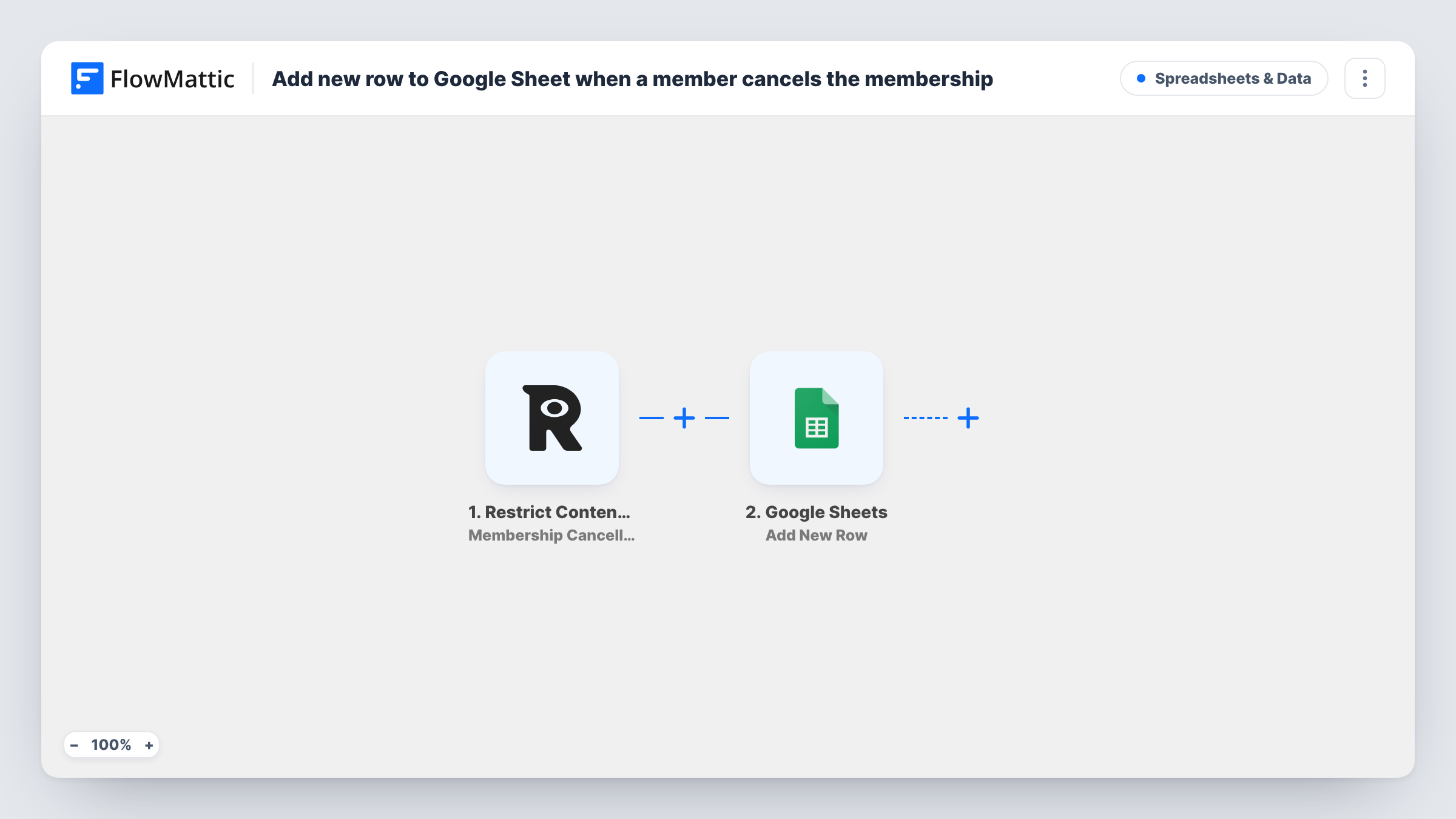
The Restrict Content Pro trigger, Membership Cancelled, fires when a membership is cancelled on your WordPress site. FlowMattic passes the membership and member details it receives to Google Sheets, where Add New Row appends them to the spreadsheet you choose.
The workflow only records the cancellation. It does not change the membership, contact the member or undo anything in Restrict Content Pro. Every cancellation the trigger receives adds one row. Cancel a test membership after import to see which values are available, then map them to your columns. Task History keeps a log of each run.
Reviewing churn by membership level
Map the membership level into its own column, then sort or chart the sheet each month to see which levels lose the most members.
Win-back calls from a shared list
Your support team works down the sheet and contacts recent leavers to ask what would bring them back, noting the answer in an extra column.
Reporting cancellations to a partner
A course creator shares the spreadsheet with a business partner who has no WordPress access, so both see cancellations as they happen.
How this workflow runs
What happens at each step once the workflow is on, and what you need before you import it.
 Restrict Content Pro Membership Cancelled
Fires when a membership is cancelled in Restrict Content Pro on your site. The membership and member details from the cancellation become available to map into the spreadsheet.
- Google Sheets Add New Row
Appends a row to your chosen spreadsheet for each cancellation. Set up column headings first, then map the values a test run shows, such as the member's email or level.
What you need
- FlowMatticCore
- Restrict Content Pro PluginPlugin
- Google Sheets AccountAccount
After importing, map your own data. To keep the template universal, not every step is pre-filled. Open each step in the builder and connect your accounts and fields (channels, lists, sheets, recipients) before you switch the workflow on.
Make it yours
Changes worth making after you import it.
- Add a column for a follow-up status that your team fills in by hand. The workflow leaves unmapped columns empty, so it won't overwrite their notes.
- Add a Slack or email step after Google Sheets so someone is told about each cancellation as well as having it logged.
- Add a Filter after the trigger if you only want cancellations from paid levels in the sheet, using the membership level if the trigger data includes it.
Questions about this workflow
Does this stop or reverse the Restrict Content Pro cancellation?
No. The cancellation goes ahead as normal. The workflow only adds a row to Google Sheets after it happens.
Are past Restrict Content Pro cancellations added?
No. Only cancellations made after you turn the workflow on are logged. Earlier ones stay in Restrict Content Pro's own records.
Does it log memberships that simply expire?
The trigger is Membership Cancelled, so it reacts to cancellations. Run a test with an expiring membership if you need to know how your setup treats it, and check Task History.
Is the member told that their cancellation was logged?
No. The workflow writes only to your spreadsheet and sends the leaver no message. Any cancellation email comes from your Restrict Content Pro settings.
More Spreadsheets & Data workflows
Other ready-to-import templates from the same category.



Import this workflow into your WordPress site
Download the JSON, import it from the Workflows screen and connect your accounts. Every run stays on your server, with no per-task fees.
30-day money-back guarantee Unlimited workflows and runs Self-hosted