

Log every Pulsetic monitor event in a Google Sheets spreadsheet
Every time a new monitor event occurs in Pulsetic, this workflow adds a row to a Google Sheets spreadsheet with the event details you map, giving you a running log of your monitors’ activity to sort and review.
 Pulsetic
 Google Sheets
2 steps Setup ~5 min Used on 976 sites Free to import
What this workflow does
Uptime alerts tell you what is happening now. When you later need to answer how often a site went down, or what happened last Tuesday night, a plain list of events is far easier to work with. This workflow keeps that list in Google Sheets.
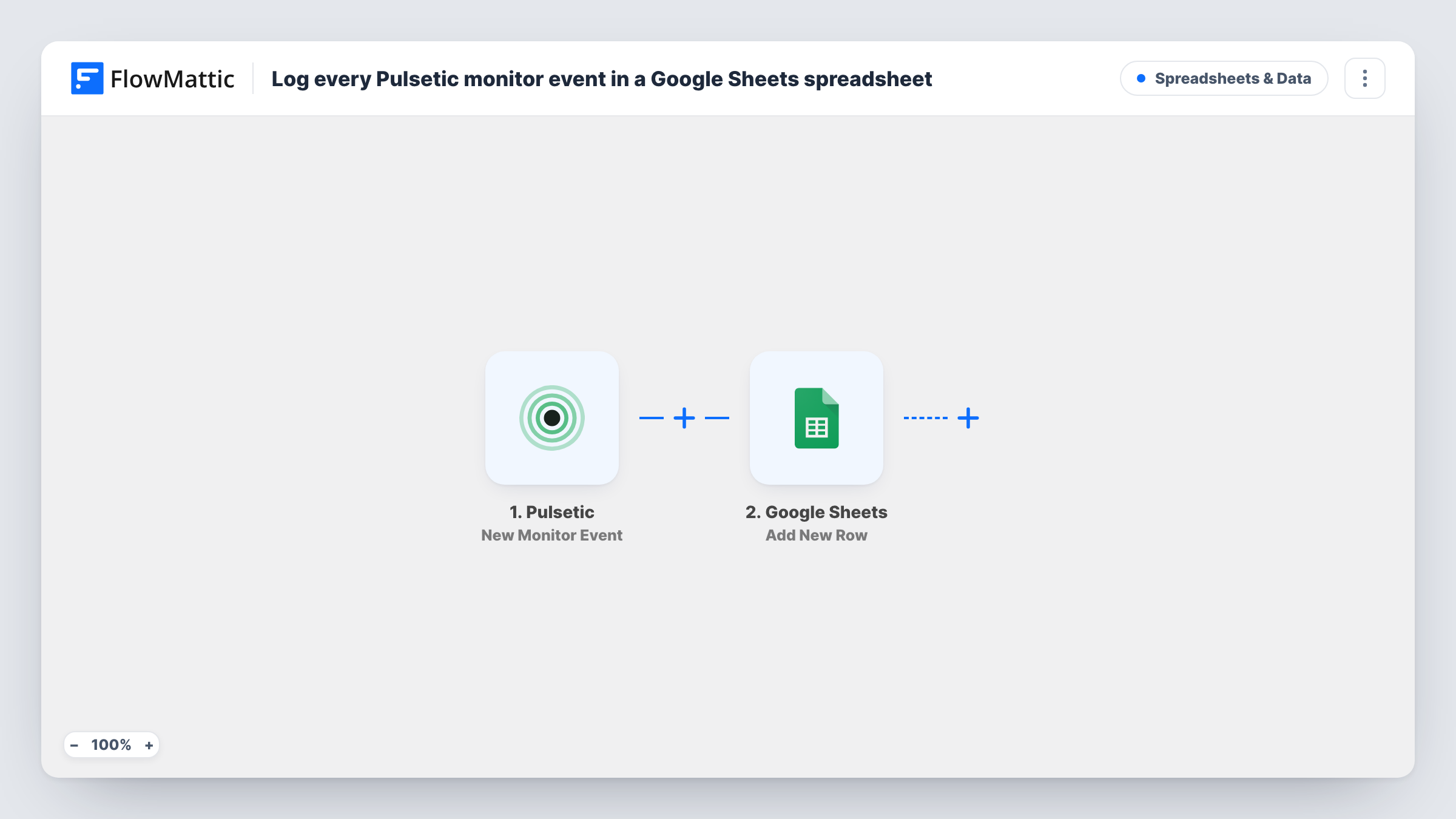
The Pulsetic trigger fires when a new monitor event occurs, and the event's details reach FlowMattic as fields. The Google Sheets step then runs Add New Row in the spreadsheet you choose, writing those details to the columns you map.
The trigger covers every monitor event, not only outages, so the sheet records each event Pulsetic sends, whatever its kind. That makes it a complete log; use a Filter if you want only some events. Rows are only ever added. Task History lists each event received and the row written for it.
Monthly uptime reports for clients
An agency monitoring client sites with Pulsetic sorts the sheet by monitor at month end and shares the rows for each client's site in their report.
Incident reviews
After an outage, the team opens the sheet to see the sequence of events Pulsetic reported, in the order the rows were added.
Spotting a flaky service
A monitor that shows up again and again in the log points to a service that needs attention, even if each event was short.
How this workflow runs
What happens at each step once the workflow is on, and what you need before you import it.
 Pulsetic New Monitor Event
Fires when a new monitor event occurs in Pulsetic. The details Pulsetic sends about the event become fields for the spreadsheet row.
- Google Sheets Add New Row
Adds one row per Pulsetic event to the Google Sheets spreadsheet you select. Connect your Google account and map the event details to your column headers.
What you need
- FlowMatticCore
- Pulsetic AccountAccount
- Google Sheets AccountAccount
After importing, map your own data. To keep the template universal, not every step is pre-filled. Open each step in the builder and connect your accounts and fields (channels, lists, sheets, recipients) before you switch the workflow on.
Make it yours
Changes worth making after you import it.
- Wait for a real or test monitor event after import so FlowMattic captures what Pulsetic sends, then set up your sheet's columns around those fields.
- Add a Filter after the trigger that continues only for the event type you care about, if a test run shows Pulsetic sends a field that tells down and up events apart.
- Add a Slack step after Google Sheets if your team should also see each event as it happens, alongside the long-term log.
Questions about this workflow
Does the sheet log only Pulsetic downtime?
No. The trigger fires on every new monitor event, so each one Pulsetic sends becomes a row. Add a Filter if you want to keep only some events.
Which Pulsetic event details can go in the Google Sheets row?
Whatever Pulsetic includes with the event, mapped to the columns you choose. Check a captured event in Task History before designing the sheet.
Does the workflow ever change or delete rows already in the sheet?
No. Add New Row only appends, so earlier rows and any notes you add beside them stay put.
Are Pulsetic events from before the import added?
No. Logging starts with the first event after you switch the workflow on.
More Spreadsheets & Data workflows
Other ready-to-import templates from the same category.



Import this workflow into your WordPress site
Download the JSON, import it from the Workflows screen and connect your accounts. Every run stays on your server, with no per-task fees.
30-day money-back guarantee Unlimited workflows and runs Self-hosted