

Notify the team in Discord when a Pimcore object is deleted
When an item is deleted in Pimcore, this workflow posts a message to a Discord channel you pick, so your team sees removals from the catalog as they happen instead of finding gaps later.
 Pimcore
 Discord
2 steps Setup ~5 min Used on 3.3k sites Free to import
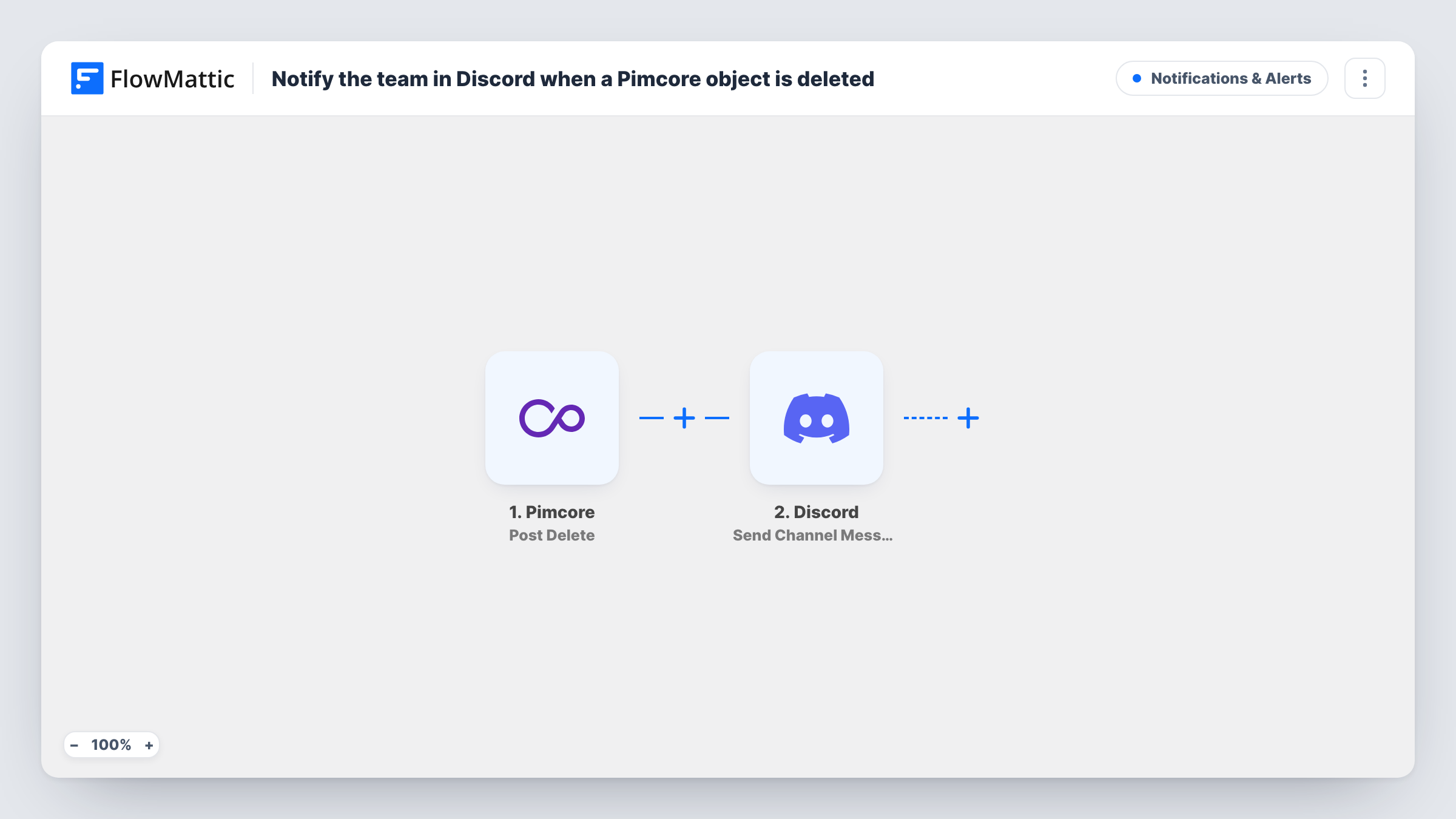
What this workflow does
Deletions in a product information system are easy to miss. A colleague removes an outdated product object, and nobody notices until a listing, a feed or a report comes up short. This workflow gives your team a running record of removals in the Discord channel where they already talk.
The Pimcore trigger listens for Pimcore's postDelete event, which comes after an item has been removed. Whatever data Pimcore passes with that event becomes available in FlowMattic. The second step uses Discord to post a new message to the channel you choose, and you write the message text with the deleted item's details mapped in.
Every deletion that reaches FlowMattic produces one message, with no filtering in between. The template ships with both steps empty, so you connect your accounts, pick the channel and compose the message after import. Task History keeps a log of each run, including what was sent to Discord.
Catalog clean-up with several editors
Two or three people prune old product objects in Pimcore. Each removal shows up in a shared Discord channel, so editors can see what the others have already deleted.
Catching accidental deletions
A message in a monitored channel tells a lead that an object is gone, giving them a prompt to check with whoever deleted it if the removal looks like a mistake.
Keeping a sales or marketing team informed
People who never log in to Pimcore read the Discord channel and learn that a product they promote has been removed from the catalog.
How this workflow runs
What happens at each step once the workflow is on, and what you need before you import it.
 Pimcore Post Delete
Runs on Pimcore's postDelete event, after an item has been deleted. The data Pimcore sends with the event is passed on for use in the Discord message.
- Discord Send Channel Message
Sends a message into whichever Discord channel you pick. Connect your Discord account, choose the channel and write the text, mapping in the deleted item's details from the trigger.
What you need
- FlowMatticCore
- Pimcore AccountAccount
- Discord AccountAccount
After importing, map your own data. To keep the template universal, not every step is pre-filled. Open each step in the builder and connect your accounts and fields (channels, lists, sheets, recipients) before you switch the workflow on.
Make it yours
Changes worth making after you import it.
- Add a Filter after the trigger if you only want messages for some deletions, for example items whose class or path matches a value you set. Check a test run first to see which fields Pimcore sends.
- Use a dedicated channel such as #catalog-deletions, so these alerts don't get lost among everyday chat.
- Want a permanent record as well as the alert? Add a Google Sheets step after Discord that writes the deleted item's details to a new row.
Questions about this workflow
Which Pimcore deletions trigger the Discord message?
Every deletion that raises Pimcore's postDelete event and reaches FlowMattic. The template has no Filter, so each one produces a message. Delete a test item after import to see exactly what data arrives.
Can the Discord message include the name of the deleted object?
Yes, if Pimcore sends it with the event. Map any field from the trigger into the message text. A test deletion shows the fields you have to work with.
Does Pimcore have other events I could use instead?
Yes. FlowMattic's Pimcore app also offers triggers such as Pre Delete, Post Delete Failure, Post Add and Post Update. Swap the trigger if you want alerts for a different event.
Does this workflow restore or block the deletion?
No. It only reports the deletion after it has happened. Nothing is changed in Pimcore.
More Notifications & Alerts workflows
Other ready-to-import templates from the same category.






Import this workflow into your WordPress site
Download the JSON, import it from the Workflows screen and connect your accounts. Every run stays on your server, with no per-task fees.
30-day money-back guarantee Unlimited workflows and runs Self-hosted