

Notify your team on Slack when user cancels the membership in ARMember
When a member cancels their membership on your ARMember site, this workflow posts the details to a Slack channel, so your team hears about each cancellation without checking the WordPress dashboard.
 ARMember
 Slack
2 steps Setup ~5 min Used on 1.0k sites Free to import
What this workflow does
A cancelled membership is easy to miss when it only shows up inside the WordPress admin. Whoever looks after members, sends exit surveys or handles refunds tends to find out days later. This workflow tells them in Slack as soon as ARMember records the cancellation.
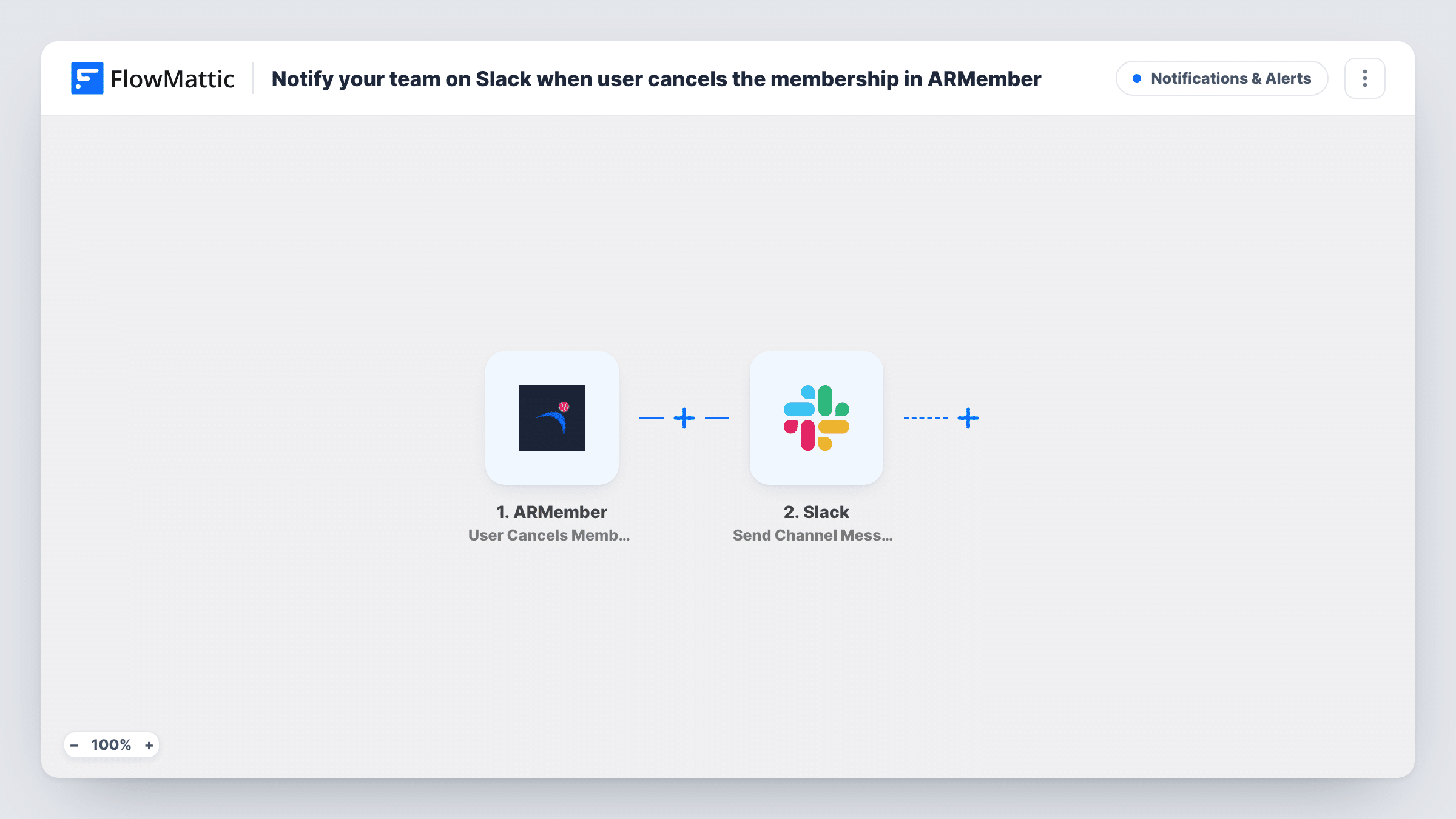
The ARMember trigger fires when a user cancels a membership on the WordPress site where FlowMattic runs. Whatever ARMember sends with that event is handed to the next step as data you can map. The Slack step then posts a message to the channel you pick, with whichever of those values you place in the text. A test cancellation shows exactly which values arrive.
Nothing changes in ARMember itself. The member's account and plan are handled by ARMember as usual, and the workflow only reports what happened. Because ARMember runs on your own site, the cancellation data stays there until the Slack step sends the message you wrote. Task History shows each run, so you can see which cancellations were posted and spot a Slack error if one occurs.
Membership team follow-up
A community manager watches a #members channel. Each cancellation post tells them who left, so they can send a personal note or an exit survey.
Online course with paid tiers
When a student drops a premium tier in ARMember, the instructor team sees it in Slack and can check whether that student had open questions or support requests.
Finance check on refunds
Your bookkeeper sits in the Slack channel and uses each cancellation post as a prompt to check whether a refund or a proration needs handling in your payment tool.
How this workflow runs
What happens at each step once the workflow is on, and what you need before you import it.
 ARMember User Cancels Membership
Runs when a user cancels a membership in ARMember on your WordPress site. The cancellation details are passed on so you can map them into the Slack message.
- Slack Send Channel Message
Sends your message to a Slack channel of your choosing. Write the text after import and add values captured from the ARMember event, such as the member's name if it is sent, so the team knows who cancelled.
What you need
- FlowMatticCore
- ARMember PluginPlugin
- Slack AccountAccount
After importing, map your own data. To keep the template universal, not every step is pre-filled. Open each step in the builder and connect your accounts and fields (channels, lists, sheets, recipients) before you switch the workflow on.
Make it yours
Changes worth making after you import it.
- Add a Filter after the ARMember trigger that continues only for your paid plans, so cancellations of a free tier do not reach the channel.
- Add a Google Sheets step after the Slack post to log each cancellation in a row. Over time the sheet shows which plans members leave most often.
- Cancel a test membership on a staging account after import so FlowMattic captures the ARMember data, then check which values you can map before writing the message.
Questions about this workflow
Do I need ARMember on the same site as FlowMattic?
Yes. The trigger listens for cancellations inside ARMember, so both plugins have to run on the same WordPress site. You also connect a Slack account in the Slack step.
Does the workflow stop or reverse the ARMember cancellation?
No. It only reports the cancellation to Slack. ARMember processes the cancellation exactly as it would without the workflow.
Will older ARMember cancellations be posted to Slack?
No. Only cancellations that happen after you turn the workflow on reach the channel. Past cancellations stay in ARMember's own records.
Can the member get an email too?
Not as imported. Add a Send Email step after the Slack step and map the member's email from the ARMember trigger if you want to send them a message as well.
More Notifications & Alerts workflows
Other ready-to-import templates from the same category.





Import this workflow into your WordPress site
Download the JSON, import it from the Workflows screen and connect your accounts. Every run stays on your server, with no per-task fees.
30-day money-back guarantee Unlimited workflows and runs Self-hosted