

Parse HARO emails and add a row in Google Sheets for each email
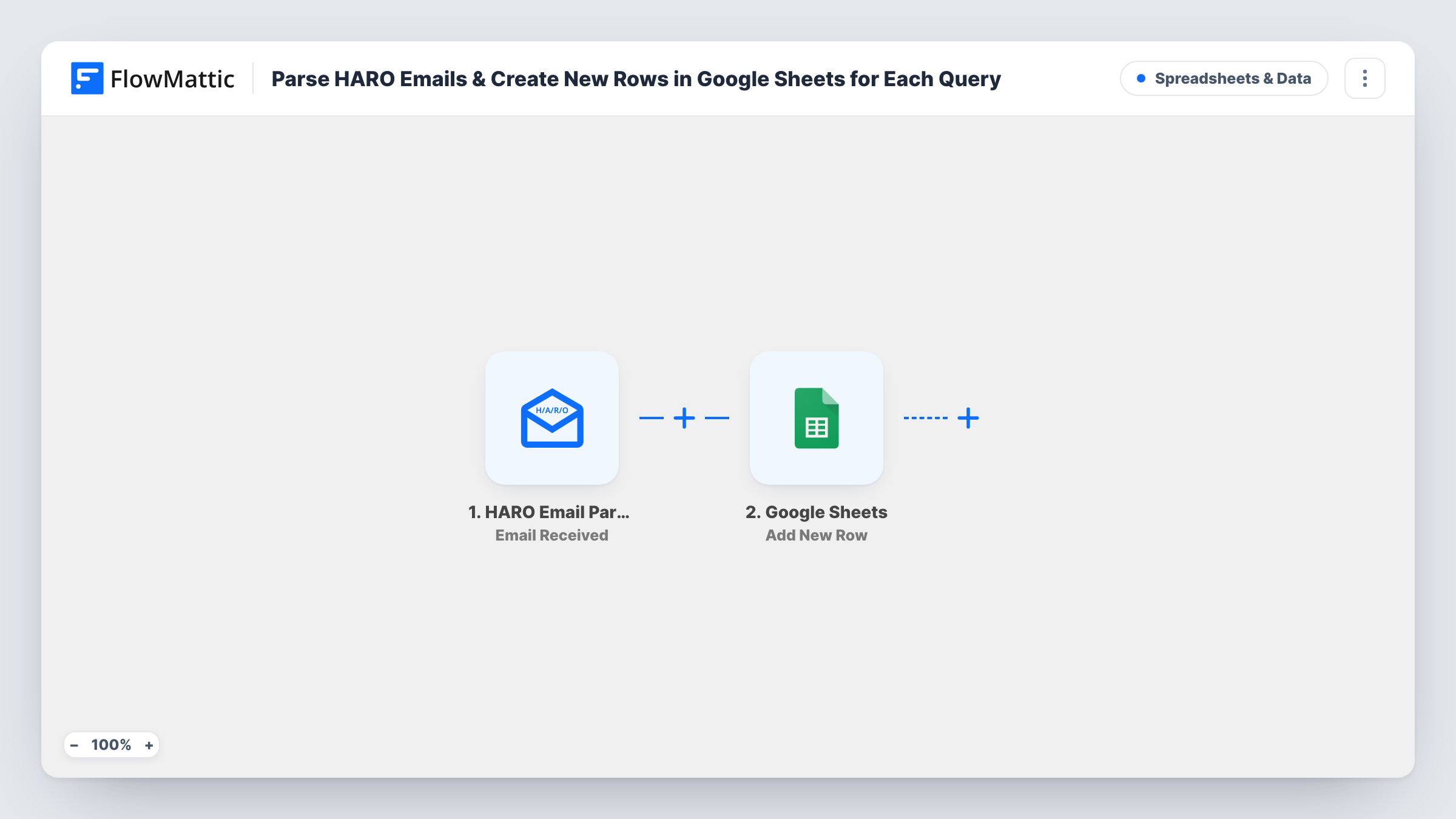
Forward your HARO emails to FlowMattic’s parser address and each one is parsed and added as a new row in Google Sheets, so the journalist requests you get are kept in one sortable list.
 HARO Email Parser
 Google Sheets
2 steps Setup ~5 min Used on 1.1k sites Free to import
What this workflow does
HARO-style request emails arrive often and are long, and the useful parts get buried in your inbox. If you pitch reporters, you want those requests where you can scan, sort and mark which ones you answered. This workflow takes each HARO email you forward and writes it to a spreadsheet.
The HARO Email Parser trigger gives the workflow its own email address. FlowMattic shows it in the trigger after import, and it needs a valid FlowMattic license key. Send or forward your HARO emails there, for example with a forwarding rule in your mail app. FlowMattic parses each email that arrives and passes the extracted data on.
The Google Sheets Add New Row step then adds one row for that email. No columns are mapped in the template. Connect your Google account, pick the spreadsheet, and map the parsed values to your headers. Forward one real HARO email first and look at the trigger's output, so you know which values the parser returns before you set up the columns.
One email becomes one row, even when it holds several requests. Task History shows each parsed email and the row that was added.
PR freelancer tracking pitches
A freelance publicist forwards every HARO email to the parser and adds a column in the sheet to mark which requests they pitched.
Founder reviewing requests once a day
A startup founder skips the inbox and opens the Google Sheet each evening to scan the day's HARO requests in one place.
Team sharing media opportunities
A marketing team shares the sheet so subject experts can claim the HARO requests that match what they know.
How this workflow runs
What happens at each step once the workflow is on, and what you need before you import it.
 HARO Email Parser Email Received
Fires when an email reaches the workflow's HARO Email Parser address. FlowMattic parses the email and passes the extracted data on; forward a real one to see which values you get.
- Google Sheets Add New Row
Adds one row to your spreadsheet for each parsed HARO email. The template maps no columns, so connect Google Sheets, choose the tab and match the parser's values to your headers.
What you need
- FlowMatticCore
- Google Sheets AccountAccount
After importing, map your own data. To keep the template universal, not every step is pre-filled. Open each step in the builder and connect your accounts and fields (channels, lists, sheets, recipients) before you switch the workflow on.
Make it yours
Changes worth making after you import it.
- Set up a forwarding rule in your inbox for the HARO sender, so every request email reaches the parser address without you forwarding it by hand.
- Add a status column to the sheet that you fill in yourself, such as pitched or skipped, to track your replies next to each request.
- If the parser returns the requests in an email as a list, put an Iterator between the trigger and the Google Sheets step to add one row per request instead of one per email.
Questions about this workflow
Where do I send my HARO emails for this workflow?
To the address the HARO Email Parser trigger shows once the workflow is imported. Each workflow gets its own address, and it only works with a valid FlowMattic license key.
Does each HARO request get its own spreadsheet row?
Not as imported. One parsed email adds one row. If the trigger's output lists the requests separately, an Iterator before the Google Sheets step can add one row each.
Which HARO details end up in Google Sheets?
The parsed values you map. The template leaves the columns empty, so forward a sample email and choose from the trigger's output when you set up Add New Row.
Can I forward emails from other journalist request services to the HARO parser?
You can send any email to the address, but the parser is built for HARO emails. Test one from the other service and check the trigger output before you rely on it.
More Spreadsheets & Data workflows
Other ready-to-import templates from the same category.





Import this workflow into your WordPress site
Download the JSON, import it from the Workflows screen and connect your accounts. Every run stays on your server, with no per-task fees.
30-day money-back guarantee Unlimited workflows and runs Self-hosted