

Post to Discord when an Appcues checklist is completed by a user
Each time a user completes an Appcues checklist, this workflow posts a message to a Discord channel, so your team sees onboarding progress in the place they already talk.
 Appcues
 Discord
2 steps Setup ~5 min Used on 737 sites Free to import
What this workflow does
Onboarding data usually sits in the Appcues dashboard, where only the people who check it see it. If your product team works in Discord, a message there each time a user finishes a checklist keeps progress visible without anyone logging in.
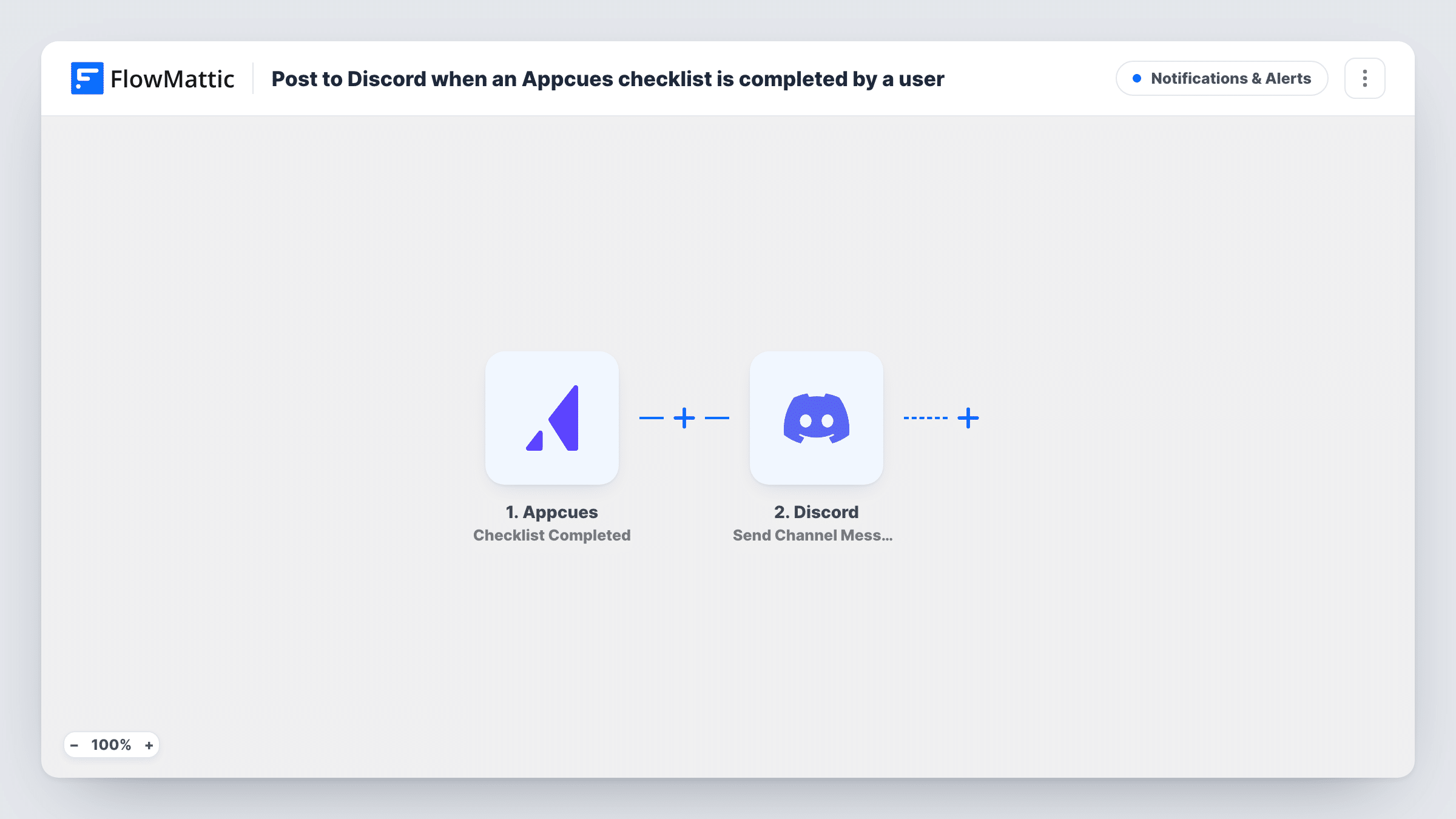
The Appcues trigger fires when a user completes a checklist in your Appcues account. The event data is passed to the next step. The Discord step then posts a message to the channel you choose. You write the message and map the Appcues data you want into it, such as details about the checklist and the user, depending on what Appcues sends.
The workflow posts for every completed checklist, with no conditions. If you run several checklists and only care about one, add a Filter after the trigger. Task History logs each run, which helps when you check what data Appcues sent.
Activation feed for a small product team
A startup posts each completed onboarding checklist to a #wins channel, so engineers see users finishing setup.
Customer success hand-off
When a trial user completes the setup checklist, the post in Discord tells the success manager it is time to reach out.
Checking a new checklist after launch
After you publish a new checklist in Appcues, the Discord channel shows whether users are finishing it.
How this workflow runs
What happens at each step once the workflow is on, and what you need before you import it.
 Appcues Checklist Completed
Runs when a user completes a checklist in Appcues. The event data is passed to the Discord step for mapping. Connect your Appcues account on import.
- Discord Send Channel Message
Posts a message to the Discord channel you pick. Write the message and map the Appcues event data into it. Connect your Discord account on import and run a test to check the message reads well.
What you need
- FlowMatticCore
- Appcues AccountAccount
- Discord AccountAccount
After importing, map your own data. To keep the template universal, not every step is pre-filled. Open each step in the builder and connect your accounts and fields (channels, lists, sheets, recipients) before you switch the workflow on.
Make it yours
Changes worth making after you import it.
- Add a Filter after the trigger that continues only for the checklist you care about, so other checklists do not post to the channel.
- Complete a checklist yourself in a test account after import. FlowMattic captures the event fields, which you can then map into the Discord message.
- Add a second action after Discord, such as adding a row to a sheet, if you also want a running log of completions.
Questions about this workflow
Does every completed Appcues checklist post to Discord?
Yes, as imported. Add a Filter after the trigger if you want posts only for certain checklists.
Can the Discord message include the user's name or email?
It can include any field the Appcues event sends. Complete a test checklist and look at the captured data to see which user details are there.
Can I post Appcues completions to more than one Discord channel?
Yes. Add another Discord Send Channel Message step and choose a different channel.
Are checklists completed before I turn this on posted?
No. Only completions that happen after the workflow is turned on start a run.
More Notifications & Alerts workflows
Other ready-to-import templates from the same category.




Import this workflow into your WordPress site
Download the JSON, import it from the Workflows screen and connect your accounts. Every run stays on your server, with no per-task fees.
30-day money-back guarantee Unlimited workflows and runs Self-hosted