

Predict gender in Genderize for new leads captured in Facebook Lead Ads
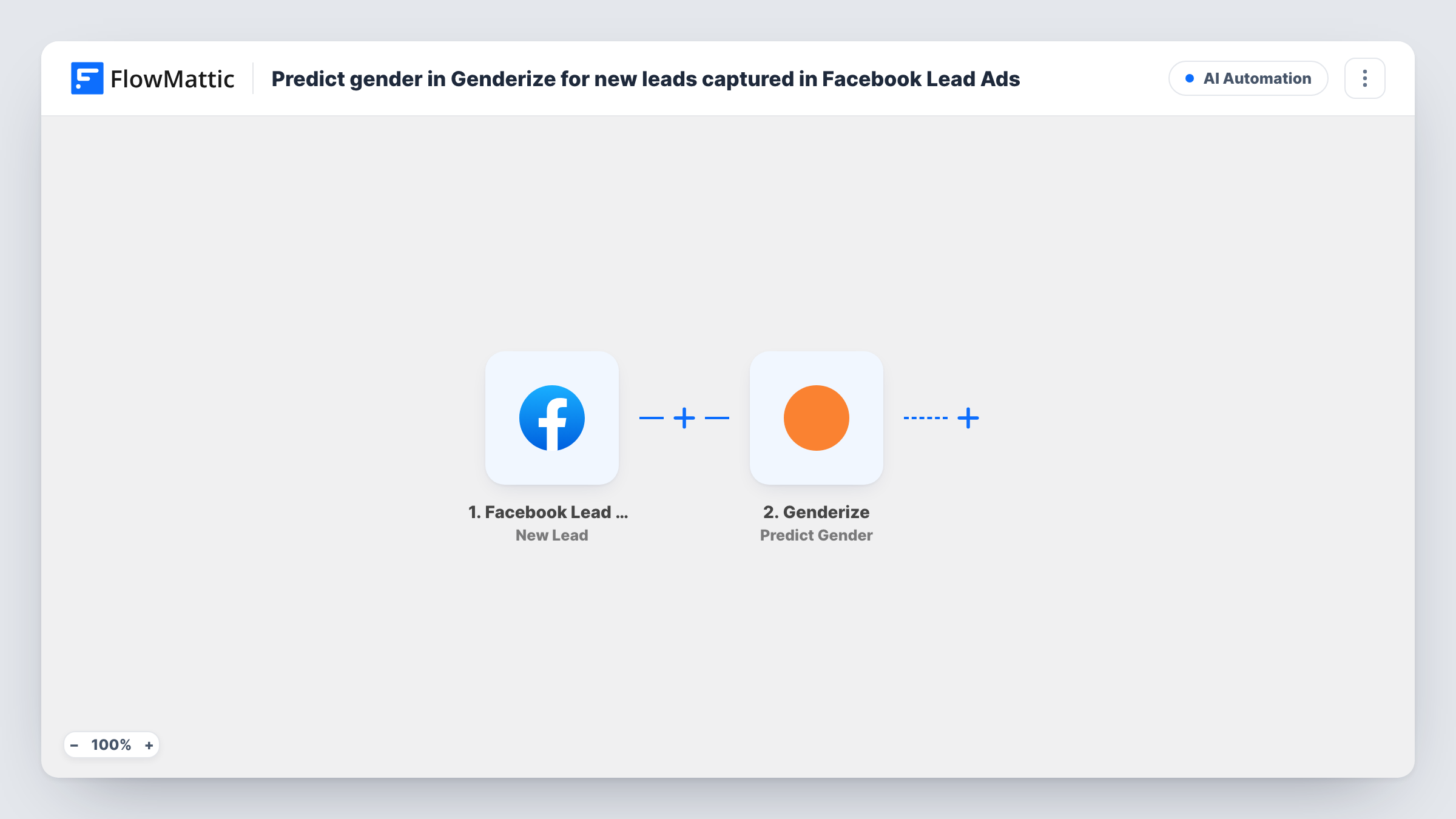
Each new Facebook Lead Ads lead has its name sent to Genderize, which returns a predicted gender. Nothing stores the prediction yet, so you add the step that uses it, such as a CRM or spreadsheet.
 Facebook Lead Ads
 Genderize
2 steps Setup ~5 min Used on 2.4k sites Free to import
What this workflow does
Lead forms on Facebook usually ask for a name and contact details, not for gender. If you want a rough gender estimate for reporting or for choosing a greeting, Genderize can predict one from the first or full name. This workflow runs that prediction for every lead your ads collect.
The Facebook Lead Ads trigger fires when a new lead is created on the page and form you connect. FlowMattic passes the lead's answers to Genderize, and its Predict Gender action works out a likely gender from the name you map in. The response then becomes data that later steps can use.
The template ends after Genderize. The prediction appears in Task History, but no step saves it or sends it on, so plan to add one, for example a Google Sheets row or a contact in your CRM. A prediction from a name is a guess and can be wrong, so treat it as a hint and not as a fact about the person.
Audience reporting for ad campaigns
A marketer logs each lead with its predicted gender in a sheet, then compares which ad sets attract which audience without adding a gender question to the form.
Choosing a greeting in follow-up emails
A clinic adds a CRM step after Genderize so its follow-up template can pick a salutation, with a neutral fallback for names Genderize can't place.
Testing whether a gender field is worth asking
Before lengthening the lead form, a team runs predictions on incoming leads for a few weeks to see whether the data would change how they segment.
How this workflow runs
What happens at each step once the workflow is on, and what you need before you import it.
 Facebook Lead Ads New Lead
Runs when a new lead submits your Facebook Lead Ads form. The lead's answers, such as name and email, are available to map into the Genderize step and any steps you add.
- Genderize Predict Gender
Sends the name from the lead to Genderize, which predicts a gender from a first or full name. Connect your Genderize account and map the name field. Check a test run to see the response.
What you need
- FlowMatticCore
- Facebook Lead Ads AccountAccount
- Genderize AccountAccount
After importing, map your own data. To keep the template universal, not every step is pre-filled. Open each step in the builder and connect your accounts and fields (channels, lists, sheets, recipients) before you switch the workflow on.
Make it yours
Changes worth making after you import it.
- Add a step after Genderize that keeps the result, such as Google Sheets Add New Row with the lead's name, email and the predicted gender in separate columns.
- Map the first name rather than the full name when the form provides it separately. A test run with a few known names shows which input gives you clearer results.
- Add a Filter before a gender-specific step that continues only when Genderize returned a gender. Leads with no prediction then skip that step.
Questions about this workflow
Where is the Genderize prediction saved for my Facebook leads?
Nowhere as imported. The result is visible in Task History only. Add a step after Genderize to store it, for example in Google Sheets or your CRM.
How accurate is gender prediction from a lead's name?
It is an estimate from the name alone. Unisex names, nicknames and names from less common origins may return a weak result or none. Don't use it for anything where getting it wrong would hurt the person.
Will leads collected before I import the workflow be processed?
No. The Facebook Lead Ads trigger fires on new leads only, so earlier leads are not sent to Genderize.
Can I predict genders for many names at once?
Genderize also has a Predict Gender (Batch) action in FlowMattic for several names in one request. This template uses the single-name action, one lead per run.
More AI Automation workflows
Other ready-to-import templates from the same category.







Import this workflow into your WordPress site
Download the JSON, import it from the Workflows screen and connect your accounts. Every run stays on your server, with no per-task fees.
30-day money-back guarantee Unlimited workflows and runs Self-hosted