

Record every new Gradeazy student response in a Google Sheets gradebook
When a student submits a test in Gradeazy, this workflow adds their response to a new row in Google Sheets, building a gradebook you can sort, share and keep alongside your other class records.
 Gradeazy
 Google Sheets
2 steps Setup ~5 min Used on 687 sites Free to import
What this workflow does
Gradeazy collects and grades student tests, but many teachers keep their wider records in a spreadsheet, next to attendance or coursework marks. Copying each result across by hand is slow and easy to get wrong. This workflow writes each new response into your sheet as it comes in.
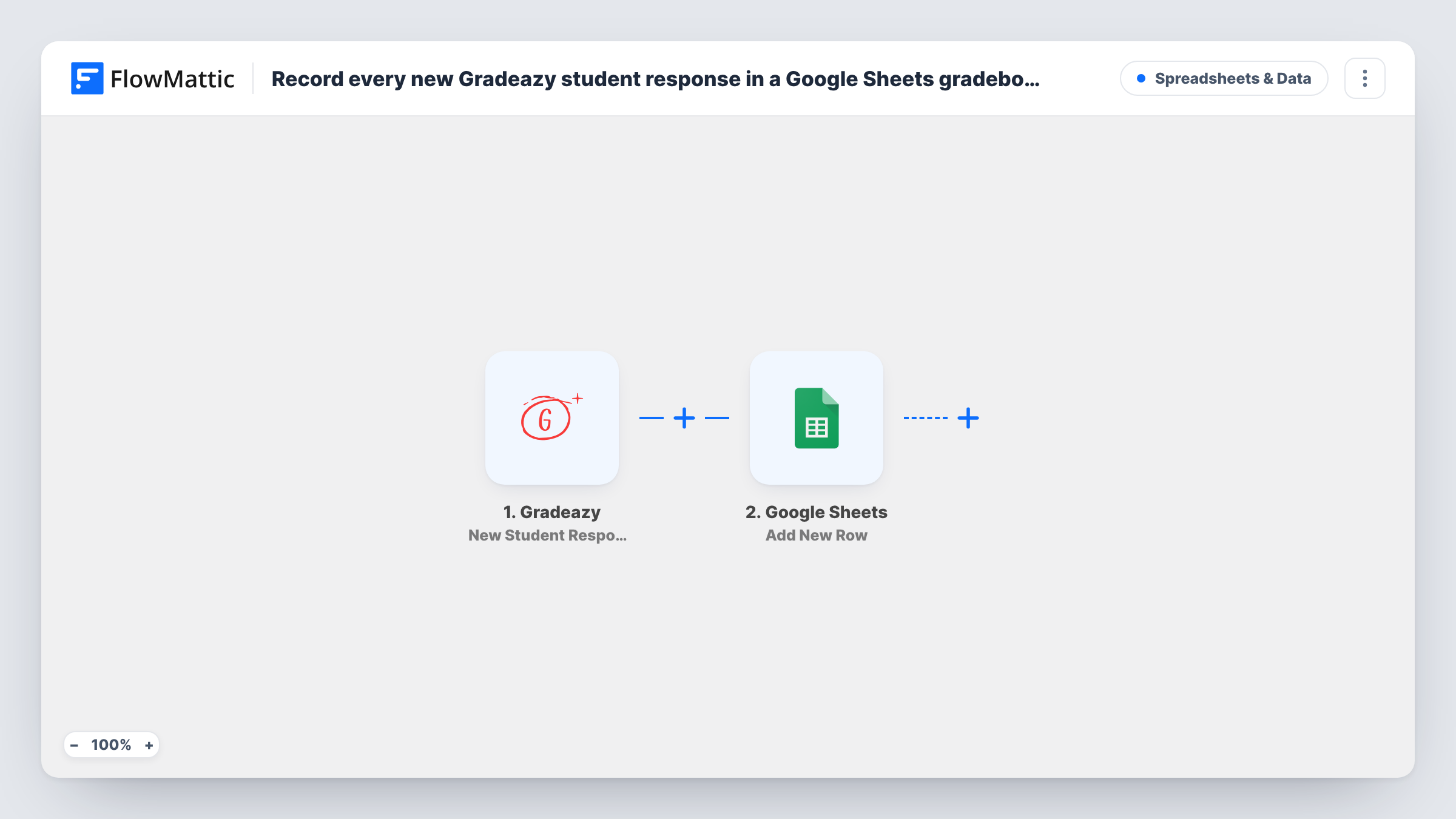
The Gradeazy trigger fires when a student submits their test. FlowMattic receives the response data and makes it available for mapping. The second step adds a row to the Google Sheets spreadsheet you choose, putting values such as the student's name, the test and the result into the columns you map, depending on what Gradeazy sends.
Each submission adds one row, so a student who takes the same test twice appears twice. Keep that in mind if you average scores in the sheet. Submit a test response yourself after import to see which values are available, and use Task History to check each run.
Teacher combining several assessments
Quiz results from Gradeazy land in the same Google Sheet as your coursework marks, so you can work out term grades in one place.
Tutor sharing progress with parents
A private tutor keeps each student's test results in a sheet and shares a filtered view with parents before each review meeting.
Department head reviewing results
Responses from several classes collect in one spreadsheet, where the head of department can sort by test and compare classes.
How this workflow runs
What happens at each step once the workflow is on, and what you need before you import it.
 Gradeazy New Student Response
Runs when a student submits a test in Gradeazy. The response data is passed on so you can map it into the gradebook row.
- Google Sheets Add New Row
Adds a row to your Google Sheets gradebook for each new response. Map the Gradeazy values you want to keep to columns, and connect your Google account.
What you need
- FlowMatticCore
- Gradeazy AccountAccount
- Google Sheets AccountAccount
After importing, map your own data. To keep the template universal, not every step is pre-filled. Open each step in the builder and connect your accounts and fields (channels, lists, sheets, recipients) before you switch the workflow on.
Make it yours
Changes worth making after you import it.
- Give the sheet a header row first, with a column for the student, the test, the score and the date, before you map the step.
- Use a separate worksheet per class or per term, and change the target sheet in the Google Sheets step when a new term starts.
- Add a Filter after the trigger if one sheet should hold only one test, with a condition on the test name Gradeazy sends.
Questions about this workflow
Will each Gradeazy response get its own row?
Yes. Every submitted test adds a new row. The step does not look for an existing row for that student, so retakes appear as extra rows.
Are past Gradeazy responses copied into the sheet?
No. Only tests submitted after the workflow is turned on are added. Export older results from Gradeazy if you need them in the same sheet.
Which Gradeazy details can I put in the gradebook?
Whatever Gradeazy includes with the response. Submit a test after import, then look at the captured data in the trigger to see the values you can map.
Can students see the Google Sheets gradebook?
Only if you share the spreadsheet with them. The workflow writes rows and does not change who can open the file.
More Spreadsheets & Data workflows
Other ready-to-import templates from the same category.




Import this workflow into your WordPress site
Download the JSON, import it from the Workflows screen and connect your accounts. Every run stays on your server, with no per-task fees.
30-day money-back guarantee Unlimited workflows and runs Self-hosted