

Save each new Monetizze returned to a Notion database
Whenever a Monetizze sale is returned or refunded, FlowMattic adds an item to your Notion database with the details you map, building a log of refunds you can review and work through.
 Monetizze
 Notion
2 steps Setup ~5 min Used on 1.4k sites Free to import
What this workflow does
Refunds cost you money, and patterns in them are easy to miss when each one only shows up in your Monetizze dashboard. A Notion database gives you one place to see them all, add notes and follow up. This workflow fills that database as refunds happen.
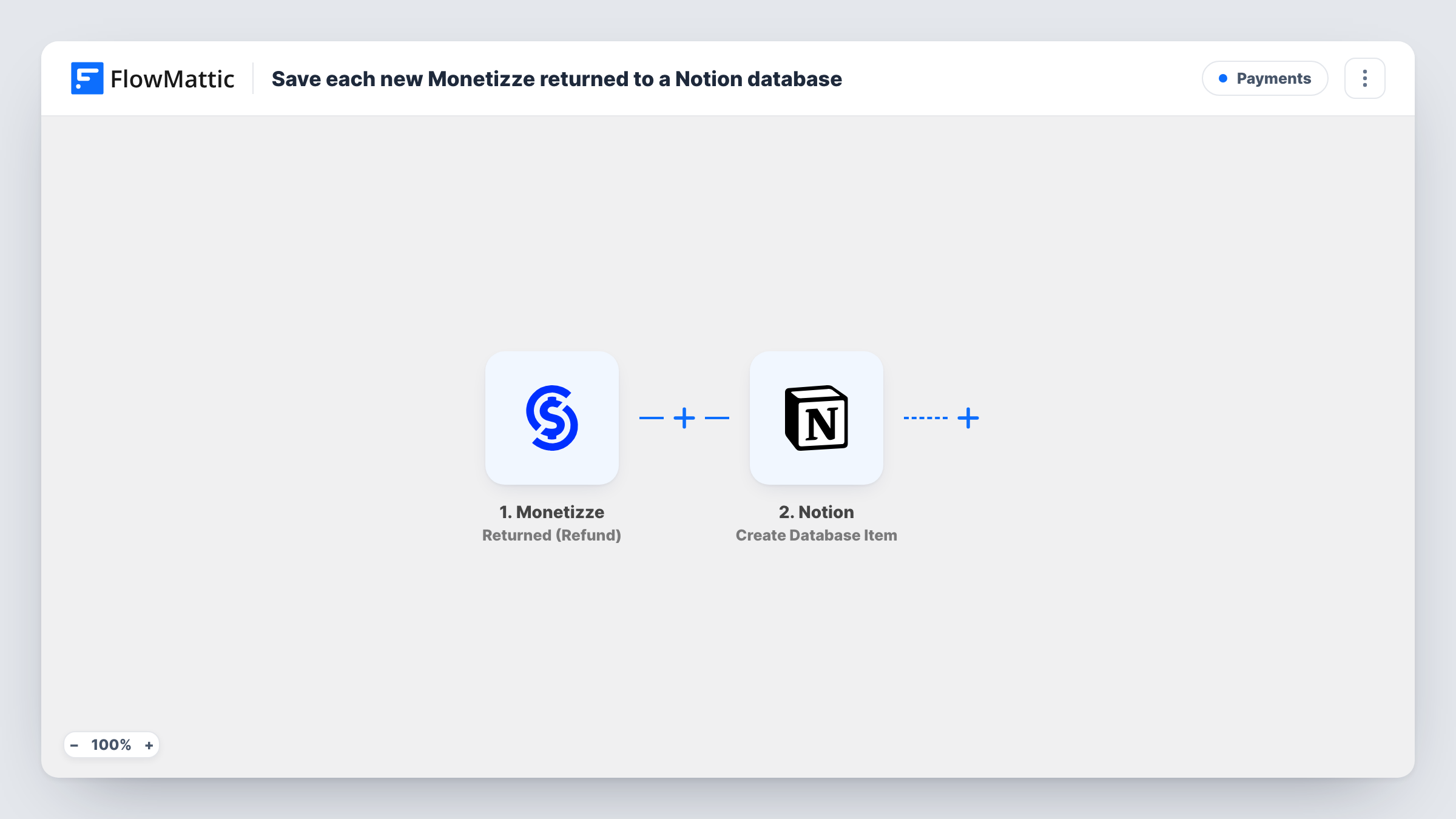
The Monetizze trigger fires when a sale is returned or refunded. FlowMattic passes the sale's data to Notion, where Create Database Item adds a new item to the database you choose. After import, you map Monetizze details into the database's properties, for example the product, the buyer and the value.
One item is created per refund event. The workflow writes to Notion only; it doesn't contact the buyer or change anything in Monetizze. Task History shows each run, which is handy while you check that the right properties are filled.
Spotting products with many refunds
Group the Notion database by product to see which offers are returned most often, then read the notes your team added to each item.
Follow-up list for customer care
Add a Status property in Notion. The support person works down new refund items and marks each one once they have asked the buyer for feedback.
Monthly finance review
Filter the database by date at month end to list every returned sale for your accountant.
How this workflow runs
What happens at each step once the workflow is on, and what you need before you import it.
 Monetizze Returned (Refund)
Runs when a Monetizze sale is returned or refunded. The sale's details are passed on so you can map them into the Notion database item.
- Notion Create Database Item
Adds one entry per refund to the Notion database you select. Connect your Notion account, share the database with the connection, and map the Monetizze details to the database's properties.
What you need
- FlowMatticCore
- Monetizze AccountAccount
- Notion AccountAccount
After importing, map your own data. To keep the template universal, not every step is pre-filled. Open each step in the builder and connect your accounts and fields (channels, lists, sheets, recipients) before you switch the workflow on.
Make it yours
Changes worth making after you import it.
- Create the Notion properties you need, such as product, buyer email and amount, before mapping, so each one appears in the Create Database Item step.
- Add a Filter after the trigger if you only want refunds for certain products in this database.
- Add a Slack or email step after Notion if someone should hear about each refund as it happens, not only when they open the database.
Questions about this workflow
Does the workflow process the Monetizze refund?
No. It reacts after Monetizze has recorded the sale as returned or refunded and only writes the details to Notion.
My refund database doesn't appear in the Notion step. What now?
FlowMattic can only list Notion databases you have shared with its connection. Open the database in Notion, add the connection, then refresh the list in the step.
Are refunds from before the import added to Notion?
No. Only returns and refunds that happen while the workflow is on create items.
More Payments workflows
Other ready-to-import templates from the same category.





Import this workflow into your WordPress site
Download the JSON, import it from the Workflows screen and connect your accounts. Every run stays on your server, with no per-task fees.
30-day money-back guarantee Unlimited workflows and runs Self-hosted