

Save new SureForms responses as Google Sheets rows
Each time a visitor sends a SureForms form on your WordPress site, the answers are written to a new row in Google Sheets, giving you a running list of responses you can sort and share.
 SureForms
 Google Sheets
2 steps Setup ~5 min Used on 315 sites Free to import
What this workflow does
SureForms keeps responses inside your WordPress dashboard. That works for you, but a colleague or client without a login can't see them, and you can't easily total or chart them there. Sending each response to a spreadsheet solves both problems.
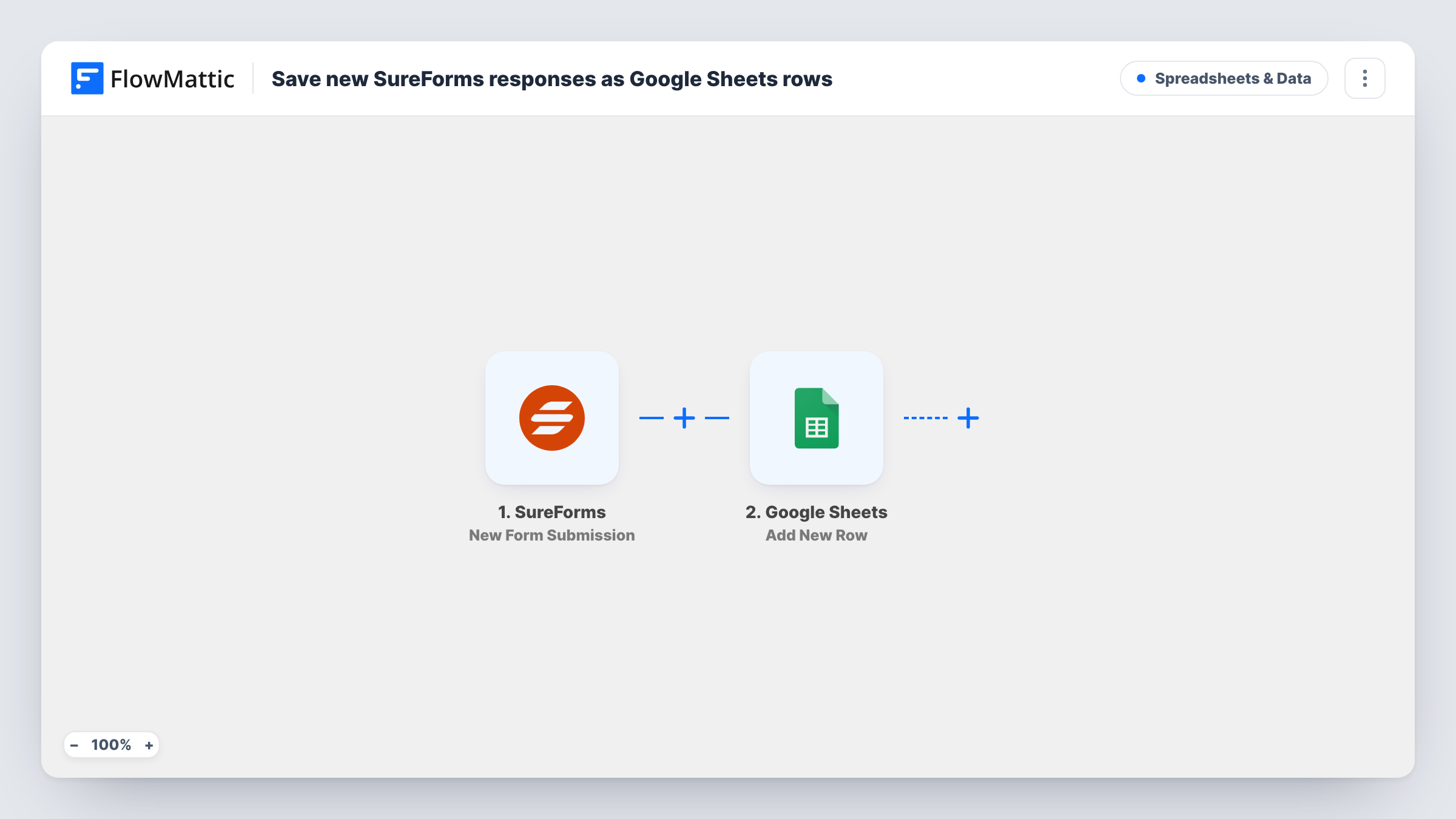
When someone submits a SureForms form, the trigger captures every answer from that submission. FlowMattic passes them to Google Sheets, which appends one new row to the spreadsheet and sheet you select. You choose which answer goes into which column, so the layout of the sheet stays under your control.
Every submission adds a row, including repeat entries from the same person. The form itself works as before, and SureForms still handles its own confirmation and notification settings. Task History keeps a record of each run, which helps if a row ever seems to be missing.
Registration list for a workshop
Attendees sign up through a SureForms form, and the organiser prints or shares the Google Sheet as the check-in list on the day.
Feedback survey you report on
Answers to a SureForms feedback form collect in a sheet where you add charts and count ratings without exporting anything.
Client project intake
A freelancer's intake form drops each brief into a sheet shared with the client, who can follow new requests without a WordPress account.
How this workflow runs
What happens at each step once the workflow is on, and what you need before you import it.
 SureForms New Form Submission
Fires when a visitor submits a SureForms form on your site. Each answer in that submission is passed on so you can place it in a column.
- Google Sheets Add New Row
Appends a row to the Google Sheets spreadsheet and sheet you pick. Connect your Google account, then map each SureForms answer to the matching column.
What you need
- FlowMatticCore
- SureForms PluginPlugin
- Google Sheets AccountAccount
After importing, map your own data. To keep the template universal, not every step is pre-filled. Open each step in the builder and connect your accounts and fields (channels, lists, sheets, recipients) before you switch the workflow on.
Make it yours
Changes worth making after you import it.
- Put column headers in the first row of the sheet before you map, so each SureForms answer has a clearly named column to land in.
- Add a Filter between the two steps if only some responses belong in the sheet, for example ones where a consent box was ticked.
- Want a heads-up as well as a record? Add a second action after the Google Sheets step, such as an email or chat message, and map the same SureForms answers into it.
Questions about this workflow
Will a person who sends the SureForms form twice get two rows?
Yes. The Google Sheets step appends a row for every submission and does not look for an earlier one, so repeat entries show up as separate rows you can remove or highlight yourself.
Are SureForms responses from before the import added?
No. Only submissions made after you turn the workflow on create rows. Older responses stay in SureForms.
What happens if I add a new field to the SureForms form later?
The new answer is not mapped yet. Add a column to the sheet, send a test entry, then map the new field in the Google Sheets step.
More Spreadsheets & Data workflows
Other ready-to-import templates from the same category.




Import this workflow into your WordPress site
Download the JSON, import it from the Workflows screen and connect your accounts. Every run stays on your server, with no per-task fees.
30-day money-back guarantee Unlimited workflows and runs Self-hosted