

Add each new Asklaila lead as a row in a Google Sheets spreadsheet
Each lead your Asklaila account captures is added as a new row in a Google Sheets spreadsheet, giving your team one shared lead list without copying entries by hand.
 Asklaila
 Google Sheets
2 steps Setup ~5 min Used on 934 sites Free to import
What this workflow does
Leads from a local business listing are worth the most in the first hours, and they are easy to lose when they sit in one account only a single person checks. A spreadsheet the whole team can open fixes that. This workflow writes every captured Asklaila lead into one.
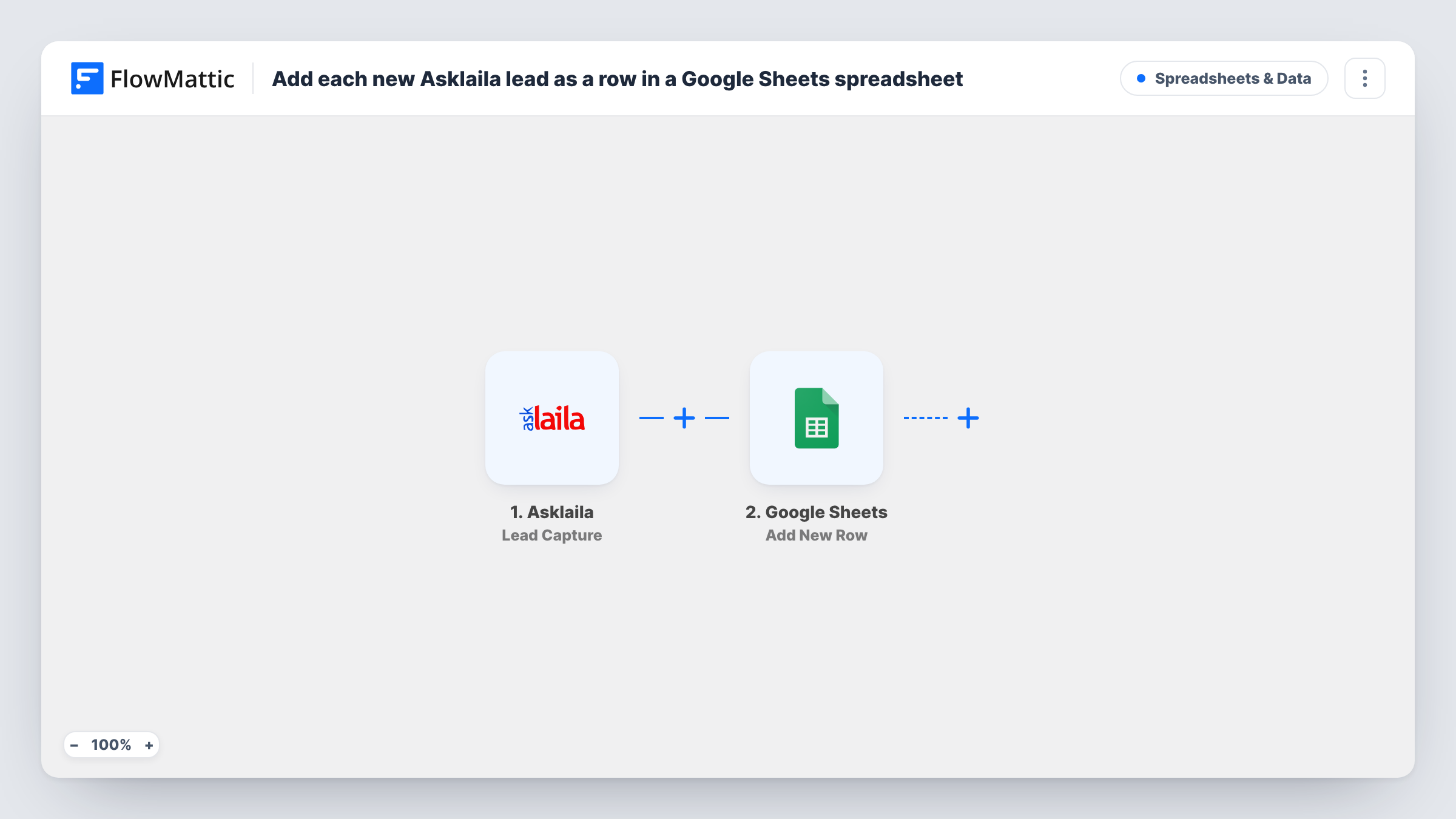
The Asklaila trigger fires when a lead is captured from your Asklaila account; FlowMattic's catalog describes it as leads captured to LeadSquared. FlowMattic takes the lead data from that event and sends it to Google Sheets, where the Add New Row action writes it to the spreadsheet and sheet you select.
You decide which lead details go in which column when you map the step. Every lead becomes its own row, in the order they arrive, so the sheet works as a running log. Task History keeps a record of each run, including what Asklaila sent and whether the row was added.
Shared call list for a local service business
A plumbing or salon business gets enquiries through Asklaila. Staff work down the Google Sheet, calling each lead and noting the outcome in a column of their own.
Tracking where leads come from
Keep Asklaila leads in their own sheet so you can count them per week and compare that against other sources you track separately.
Handing leads to a partner without account access
Share the spreadsheet with a franchise owner or freelancer so they see new Asklaila leads without a login to your Asklaila account.
How this workflow runs
What happens at each step once the workflow is on, and what you need before you import it.
 Asklaila Lead Capture
Runs when a lead is captured from your Asklaila account. The lead's details from that event are passed on so you can map them into the sheet.
- Google Sheets Add New Row
Writes the lead to a fresh row in the spreadsheet and tab you select. Map each column to a lead detail from the Asklaila step and connect your Google account.
What you need
- FlowMatticCore
- Asklaila AccountAccount
- Google Sheets AccountAccount
After importing, map your own data. To keep the template universal, not every step is pre-filled. Open each step in the builder and connect your accounts and fields (channels, lists, sheets, recipients) before you switch the workflow on.
Make it yours
Changes worth making after you import it.
- Add column headers to the sheet before you map the step, so each lead detail lands under a clear heading such as name, phone and enquiry.
- Capture one test lead after import so FlowMattic has real Asklaila data to map from, then check the new row before turning the workflow on.
- Add a Slack or email step after Google Sheets if someone should be told about each lead as well as having it logged.
Questions about this workflow
Which Asklaila leads reach the Google Sheet?
Every lead the Asklaila trigger fires for. There is no Filter in the template, so each captured lead becomes a row. To keep only some leads, place a Filter right after the Asklaila trigger.
What if the same person sends two Asklaila enquiries?
Each capture is a separate event, so the sheet gets a separate row for each one. The step adds rows and doesn't look for an existing one.
Do I need a particular Google Sheets layout?
Any Asklaila sheet layout works. Pick the spreadsheet and sheet in the step, then map lead details to the columns you have. Header names in row one make mapping easier.
More Spreadsheets & Data workflows
Other ready-to-import templates from the same category.



Import this workflow into your WordPress site
Download the JSON, import it from the Workflows screen and connect your accounts. Every run stays on your server, with no per-task fees.
30-day money-back guarantee Unlimited workflows and runs Self-hosted