

Log every new Edens invoice processing in a Google Sheets spreadsheet
Each time an invoice in Edens goes into processing, this workflow adds a row to a Google Sheets spreadsheet, giving your finance team a dated list of invoices that are on their way through.
 Edens
 Google Sheets
2 steps Setup ~5 min Used on 1.4k sites Free to import
What this workflow does
Between an invoice being issued and being paid, there is a stretch where it is simply being processed. If you want to see what is in that stage, or report on it later, a spreadsheet log is easier to share than screenshots from Edens. This workflow builds that log as it happens.
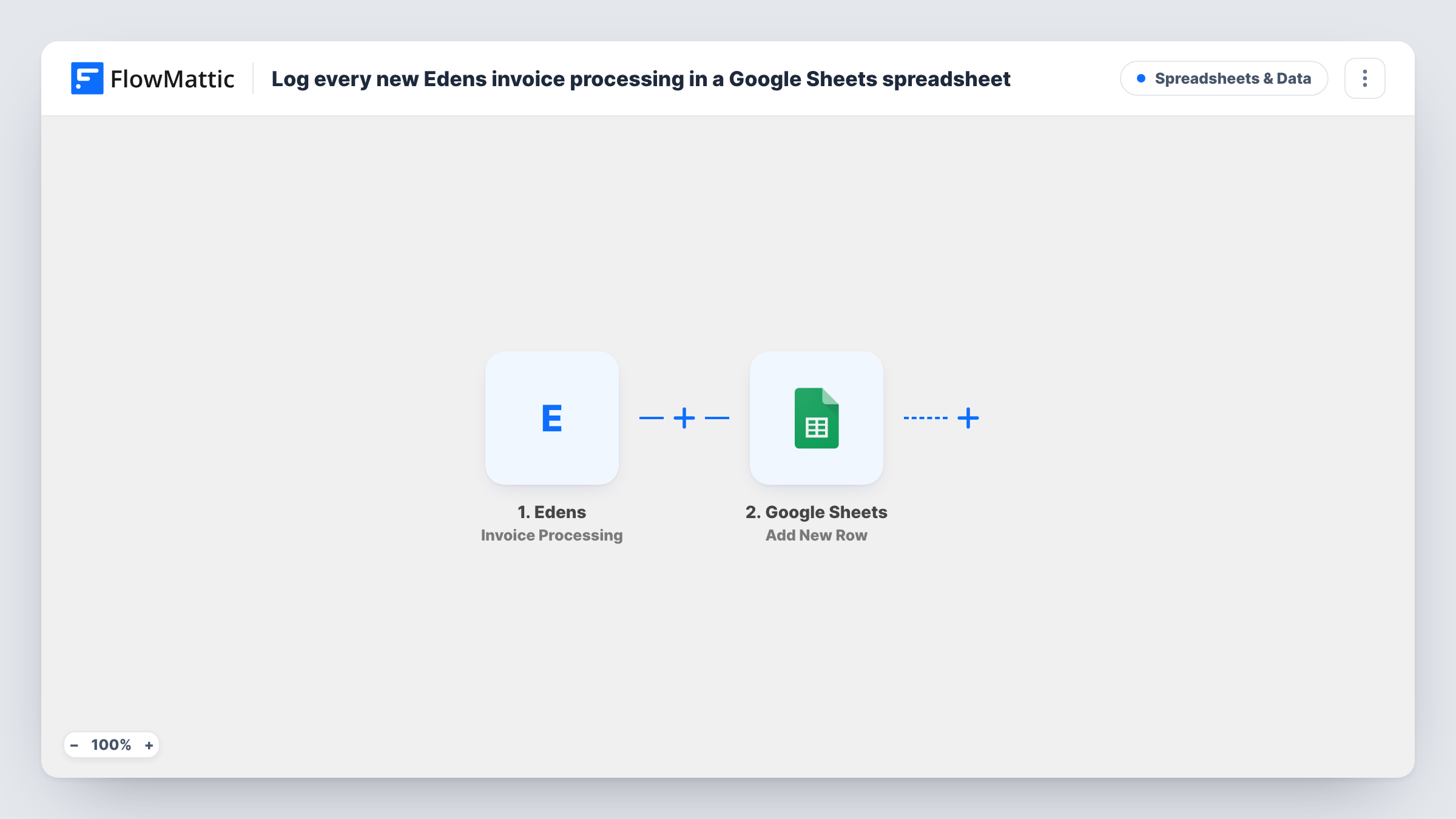
The Edens Invoice Processing trigger fires when an invoice is being processed and passes its data on. FlowMattic then adds a new row in Google Sheets, with the Edens values you map to each column.
The sheet only records the processing event. It does not mark a row as paid later. Edens has separate Invoice Issued and Invoice Paid triggers in FlowMattic, which you can log in their own workflows if you want the full picture. You can review each logged invoice run in Task History.
Finance team status board
Your finance lead keeps the sheet open to see which Edens invoices entered processing this week, without logging into Edens.
Month-end reconciliation
At month end you compare the processing log with your bank statements to check what has moved through and what is still waiting.
Sharing with an outside bookkeeper
A bookkeeper who has no Edens access reads the shared spreadsheet to follow invoices as they are processed.
How this workflow runs
What happens at each step once the workflow is on, and what you need before you import it.
 Edens Invoice Processing
Runs when an invoice is being processed in Edens. The invoice data sent with the event is passed on for mapping into the sheet.
- Google Sheets Add New Row
Adds one row per Edens processing event to the Google Sheets spreadsheet you select. Map the invoice fields you captured in a test to the matching columns.
What you need
- FlowMatticCore
- Edens AccountAccount
- Google Sheets AccountAccount
After importing, map your own data. To keep the template universal, not every step is pre-filled. Open each step in the builder and connect your accounts and fields (channels, lists, sheets, recipients) before you switch the workflow on.
Make it yours
Changes worth making after you import it.
- Wait for one invoice to reach processing after import so FlowMattic captures the real Edens fields, then map them to your columns.
- Build a second workflow on the Edens Invoice Paid trigger that writes to another tab, so you can match paid invoices against this log.
- Add a Filter after the trigger if only invoices above an amount or for certain clients should be logged.
Questions about this workflow
Does the Google Sheets row update when the Edens invoice is paid?
No. This workflow adds a row when an invoice is being processed and does not touch it again. Use the Invoice Paid trigger in a separate workflow to record payments.
Which invoice details from Edens can I log?
Whatever Edens sends with the processing event. Run a test and review the captured fields before setting up your columns.
Are invoices processed before I import this added to the sheet?
No. Only processing events that happen after the workflow is on start a run.
More Spreadsheets & Data workflows
Other ready-to-import templates from the same category.





Import this workflow into your WordPress site
Download the JSON, import it from the Workflows screen and connect your accounts. Every run stays on your server, with no per-task fees.
30-day money-back guarantee Unlimited workflows and runs Self-hosted