

Log new Paytm Insider sales to a Google Sheets spreadsheet
Every new sale on Paytm Insider is added to a Google Sheets spreadsheet as its own row, so event organisers keep a running ticket sales log they can sort, total and share.
 Paytm Insider
 Google Sheets
2 steps Setup ~5 min Used on 1.9k sites Free to import
What this workflow does
Event organisers selling through Paytm Insider often need the numbers somewhere else: a sheet for the venue, the sponsor or the finance team. Downloading reports by hand during a busy launch week means the figures are always behind. This workflow writes each sale to Google Sheets as it comes in.
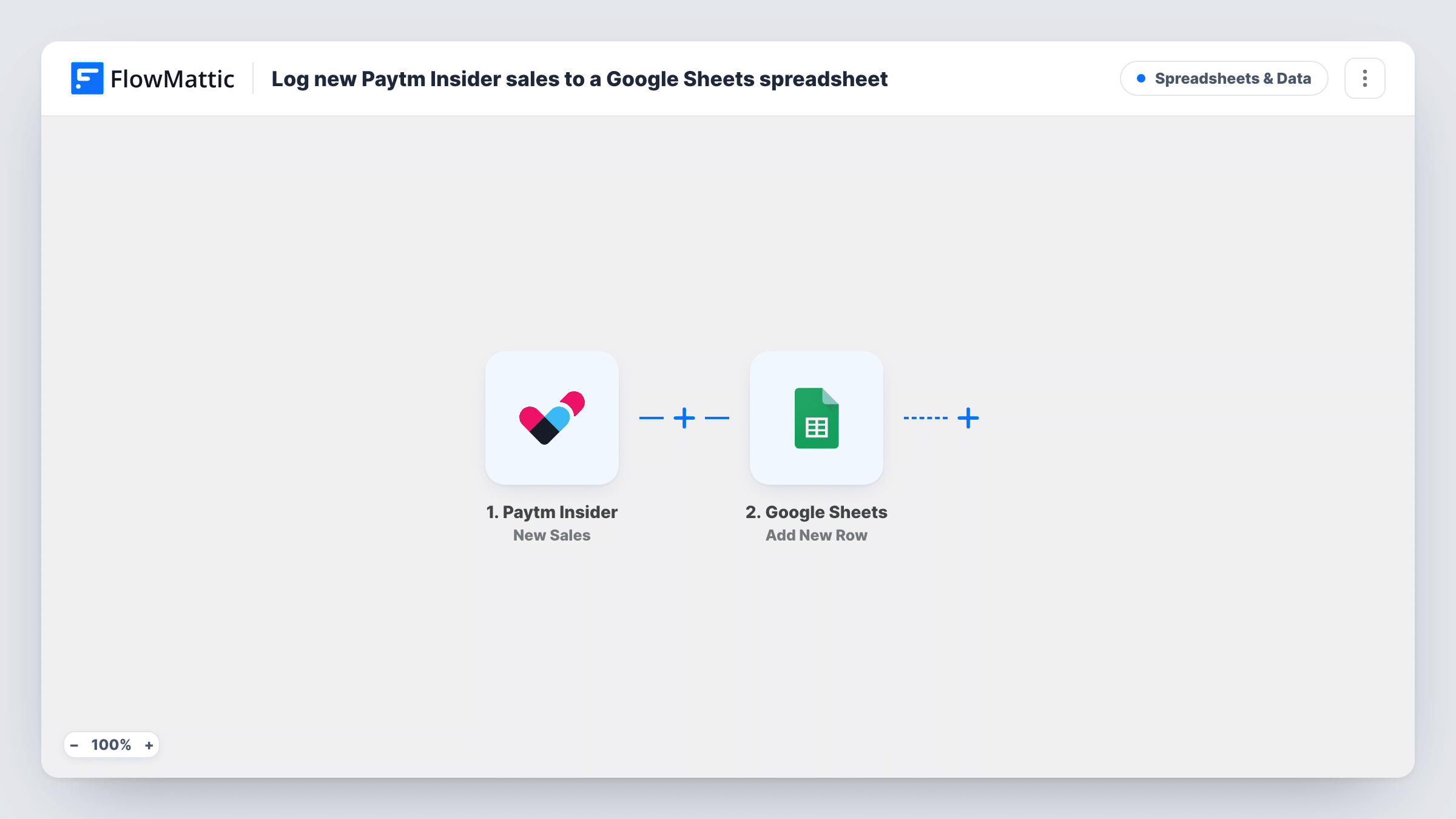
The Paytm Insider trigger fires when a new sale is received. FlowMattic passes the sale details to Google Sheets, where the Add New Row step writes one row in the spreadsheet and sheet you pick. You choose which sale value lands in which column.
One sale means one run and one row. The template doesn't group sales by event or skip any of them, so a single sheet collects every sale the trigger reports. Task History records each run, so you can check the data Paytm Insider sent if a row looks wrong.
Live sales count for a concert promoter
A promoter adds a COUNT formula at the top of the sheet and checks it from a phone to see how ticket sales are moving in the days before the show.
Sharing sales with a venue partner
The venue manager gets view access to the Google Sheet and follows sales without needing a login to your Paytm Insider account.
Reconciling payouts after an event
Finance compares the logged sales against the payout they receive, using the sheet as their own record of each transaction.
How this workflow runs
What happens at each step once the workflow is on, and what you need before you import it.
 Paytm Insider New Sales
Fires when Paytm Insider receives a new sale for your event. The sale details are passed on for mapping in the Google Sheets step.
- Google Sheets Add New Row
Writes a row per sale to the Google Sheets spreadsheet you choose. Connect your Google account, then map the sale fields to the columns in your sheet.
What you need
- FlowMatticCore
- Paytm Insider AccountAccount
- Google Sheets AccountAccount
After importing, map your own data. To keep the template universal, not every step is pre-filled. Open each step in the builder and connect your accounts and fields (channels, lists, sheets, recipients) before you switch the workflow on.
Make it yours
Changes worth making after you import it.
- Set up a header row before you map the step, with one column for each sale detail you plan to keep, such as buyer, ticket type and amount.
- Running several events? Add a Router after the trigger with a route per event name, each with its own Google Sheets step, so every event gets its own tab.
- Want a heads-up when an event fills? Build a second workflow on the Paytm Insider Tickets Sold Out trigger that sends you an email or a chat message.
Questions about this workflow
Which Paytm Insider sale details can I put in the sheet?
Whatever the New Sales event includes. After your first sale with the workflow on, open Task History to see every field and map the ones you need.
Are Paytm Insider sales made before I import this added?
No. Only sales received after the workflow is turned on reach the spreadsheet. Export earlier sales from Paytm Insider if you want them in the same sheet.
Does the sheet change if a Paytm Insider booking is refunded?
No. The workflow only adds rows for new sales and never edits or removes them, so mark refunds in the sheet yourself.
More Spreadsheets & Data workflows
Other ready-to-import templates from the same category.



Import this workflow into your WordPress site
Download the JSON, import it from the Workflows screen and connect your accounts. Every run stays on your server, with no per-task fees.
30-day money-back guarantee Unlimited workflows and runs Self-hosted