

Send a Slack alert for every new KonfHub attendee cancellation
When an attendee cancels their KonfHub registration, this workflow posts a message to the Slack channel you choose, so event organisers hear about dropped places without checking the attendee list.
 KonfHub
 Slack
2 steps Setup ~5 min Used on 1.8k sites Free to import
What this workflow does
A cancelled registration changes your numbers for catering, seating and badges, and it may free a place for someone on a waiting list. Organisers who only check KonfHub now and then find out late. This workflow tells your team in Slack each time someone cancels.
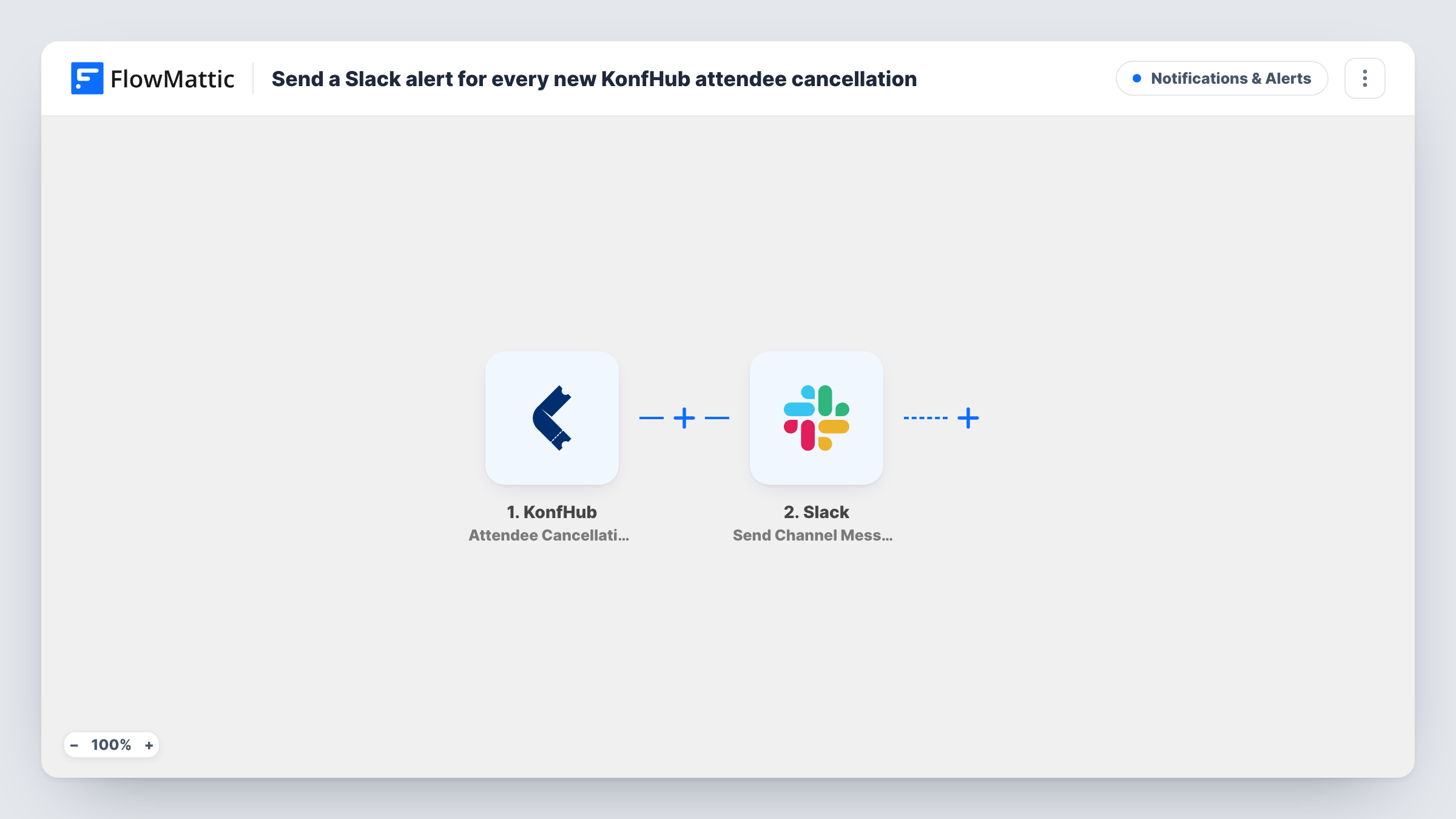
The KonfHub trigger starts a run as soon as someone withdraws from one of your events. FlowMattic receives the cancellation data from KonfHub and passes it to Slack, where Send Channel Message posts in the channel you pick. You write the message and fill it with details KonfHub sends, so the team can see who cancelled and for which event.
One cancellation produces one Slack message, and the template has no Filter, so cancellations from all your KonfHub events reach the same channel. Task History keeps each run with the data KonfHub sent, which helps when you build the message text.
Offering freed places to a waiting list
Your team sees a cancellation in Slack and contacts the next person on the waiting list for that event.
Updating catering and venue numbers
The operations lead watches the channel in the days before a conference and adjusts the catering order as cancellations come in.
Spotting a pattern before the event
A run of cancellations in Slack the week of a meetup prompts the organiser to check whether something about the date or venue changed.
How this workflow runs
What happens at each step once the workflow is on, and what you need before you import it.
 KonfHub Attendee Cancellation
Fires when an attendee cancels their KonfHub registration. The cancellation data is captured so you can use it in the Slack message.
- Slack Send Channel Message
Posts a message about the cancellation to the Slack channel you choose, with KonfHub details mapped into the text. Sign in to Slack when importing the workflow.
What you need
- FlowMatticCore
- KonfHub AccountAccount
- Slack AccountAccount
After importing, map your own data. To keep the template universal, not every step is pre-filled. Open each step in the builder and connect your accounts and fields (channels, lists, sheets, recipients) before you switch the workflow on.
Make it yours
Changes worth making after you import it.
- If you run several events, add a Filter after the trigger that checks the event in the KonfHub data, so each event's team only sees its own cancellations.
- Lead the Slack message with the attendee's name and the event, using the KonfHub data, so the channel is easy to scan on a busy day.
- Want registrations too? KonfHub also has an Attendee Registration trigger in FlowMattic. Build a second workflow with it that posts to the same channel.
Questions about this workflow
Does the KonfHub attendee get a message from this workflow?
No. The Slack message goes to your team's channel only. The workflow does not change anything KonfHub itself sends to the attendee.
Will older KonfHub cancellations be posted when I turn this on?
No. Only cancellations that happen after the workflow is on start a run. Earlier ones stay in KonfHub.
Can the KonfHub cancellation alert go to more than one Slack channel?
Yes. Add a second Send Channel Message step after the first and pick another channel in it.
What if the Slack post fails?
Task History shows the run with the KonfHub data and the error from Slack, so you can see who cancelled and fix the channel or connection.
More Notifications & Alerts workflows
Other ready-to-import templates from the same category.





Import this workflow into your WordPress site
Download the JSON, import it from the Workflows screen and connect your accounts. Every run stays on your server, with no per-task fees.
30-day money-back guarantee Unlimited workflows and runs Self-hosted