

Send a Slack alert to sales when a new Kylas CRM deal is created
Each new deal in Kylas CRM posts an alert in your sales Slack channel, once you set the Kylas webhook for deals to send only the created event.
 Kylas CRM
 Slack
2 steps Setup ~5 min Used on 2.3k sites Free to import
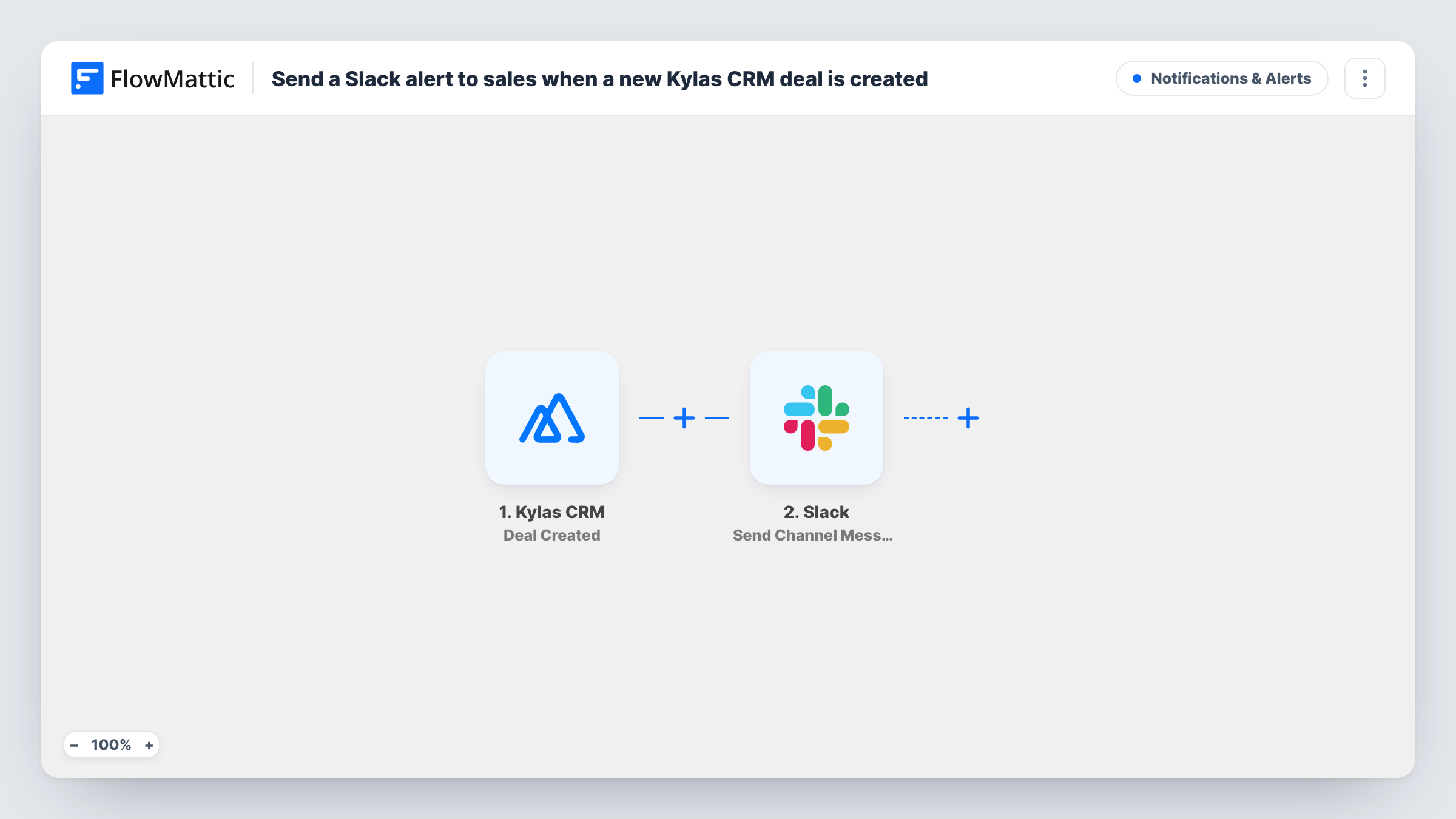
What this workflow does
A new deal is a signal for the sales team: someone to call, a quote to prepare, a manager to loop in. This workflow posts it to Slack so the team hears about it without refreshing the CRM.
The Kylas CRM Deal Created trigger receives deal events from Kylas. FlowMattic describes it as covering deals being created, updated or deleted, so what reaches the workflow depends on how you set up the webhook in Kylas. Subscribe the Deal webhook to the created event only. If updates or deletions are sent too, each edit would post another alert.
The Slack step sends the alert to a channel of your choice. It ships unmapped, so after import you pick the channel and write the alert, mapping deal fields such as the name, value, owner and pipeline stage. Create a test deal to see which fields Kylas sends.
Every deal that arrives produces one message. Task History shows each run, the deal data that came in and what Slack returned.
Fresh deals in the team channel
A sales team gets a #new-deals post for each deal entered in Kylas, so the owner's teammates can offer help early.
Manager visibility
A sales manager sees each new deal's value and owner in Slack and decides which ones need a review.
Hand-off to pre-sales
Solution engineers follow the channel and pick up new deals that need a demo or technical answers.
How this workflow runs
What happens at each step once the workflow is on, and what you need before you import it.
 Kylas CRM Deal Created
Receives deal events from Kylas CRM. Subscribe the Kylas Deal webhook to the created event only, so updates and deletions don't post alerts. The deal's details are passed on.
- Slack Send Channel Message
Posts an alert about the new deal to a Slack channel. Choose the channel and write the message after import, mapping the deal name, value and owner.
What you need
- FlowMatticCore
- Kylas CRM AccountAccount
- Slack AccountAccount
After importing, map your own data. To keep the template universal, not every step is pre-filled. Open each step in the builder and connect your accounts and fields (channels, lists, sheets, recipients) before you switch the workflow on.
Make it yours
Changes worth making after you import it.
- Map the deal value and owner into the first line of the message, so people can scan the channel quickly.
- To alert only on larger deals, put a Filter between the Kylas trigger and the Slack step on the deal value. Remember that the comparison uses whole numbers.
- Send alerts to a private sales channel with Slack's Send Private Channel Message action instead of Send Channel Message.
Questions about this workflow
Will editing a Kylas deal post another Slack alert?
Only if the Kylas webhook sends update events. The trigger covers created, updated and deleted deals, so subscribe the Deal webhook to the created event alone.
Which deal details appear in the Slack alert?
The ones you map into the message after import. Create a test deal in Kylas and map the fields you see, such as name, value and owner.
Can new Kylas leads or contacts post to Slack as well?
They can, through a separate workflow. FlowMattic's Kylas CRM integration has separate Lead Created and Contact Created triggers.
More Notifications & Alerts workflows
Other ready-to-import templates from the same category.



Import this workflow into your WordPress site
Download the JSON, import it from the Workflows screen and connect your accounts. Every run stays on your server, with no per-task fees.
30-day money-back guarantee Unlimited workflows and runs Self-hosted