

Send a Slack alert to the product team when an Aha! release is created
When someone creates a release in Aha, FlowMattic posts a message to the Slack channel your product team uses, so engineers, designers and marketers learn about the new release without opening the roadmap.
 Aha!
 Slack
2 steps Setup ~5 min Used on 2.4k sites Free to import
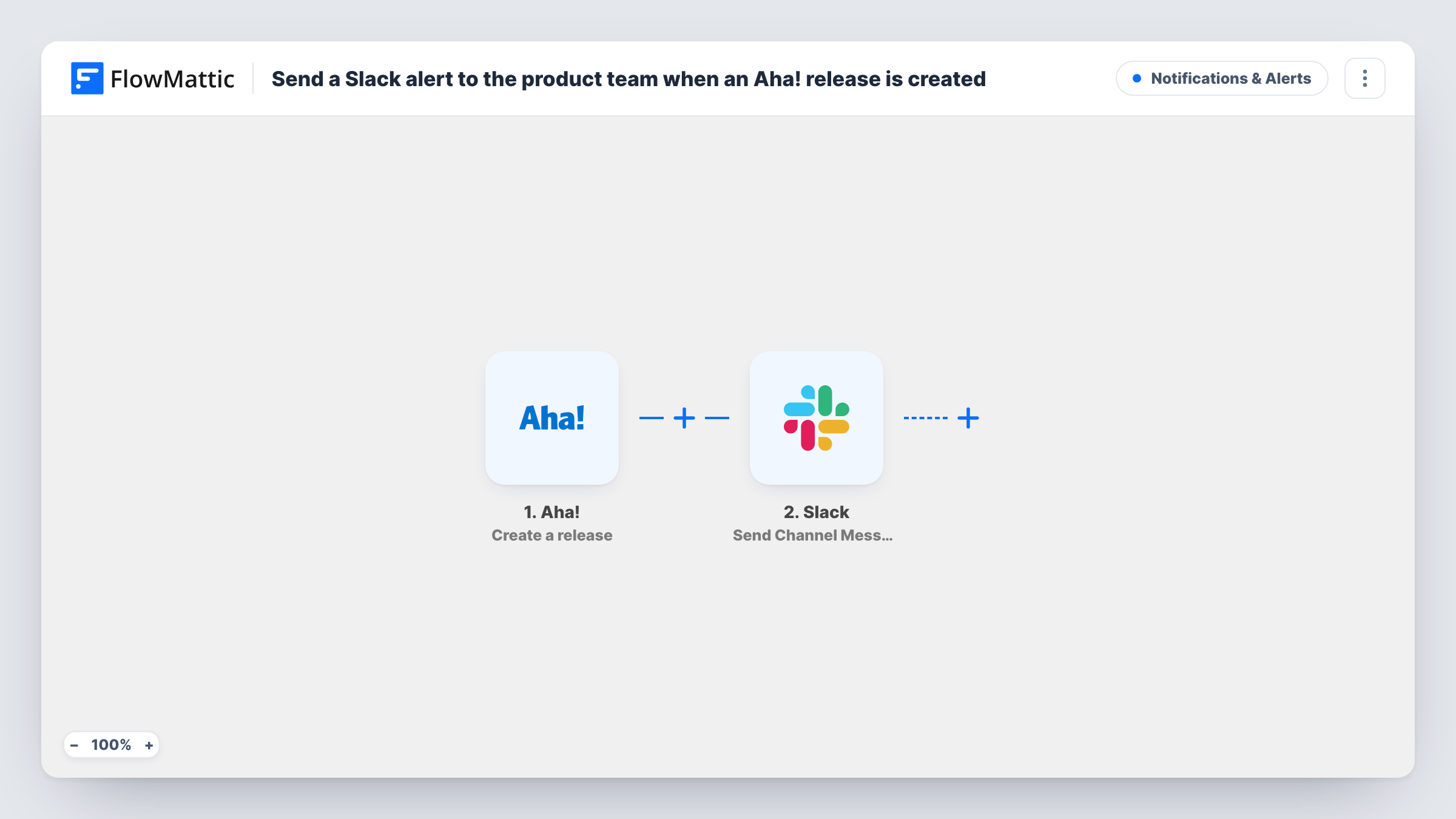
What this workflow does
Product managers plan releases in Aha, but most of the people who build and ship them don't check the roadmap every day. A new release can sit there for days before the wider team notices it. This workflow tells them in Slack as soon as the release exists.
The Aha trigger, Create a release, fires when a release is created in your Aha account. FlowMattic receives the release's details, such as its name and dates if Aha includes them, and makes them available to map. The Slack step then runs Send Channel Message and posts the text you write to the channel you select.
The alert covers new releases only. Renaming a release, moving its date or changing its status later doesn't post again, because the trigger watches creation. Aha has a separate Update a release trigger if you want those changes announced too. Task History lists each run, with the data Aha sent and the response from Slack.
Product team planning the next version
A product manager adds release 4.2 in Aha. The #product channel gets a message with its name, so the team knows the next version is now on the roadmap.
Marketing preparing launch material
Post new Aha releases to the marketing team's Slack channel. They see what's planned early and can start on release notes and launch emails.
Support learning what's coming
Customer support leads follow a channel of new releases, so they can tell customers a requested fix has a planned release without asking the product team.
How this workflow runs
What happens at each step once the workflow is on, and what you need before you import it.
 Aha! Create a release
Fires when a release is created in your Aha account. Create a test release after connecting so FlowMattic captures the release fields you can map.
- Slack Send Channel Message
Shares the release in the Slack channel you set here. Write the text, place Aha values such as the release name in it, and connect your Slack workspace before switching the workflow on.
What you need
- FlowMatticCore
- Aha! AccountAccount
- Slack AccountAccount
After importing, map your own data. To keep the template universal, not every step is pre-filled. Open each step in the builder and connect your accounts and fields (channels, lists, sheets, recipients) before you switch the workflow on.
Make it yours
Changes worth making after you import it.
- Want the team told about date changes as well? Build a second workflow on Aha's Update a release trigger that posts to the same Slack channel.
- Include a link to the release in the Slack message if the test run shows one, so readers can open it in Aha with one click.
- For a product team that talks in a private channel, swap the Slack action for Send Private Channel Message and set it up for that channel.
Questions about this workflow
Does changing an Aha release post another Slack message?
No. The Create a release trigger only fires when a release is first created. Use the Update a release trigger in a second workflow to announce changes.
Which Aha release details can appear in Slack?
Any field the Create a release trigger returns. Create a test release, then place the captured values, such as the name, in the message text.
Will Aha releases created before import be posted to Slack?
No. Only releases created after you turn the workflow on start a run. Existing releases in Aha are not sent to Slack.
Can new Aha features be announced in Slack the same way?
Yes. Aha also has a Create a feature trigger. Import this workflow again, switch the trigger to it, and adjust the Slack message.
More Notifications & Alerts workflows
Other ready-to-import templates from the same category.




Import this workflow into your WordPress site
Download the JSON, import it from the Workflows screen and connect your accounts. Every run stays on your server, with no per-task fees.
30-day money-back guarantee Unlimited workflows and runs Self-hosted