

Send a Slack alert to the sales team when a new Privy order is placed
When Privy records a new order, this workflow posts a message in the Slack channel your sales team uses, with the order details you choose to include.
 Privy
Privy
 Slack
Slack2 steps Setup ~5 min Used on 2.9k sites Free to import
What this workflow does
Privy sits on your store to collect sign-ups and show pop-ups and offers. Knowing when those efforts turn into orders usually means checking a dashboard. This workflow puts each order in front of your sales team in Slack instead.
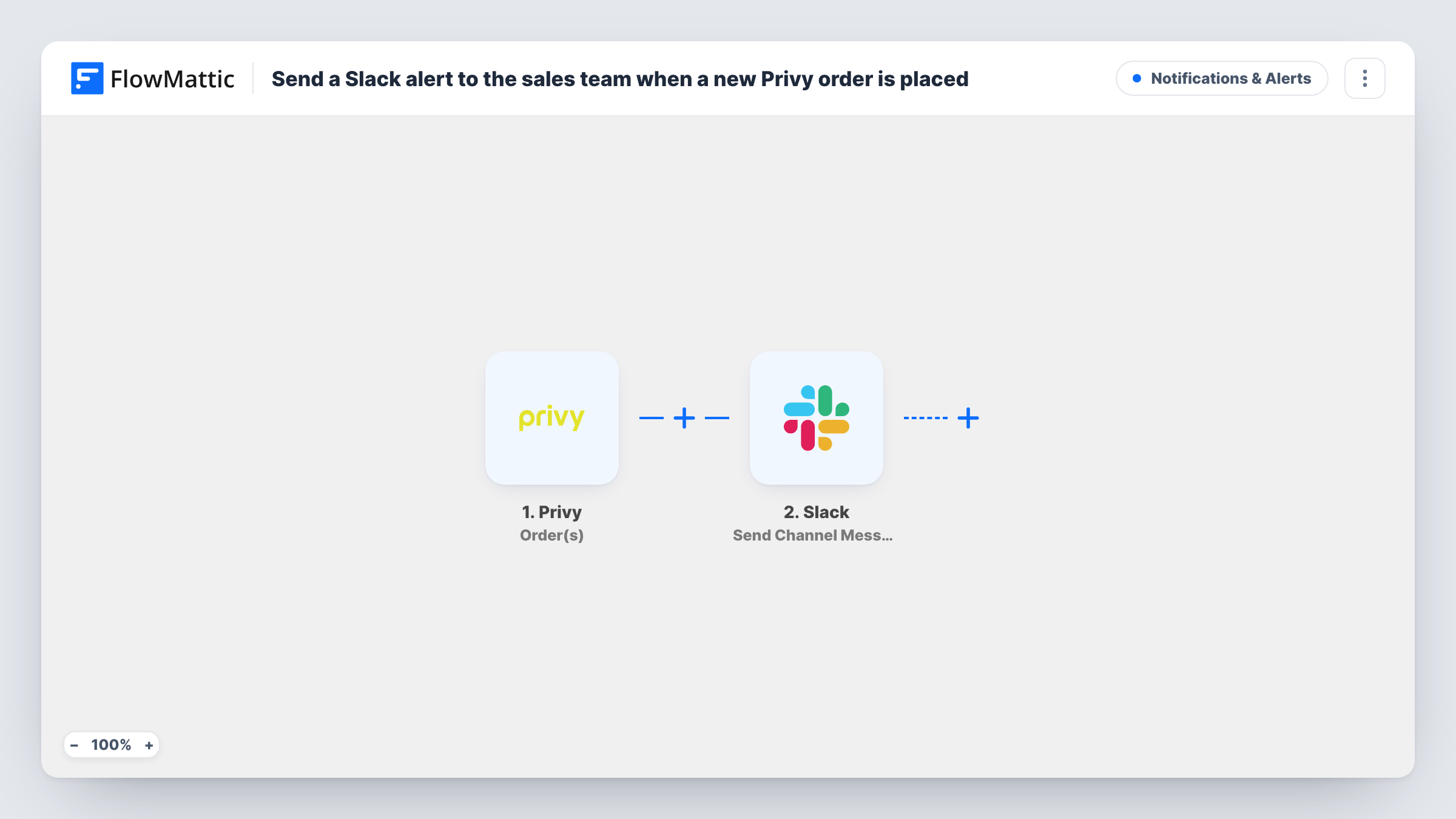
The Privy Order(s) trigger fires when a new order happens. FlowMattic takes the order data Privy sends and passes it to Slack, where Send Channel Message posts in the channel you pick. You write the message and decide which order values appear in it.
Every new order posts one message. Nothing in the template filters by order size or product, so a busy store produces a steady stream of posts. The template has no fields mapped, so let one order come through after import and build the message from the captured data.
A sales channel that sees every sale
Reps in a #sales channel see each order as it is placed, which helps when a campaign launches and they want to watch orders come in.
Following up on large orders
Add a Filter on an order value, once a test shows what Privy sends, so only bigger orders are posted, giving account managers a short list to call or thank personally.
Checking a new Privy campaign
After launching a discount pop-up, the marketing team watches the Slack channel to see orders arrive during the first days of the offer.
How this workflow runs
What happens at each step once the workflow is on, and what you need before you import it.
 Privy Order(s)
Fires when a new order happens in Privy. The order details Privy sends are passed on for the Slack message; let one order through to see them.
- Slack Send Channel Message
Puts an order alert in whichever Slack channel you select here. Write the text and place the Privy order values in it, then connect your Slack workspace.
What you need
- FlowMatticCore
- Privy AccountAccount
- Slack AccountAccount
After importing, map your own data. To keep the template universal, not every step is pre-filled. Open each step in the builder and connect your accounts and fields (channels, lists, sheets, recipients) before you switch the workflow on.
Make it yours
Changes worth making after you import it.
- Slack's Send Channel Message is for public channels. If your sales channel is private, use Slack's Send Private Channel Message action instead.
- Add a Filter after the trigger on an order value Privy sends, so only the orders you care about reach the channel.
- Add a Google Sheets step after Slack to keep a row per Privy order alongside the alert.
Questions about this workflow
Does every Privy order post to Slack?
Yes. Each new order runs the workflow once. Add a Filter after the trigger if you want only some orders posted.
Can the Slack alert go to one sales rep directly?
Yes. Swap Send Channel Message for Slack's Send Direct Message action and choose the rep as the recipient.
Which Privy order details can I show in the Slack message?
Whatever Privy includes with the order. Let one order come through after import and look at the captured data before you write the message.
Are Privy sign-ups posted too?
No. This template uses the Order(s) trigger only. Privy's Signup(s) trigger can drive a second workflow if you want sign-ups in Slack as well.
More Notifications & Alerts workflows
Other ready-to-import templates from the same category.




Import this workflow into your WordPress site
Download the JSON, import it from the Workflows screen and connect your accounts. Every run stays on your server, with no per-task fees.
30-day money-back guarantee Unlimited workflows and runs Self-hosted