

Send a Slack alert to the sales team when an Asklaila lead is captured
Each time a lead is captured from your Asklaila account to LeadSquared, this workflow posts a message in a Slack channel, so your sales team knows a new local enquiry has arrived.
 Asklaila
 Slack
2 steps Setup ~5 min Used on 1.1k sites Free to import
What this workflow does
Local business leads go cold quickly. Someone searching a directory for a service often contacts several providers, and the first to call back has the edge. If your sales team lives in Slack, that is the quickest place to tell them a new lead is waiting.
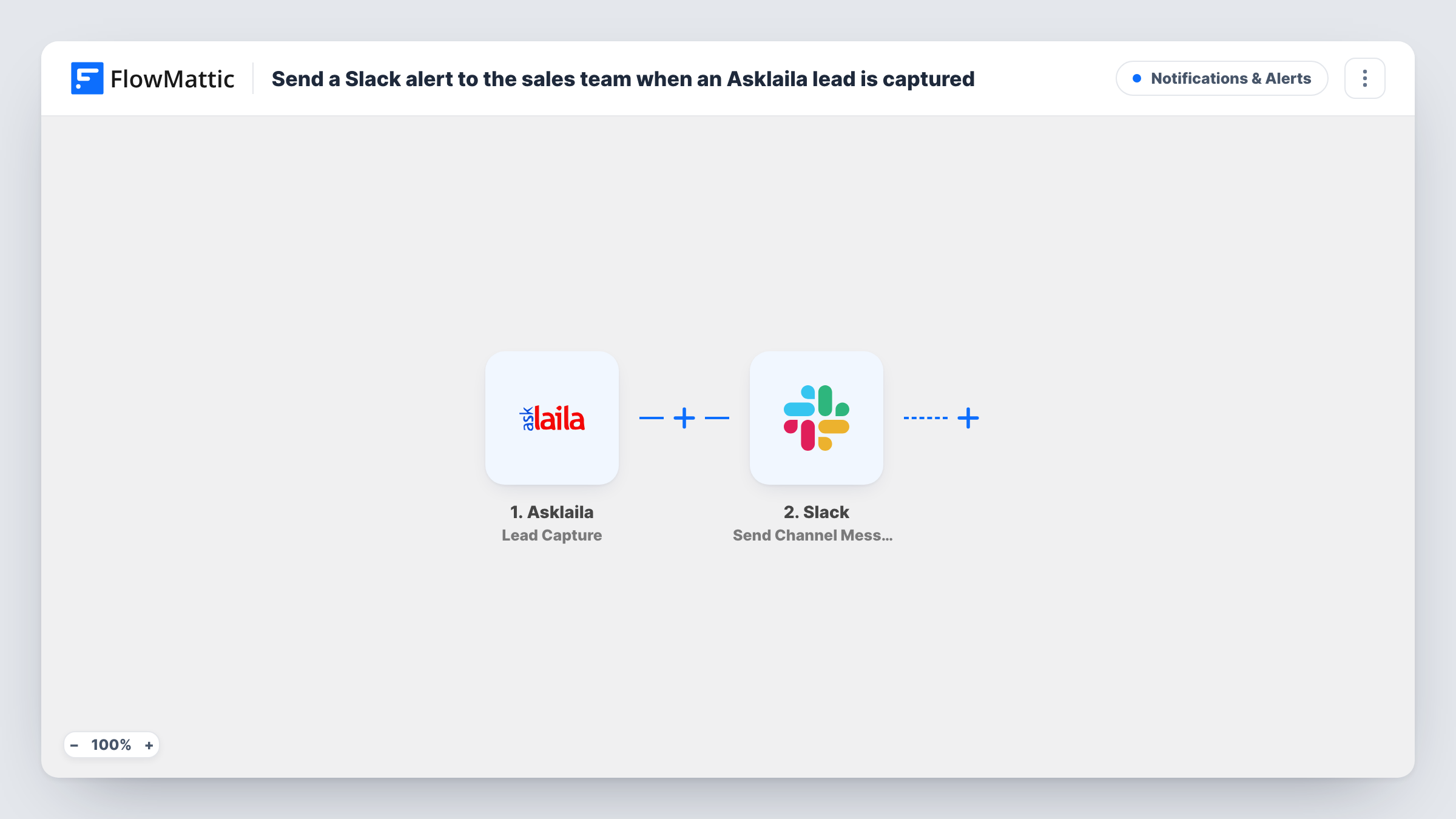
The Asklaila trigger, Lead Capture, fires when a lead is captured from your Asklaila account to LeadSquared, and passes the lead's details to FlowMattic. Then Slack Send Channel Message posts to the channel you choose. You write the alert and add lead fields, for example the name, phone number or the service they asked about, so a rep can act without opening another tool.
Each captured lead produces one Slack post, with no conditions in between. The lead itself stays where Asklaila puts it; this workflow only sends the alert. Task History shows each run, which helps when you want to confirm that a lead triggered a post.
Home services company
A plumbing firm gets enquiries through its Asklaila listing. Each one appears in the #new-leads channel so the dispatcher can call the customer back.
Coaching institute admissions
Parents ask about courses through Asklaila. The admissions team sees each enquiry in Slack and picks it up from there.
Clinic front desk
A clinic's reception team keeps Slack open all day. A post for each Asklaila lead lets them return calls between patients.
How this workflow runs
What happens at each step once the workflow is on, and what you need before you import it.
 Asklaila Lead Capture
Fires when a lead is captured from your Asklaila account to LeadSquared. The lead's details are passed on for use in the Slack message.
- Slack Send Channel Message
Puts a message into the Slack channel you pick. Write the alert text and map lead fields into it, such as the name and phone number, so the team can follow up.
What you need
- FlowMatticCore
- Asklaila AccountAccount
- Slack AccountAccount
After importing, map your own data. To keep the template universal, not every step is pre-filled. Open each step in the builder and connect your accounts and fields (channels, lists, sheets, recipients) before you switch the workflow on.
Make it yours
Changes worth making after you import it.
- Capture one test lead after import so FlowMattic records a sample, then see which Asklaila fields arrive and choose the ones your reps need in the message.
- Send Channel Message suits open channels. If your sales room is private, swap in Slack's Send Private Channel Message, or Send Direct Message to ping a single rep.
- Add a Google Sheets Add New Row step after Slack if you also want a running list of Asklaila leads to review at the end of the week.
Questions about this workflow
Does the Asklaila lead still reach LeadSquared?
Yes. Per FlowMattic's trigger description, the event fires when the lead is captured to LeadSquared. This workflow only adds a Slack alert on top.
Can I send Asklaila leads for different services to different Slack channels?
Not as imported. Replace the Slack step with a Router whose routes check distinct service values, each with its own Slack step and channel.
Will older Asklaila leads be posted to Slack?
No. Only leads captured after you turn the workflow on start a run.
Can reps reply to the Asklaila lead from Slack?
No. The Slack post is a notice for your team. Contact the lead by phone or email, or from your CRM.
More Notifications & Alerts workflows
Other ready-to-import templates from the same category.




Import this workflow into your WordPress site
Download the JSON, import it from the Workflows screen and connect your accounts. Every run stays on your server, with no per-task fees.
30-day money-back guarantee Unlimited workflows and runs Self-hosted