

Send a Slack notification to the team after a new Gong call
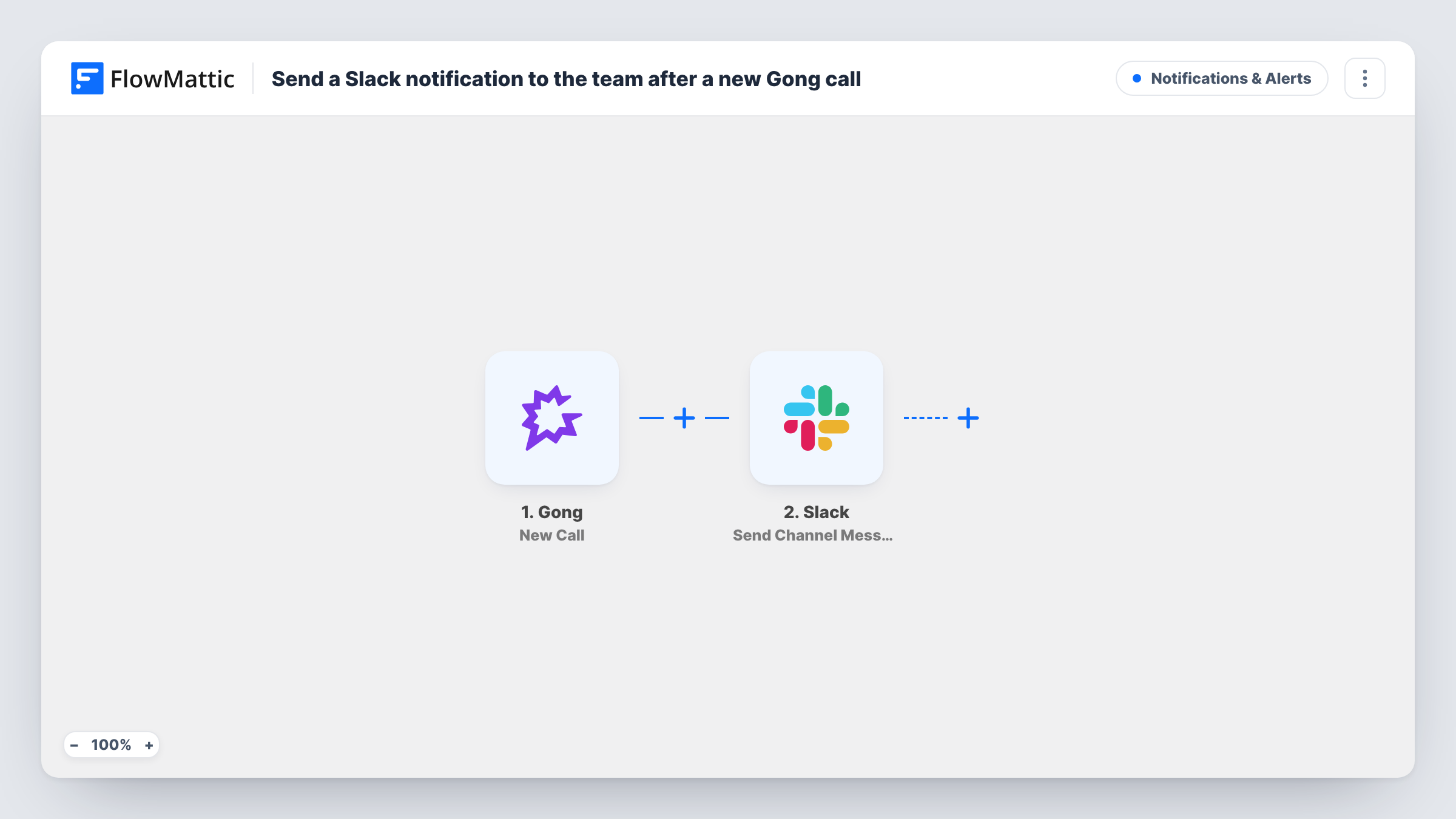
When Gong finishes processing a new call, this workflow posts a message about it to a Slack channel, so your team knows a recording is ready to review.
 Gong
 Slack
2 steps Setup ~5 min Used on 3.1k sites Free to import
What this workflow does
Sales managers and teammates often want to know when a customer call has been recorded and processed, so they can listen in or follow up. Checking Gong for new calls is easy to forget. This workflow announces each new call in Slack.
The Gong trigger fires when a new call is processed. The call's details are passed to Slack, where Send Channel Message posts to the channel you pick. You write the message and decide which call details to include, such as the call title, who hosted it and a link to the recording if Gong provides one.
Each processed call produces one Slack message. The workflow does not write a summary of the conversation; it posts the details Gong sends with the call. Task History keeps a record of each message the workflow posted.
Coaching channel for new reps
Managers follow a Slack channel where every processed Gong call appears, and pick calls from new reps to review and coach.
Product team listening to customers
Product managers see new customer calls in Slack and open the ones that mention a feature they are working on.
Account team awareness
When a rep has a call with a key account, the rest of the account team sees it in Slack without checking Gong.
How this workflow runs
What happens at each step once the workflow is on, and what you need before you import it.
 Gong New Call
Fires when Gong finishes processing a new call. The call's details are passed to the Slack step for mapping.
- Slack Send Channel Message
Publishes a message about the call in the Slack channel you select. Write the message and map call details such as the title and host into it.
What you need
- FlowMatticCore
- Gong AccountAccount
- Slack AccountAccount
After importing, map your own data. To keep the template universal, not every step is pre-filled. Open each step in the builder and connect your accounts and fields (channels, lists, sheets, recipients) before you switch the workflow on.
Make it yours
Changes worth making after you import it.
- Add a Filter after the trigger so only calls with certain participants or titles reach Slack, if the channel gets too busy.
- Use a Router to post calls from different teams to different Slack channels, with each route checking a distinct value such as the host's team.
- Run the workflow once with a real call so FlowMattic captures Gong's fields, then decide which ones belong in the message.
Questions about this workflow
Does the Slack message include a summary of the Gong call?
Not as imported. The workflow posts the details Gong sends with the call event. It does not create a summary of what was said.
When does the Gong call reach Slack?
The trigger fires when Gong has processed a new call, so the message follows processing rather than the moment the call ends.
Can I post Gong calls to more than one Slack channel?
Yes. Add a second Send Channel Message step, or use a Router if different calls should go to different channels.
More Notifications & Alerts workflows
Other ready-to-import templates from the same category.





Import this workflow into your WordPress site
Download the JSON, import it from the Workflows screen and connect your accounts. Every run stays on your server, with no per-task fees.
30-day money-back guarantee Unlimited workflows and runs Self-hosted