

Send a Slack alert for every iDenfy AML monitoring event
Whenever iDenfy reports an AML monitoring event, whether a monitored subject was checked, accepted or declined, FlowMattic posts the details to a Slack channel for your compliance team.
 iDenfy
 Slack
2 steps Setup ~5 min Used on 3.5k sites Free to import
What this workflow does
Ongoing anti-money-laundering monitoring only helps if someone sees the results. When iDenfy re-checks a customer you monitor, your compliance team may need to review a match or record that it was cleared. This workflow sends every monitoring event to Slack, where the team already talks.
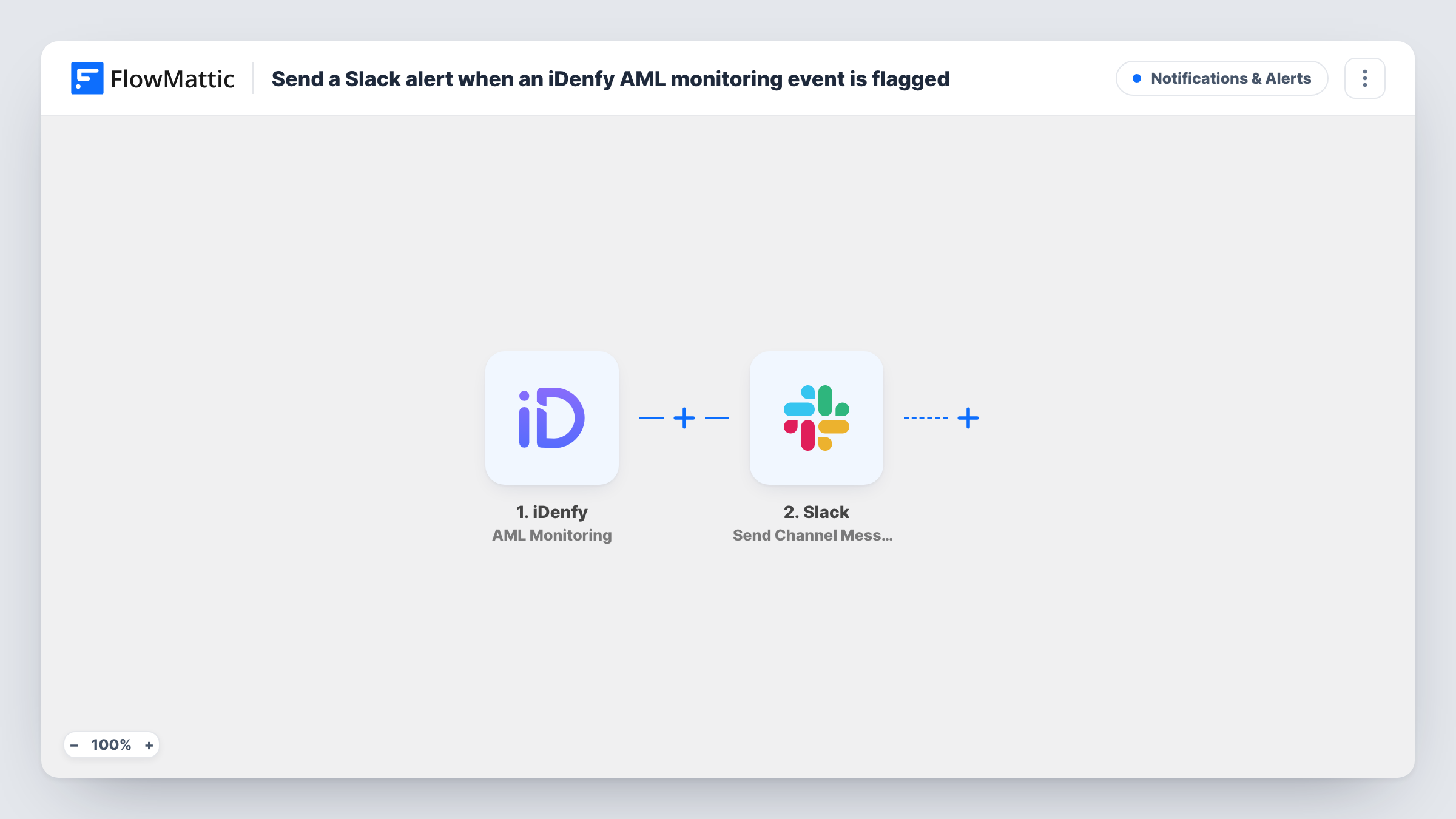
The iDenfy AML Monitoring trigger fires when a monitoring subject is checked, accepted or declined. All three kinds of event start a run, so routine checks reach Slack as well as accepts and declines. The event's details are passed to the next step.
The Slack Send Channel Message step then posts to the channel you pick. It ships unmapped: after import you connect Slack, choose the channel and write the message, mapping in the subject and the result from iDenfy. Run a test event and look at the trigger data in Task History to see which values iDenfy sends.
The alert is only a notice. Reviewing the subject, and any decision about the customer, still happens in iDenfy. Because the message contains compliance details, post it to a channel only your risk or compliance staff can read.
Compliance desk channel
A payments company sends every AML monitoring result to a compliance channel, where the analyst on duty opens declined subjects in iDenfy for review.
Audit trail in chat
A small fintech team uses the Slack history as a running log of when each monitored customer was checked and what the outcome was.
Quick escalation of declines
A crypto exchange's risk lead watches the channel and pauses withdrawals for a customer as soon as a decline appears, using the details in the alert.
How this workflow runs
What happens at each step once the workflow is on, and what you need before you import it.
 iDenfy AML Monitoring
Fires when an iDenfy AML monitoring subject is checked, accepted or declined. Each event starts a run, and its details are available to map into the Slack message.
- Slack Send Channel Message
Sends the iDenfy event to a Slack channel. The step ships unmapped, so choose the channel and write the text, mapping in the subject and the monitoring result.
What you need
- FlowMatticCore
- iDenfy AccountAccount
- Slack AccountAccount
After importing, map your own data. To keep the template universal, not every step is pre-filled. Open each step in the builder and connect your accounts and fields (channels, lists, sheets, recipients) before you switch the workflow on.
Make it yours
Changes worth making after you import it.
- Use a private channel for compliance alerts and switch the step to Slack's Send Private Channel Message action, since Send Channel Message is for public channels.
- If only declines need attention, put a Filter between the iDenfy trigger and the Slack step that continues when the result field from a test run shows a decline. Other events then stop before Slack.
- Map the monitoring result as the first thing in the message, so the team can scan the channel and spot declines quickly.
Questions about this workflow
Which iDenfy AML events reach Slack?
All monitoring events: subjects being checked, accepted or declined. Add a Filter on the result between the trigger and the Slack step if you want fewer alerts.
Does this workflow change anything in iDenfy?
No. It only reads the event and posts a Slack message. Reviews and decisions stay in iDenfy.
Which details from iDenfy appear in the Slack alert?
The ones you map into the message. Send a test event, open the trigger data in Task History, and map the subject and result fields you want your team to see.
More Notifications & Alerts workflows
Other ready-to-import templates from the same category.





Import this workflow into your WordPress site
Download the JSON, import it from the Workflows screen and connect your accounts. Every run stays on your server, with no per-task fees.
30-day money-back guarantee Unlimited workflows and runs Self-hosted