

Send a Slack alert when an Ordergroove subscriber cancels
When an Ordergroove customer cancels their last active subscription, this workflow posts an alert in the Slack channel you pick, with the customer details you map, so your team hears about lost subscribers.
 Ordergroove
 Slack
Slack2 steps Setup ~5 min Used on 2.6k sites Free to import
What this workflow does
A subscriber who cancels everything is a customer who has stopped buying from you on a schedule. Retention and support teams usually want to know quickly, to reach out or to learn why. Watching the Ordergroove dashboard for that is easy to miss. This workflow tells the team in Slack instead.
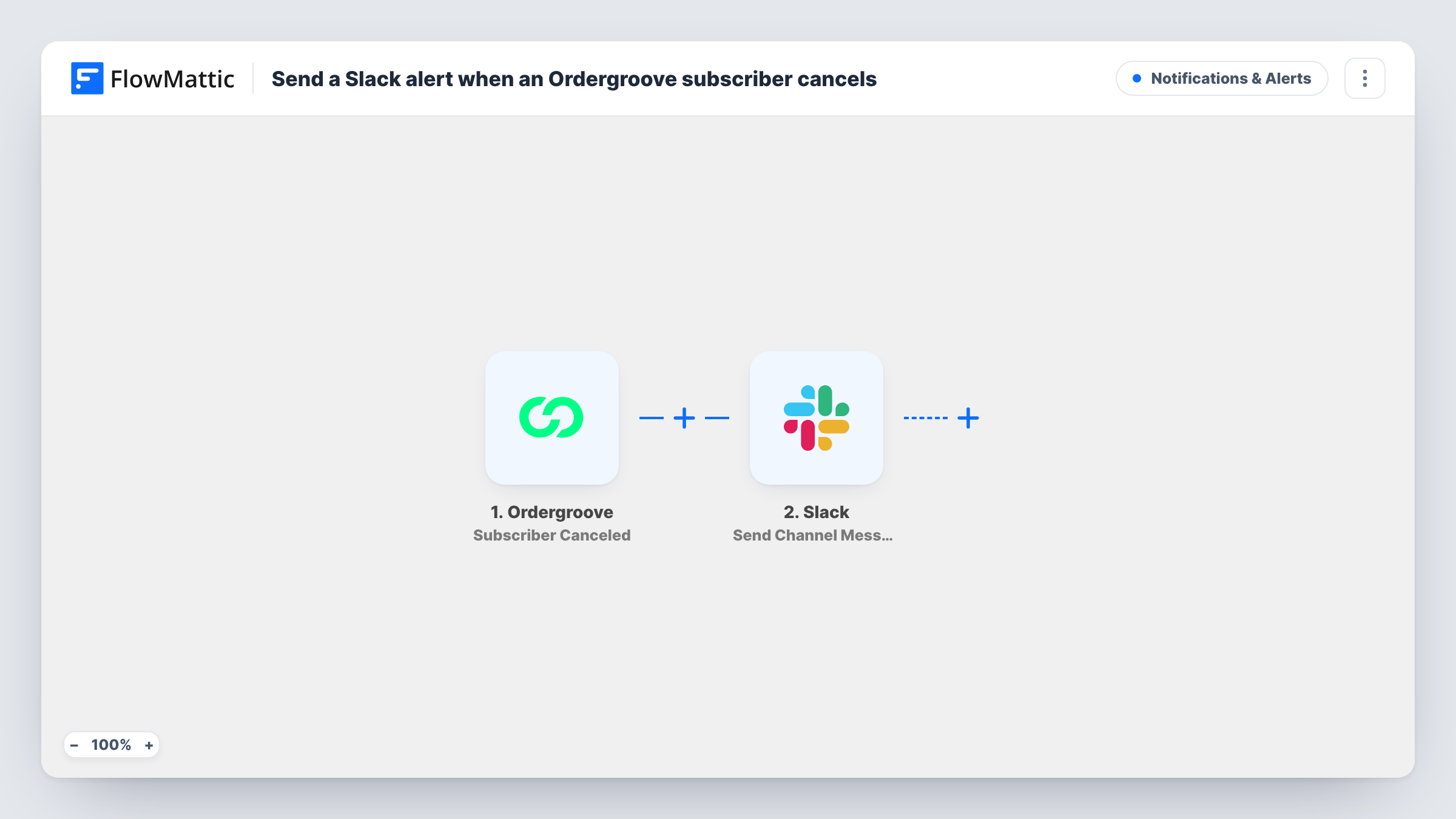
The Ordergroove trigger is Subscriber Canceled. FlowMattic describes it as firing when a customer cancels their last active subscription, so it marks the point where a customer has no active subscriptions left. Cancelling one of several subscriptions does not fire it. The customer data from the event can be mapped into the next step, where Slack receives a message in the channel you choose.
You write the message and decide which details appear, such as the customer's name or email. Every qualifying cancellation posts a message, as there is no Filter. Task History records each run with the text sent to Slack.
Retention outreach for a coffee subscription
A roaster posts every full cancellation to #retention, and someone from the team contacts the customer to ask what would bring them back.
Spotting cancellation spikes after a change
After a price or packaging change, the team watches the Slack channel for a rise in cancellation alerts instead of waiting for a monthly report.
Support follow-up for subscription boxes
Support staff see each cancelled subscriber in Slack and check whether an open ticket or late delivery came before the cancellation.
How this workflow runs
What happens at each step once the workflow is on, and what you need before you import it.
 Ordergroove Subscriber Canceled
Fires when an Ordergroove customer cancels their last active subscription. The customer's data from the event is passed on for the Slack message.
- Slack Send Channel Message
Sends an alert to the Slack channel you pick with the text you write. Map Ordergroove customer fields into it and connect your Slack workspace when you import the workflow.
What you need
- FlowMatticCore
- Ordergroove AccountAccount
- Slack AccountAccount
After importing, map your own data. To keep the template universal, not every step is pre-filled. Open each step in the builder and connect your accounts and fields (channels, lists, sheets, recipients) before you switch the workflow on.
Make it yours
Changes worth making after you import it.
- Cancel a test subscription after import so FlowMattic captures the fields Ordergroove sends, then choose which ones belong in the Slack alert.
- To log cancellations as well, add a Google Sheets step after Slack that records the customer and date, giving you a running list for reviews.
- For a private retention channel, switch the step to Slack's Send Private Channel Message action. To alert one manager, use Send Direct Message.
Questions about this workflow
Does cancelling one of several Ordergroove subscriptions post to Slack?
No. Subscriber Canceled fires when a customer cancels their last active subscription. A customer who still has another active subscription does not trigger it.
Can the Slack alert include why the subscriber cancelled?
Only if Ordergroove includes that information in the event data. Run a test cancellation and check the captured fields before you promise it to your team.
Does the workflow contact the cancelled customer?
No. It only posts in Slack. Reaching out is up to your team, or you could add an email step after the Slack message.
Are past Ordergroove cancellations posted when I turn this on?
No. Only cancellations that happen after the workflow is active produce a message.
More Notifications & Alerts workflows
Other ready-to-import templates from the same category.





Import this workflow into your WordPress site
Download the JSON, import it from the Workflows screen and connect your accounts. Every run stays on your server, with no per-task fees.
30-day money-back guarantee Unlimited workflows and runs Self-hosted