

Send a Telegram Group Message for Every New Record Added in Airtable
Each record created in your Airtable table sends a text message to a Telegram group through your bot, so the people in that group see new entries without opening the base.
 Airtable
 Telegram
2 steps Setup ~5 min Used on 2.1k sites Free to import
What this workflow does
An Airtable base often collects things a team needs to act on: orders, requests, bug reports, applications. Unless someone has the base open, a new record can sit there unnoticed. A Telegram group the team already reads is a quick place to announce it.
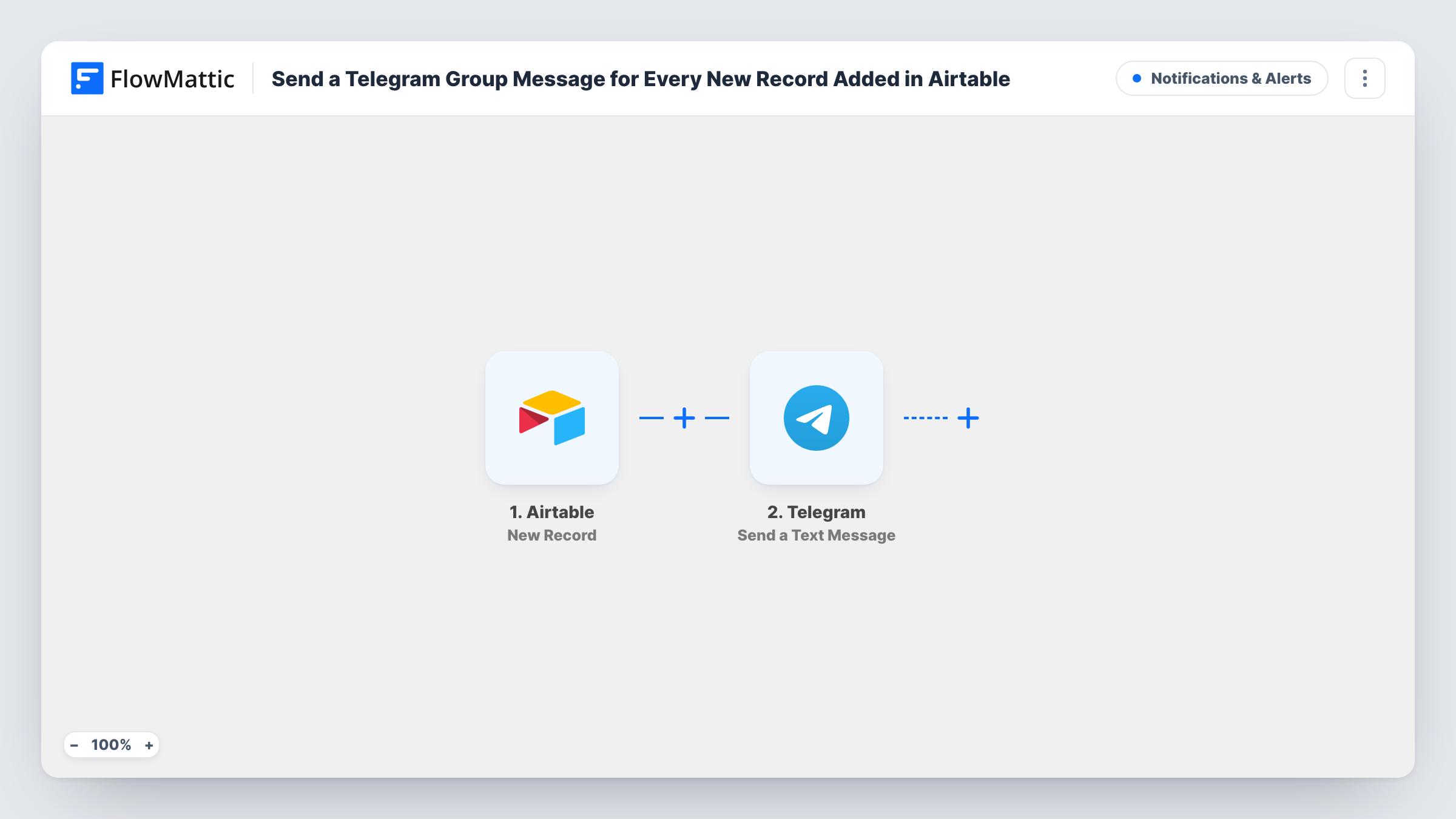
The Airtable trigger fires when a new record is created in the base and table you pick. FlowMattic gets the record's fields and passes them to Telegram. Its Send a Text Message action sends a message with markup support, so you can put a few fields in bold or on separate lines.
The message goes out through a Telegram bot, so add your bot to the group you want to post in. Each new record produces its own message. Edits to existing records don't start the workflow. Each run, with Telegram's reply, is recorded in Task History.
Order table for a small shop
Orders are logged in Airtable. A message with the customer name and items lands in the packing team's Telegram group for every new record.
Content calendar submissions
Writers add pitch records to an Airtable table. The editors' group gets a message with the title and author of each new pitch.
Volunteer sign-ups for a community group
A form feeds new volunteers into Airtable, and the organisers' Telegram group is told each person's name and the shift they picked.
How this workflow runs
What happens at each step once the workflow is on, and what you need before you import it.
 Airtable New Record
Fires whenever a record is created in the Airtable table you choose. The record's fields become available to map into the Telegram message.
- Telegram Send a Text Message
Sends a text message through your Telegram bot to the group chat you set. Write the message, add markup if you like, and map the Airtable fields into it.
What you need
- FlowMatticCore
- Airtable AccountAccount
- Telegram AccountAccount
After importing, map your own data. To keep the template universal, not every step is pre-filled. Open each step in the builder and connect your accounts and fields (channels, lists, sheets, recipients) before you switch the workflow on.
Make it yours
Changes worth making after you import it.
- Add a Filter after the Airtable trigger when only some records matter to the group, for example records whose Priority field equals High.
- Include a link to the record or the base view in the message text, so people in the group can jump straight to it from Telegram.
- Create one test record after import so FlowMattic captures the fields, then map them into the message and run a test to see how Telegram shows it.
Questions about this workflow
Does my Telegram bot need to be in the group?
Yes. The message is sent by your bot, so it must be a member of the group chat before it can post there.
Will editing an Airtable record send another Telegram message?
No. The trigger fires when a record is created. Changes to records that already exist do not start a run.
Can I send the Airtable message to a Telegram channel instead of a group?
Telegram bots can also post to channels where they are allowed to. Point the step at that chat and test it with one record first.
Can I format the message with bold text or line breaks?
Yes. Send a Text Message supports markup, so you can style parts of the message. Run a test to check the result in Telegram.
More Notifications & Alerts workflows
Other ready-to-import templates from the same category.




Import this workflow into your WordPress site
Download the JSON, import it from the Workflows screen and connect your accounts. Every run stays on your server, with no per-task fees.
30-day money-back guarantee Unlimited workflows and runs Self-hosted