

Send a Slack alert when a BPC payment fails
Each time a BPC payment attempt fails, this workflow posts a message to the Slack channel you pick, so the people who follow up on payments see the failure without checking the BPC dashboard.
 BPC
 Slack
2 steps Setup ~5 min Used on 315 sites Free to import
What this workflow does
A failed card payment is easy to miss when it only shows up inside your payment dashboard. By the time someone looks, the customer may have moved on or the order may be stuck. This workflow puts each failure in front of your team in Slack, where they already talk about customers.
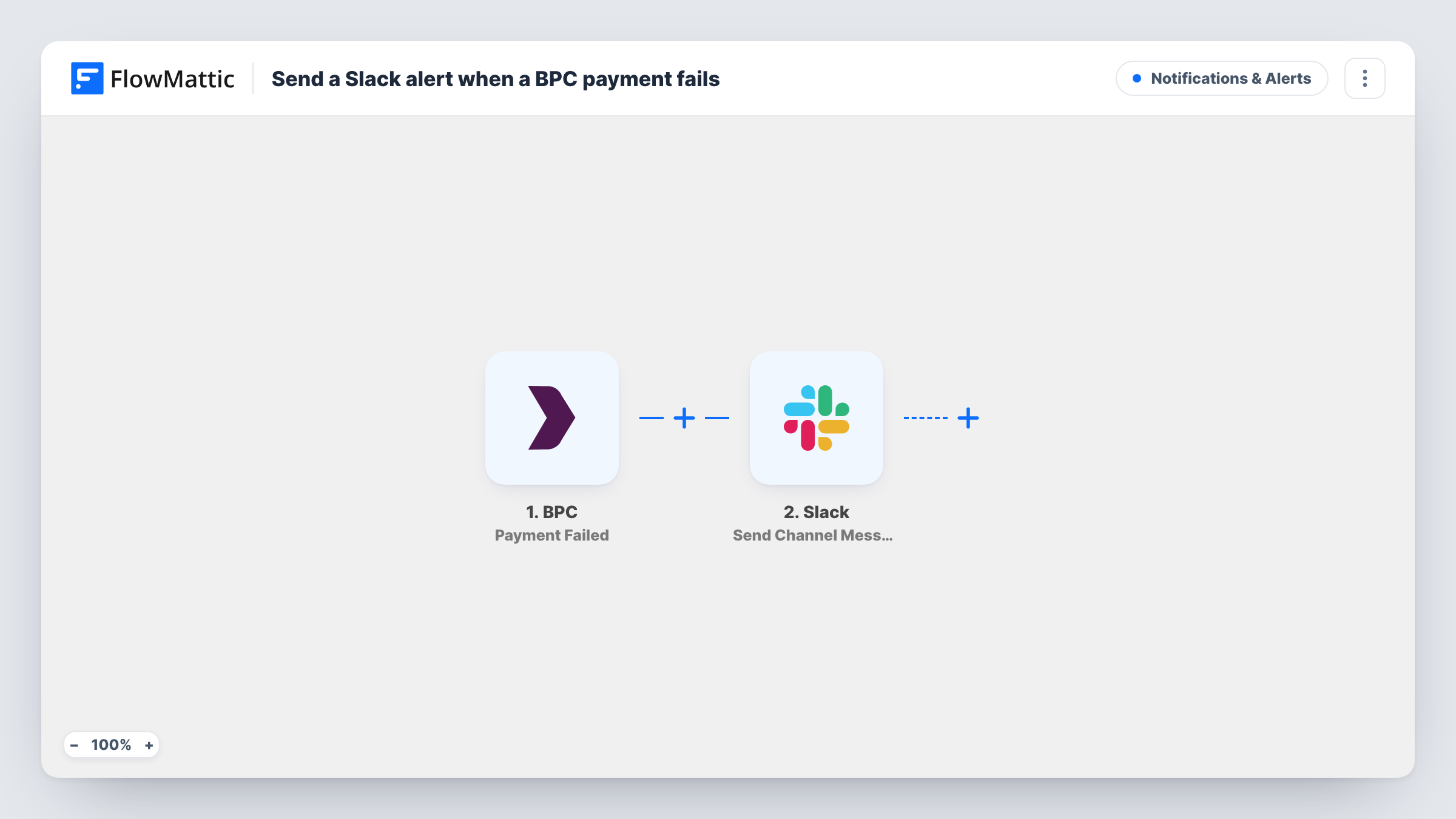
The BPC trigger fires when a payment attempt is unsuccessful. FlowMattic receives the details of that attempt and passes them to the next step. Next, Slack receives a message in whichever channel you set. You write the message text and drop in the payment details you want the team to see, such as the amount or the customer reference, after a test run shows which ones BPC sends.
Nothing in the template retries the payment or contacts the customer. It only tells your team. Every failed attempt produces one message, so a customer who tries three times shows up three times. You can look back over every failure alert, with its payment data, in Task History.
A #billing channel for a subscription business
Your finance lead watches one Slack channel and sees each failed BPC charge as it happens, then reaches out to the customer before the next billing cycle.
Spotting a checkout problem early
Several failure messages arriving close together in Slack point to a problem worth checking in BPC, rather than one customer's card being declined.
Support knows before the customer writes in
When a buyer emails to say their payment didn't go through, the support team can find the matching failure message in the channel and reply with context.
How this workflow runs
What happens at each step once the workflow is on, and what you need before you import it.
 BPC Payment Failed
Fires when a payment attempt in BPC is unsuccessful. The details BPC sends about that attempt become fields you can map into the Slack message.
- Slack Send Channel Message
Posts a message to the public Slack channel you pick. Write the text and insert payment fields from the trigger, then connect your Slack workspace on import.
What you need
- FlowMatticCore
- BPC AccountAccount
- Slack AccountAccount
After importing, map your own data. To keep the template universal, not every step is pre-filled. Open each step in the builder and connect your accounts and fields (channels, lists, sheets, recipients) before you switch the workflow on.
Make it yours
Changes worth making after you import it.
- To alert a private channel, replace this step with Slack's Send Private Channel Message action. To tell one person instead, use Send Direct Message.
- Add a Filter after the trigger that continues only when the amount is above a figure you care about, so small failed charges stay out of the channel.
- Run a test failed payment after import so FlowMattic captures BPC's fields, then pick the ones that help your team act, such as the amount and the customer reference.
Questions about this workflow
Does this post every failed BPC payment to Slack?
Yes. Each failed attempt starts one run and posts one message. There is no Filter in the template, so repeated attempts by the same customer each get their own message.
Can a BPC failure alert land in a private Slack channel?
Not with the Send Channel Message step as imported. Swap it for Slack's Send Private Channel Message action, which is the one meant for private channels.
Will the workflow contact the customer whose BPC payment failed?
No. It only posts to Slack. If you want the customer emailed as well, add an email step after the Slack step and map the customer's address from the trigger data, if BPC sends one.
Are failed BPC payments from before I turn it on included?
No. The trigger fires for failures that happen after the workflow is on. Earlier failures stay in BPC only.
More Notifications & Alerts workflows
Other ready-to-import templates from the same category.





Import this workflow into your WordPress site
Download the JSON, import it from the Workflows screen and connect your accounts. Every run stays on your server, with no per-task fees.
30-day money-back guarantee Unlimited workflows and runs Self-hosted