

Send a Slack alert when a Cardly gift card is redeemed
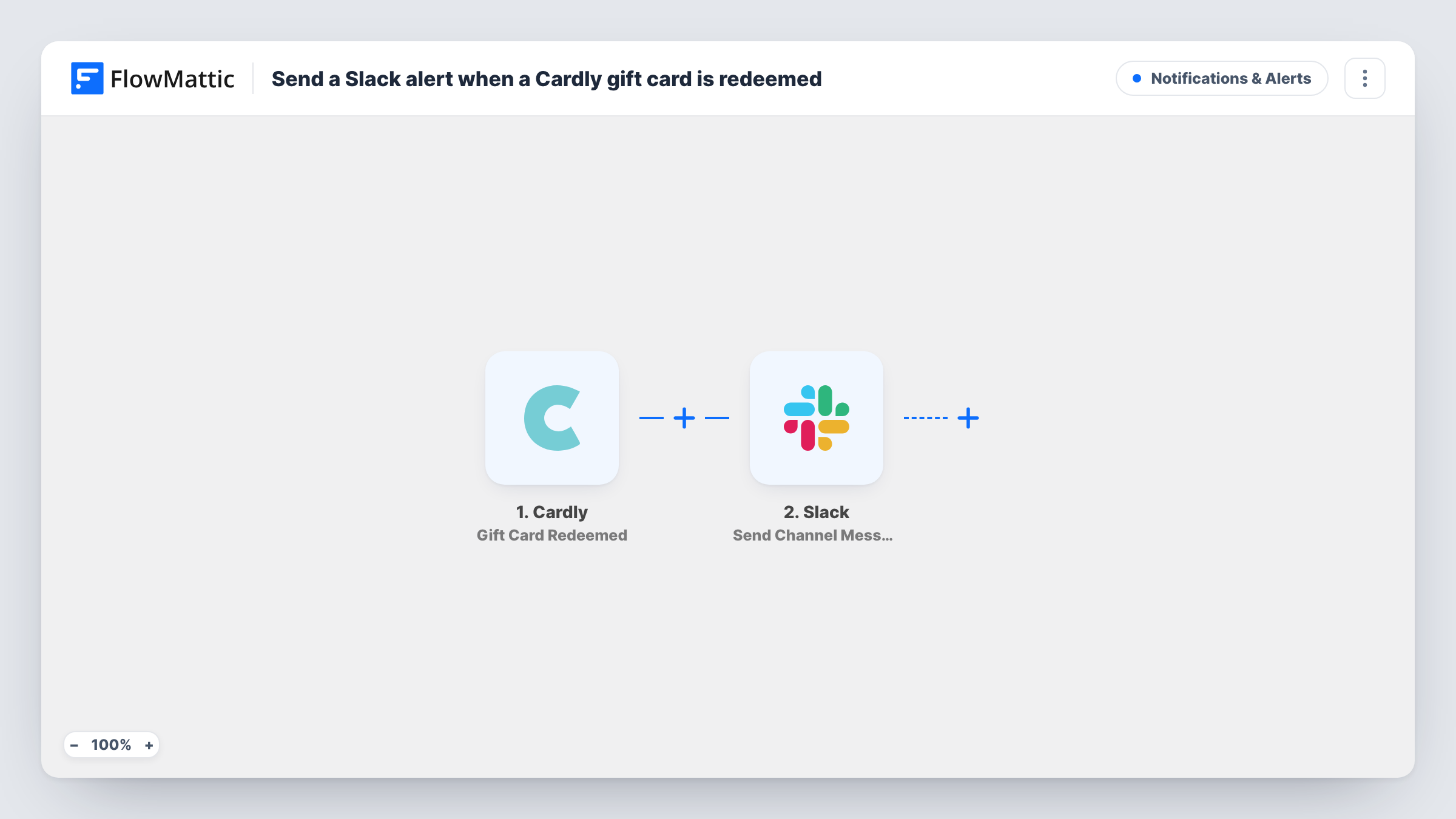
When someone redeems a gift included in one of your Cardly cards, this workflow posts a message to a Slack channel with the recipient’s details, so your team sees each redemption as it happens.
 Cardly
 Slack
2 steps Setup ~5 min Used on 2.7k sites Free to import
What this workflow does
A gift card tucked into a direct-mail card is only half the story. The moment the recipient redeems it is a signal your sales or account team may want to act on, by calling, sending a thank-you or noting it against the account. Checking the Cardly dashboard for redemptions is easy to forget. This workflow puts each one in Slack.
The Cardly trigger fires when a gift in one of your cards is redeemed, and it provides details of the recipient. FlowMattic passes those details to Slack, which posts a message to the channel you choose. You write the message text and drop in the recipient data wherever it helps.
Every redemption produces one message. Nothing is changed in Cardly, and each run is recorded in Task History along with what Slack received.
Account managers following up on client gifts
You mail clients a thank-you card with a coffee gift. When one redeems it, the account team's channel gets the recipient's name, a natural moment to check in.
Sales prospecting with direct mail
A gift redeemed by a prospect shows they opened your card. The sales channel sees who it was so a rep can follow up the same day.
Tracking an employee recognition campaign
HR sends cards with gifts to staff for work anniversaries. Redemptions appear in an HR channel, giving a running view of which gifts were used.
How this workflow runs
What happens at each step once the workflow is on, and what you need before you import it.
 Cardly Gift Card Redeemed
Fires when a gift in one of your Cardly cards is redeemed. The recipient's details from Cardly are passed on so you can use them in the Slack message.
- Slack Send Channel Message
Sends a redemption alert into whichever Slack channel you select. Write the text and map the Cardly recipient details into it, then connect your Slack workspace on import.
What you need
- FlowMatticCore
- Cardly AccountAccount
- Slack AccountAccount
After importing, map your own data. To keep the template universal, not every step is pre-filled. Open each step in the builder and connect your accounts and fields (channels, lists, sheets, recipients) before you switch the workflow on.
Make it yours
Changes worth making after you import it.
- Mention the account owner or a user group in the message text if a particular person should act on each Cardly redemption.
- To alert one person instead of a channel, swap the step for Slack's Send Direct Message action. Private channels need the Send Private Channel Message action instead.
- Add a Google Sheets Add New Row step after Slack if you also want a running log of redemptions you can count or share.
Questions about this workflow
Which Cardly recipient details can appear in the Slack alert?
Whatever the Gift Card Redeemed event provides about the recipient. Redeem a test gift, or wait for the first real one, and FlowMattic shows the values you can map.
Does the Slack alert fire when a Cardly card is sent or delivered?
No. This workflow uses only the Gift Card Redeemed trigger, so it reacts to redemptions. Cards that are sent but never redeemed produce no message.
Are gift cards redeemed before I import this sent to Slack?
No. Only redemptions that happen after the workflow is turned on start a run.
More Notifications & Alerts workflows
Other ready-to-import templates from the same category.




Import this workflow into your WordPress site
Download the JSON, import it from the Workflows screen and connect your accounts. Every run stays on your server, with no per-task fees.
30-day money-back guarantee Unlimited workflows and runs Self-hosted