

Send a Slack alert when a Gelato production status update occurs
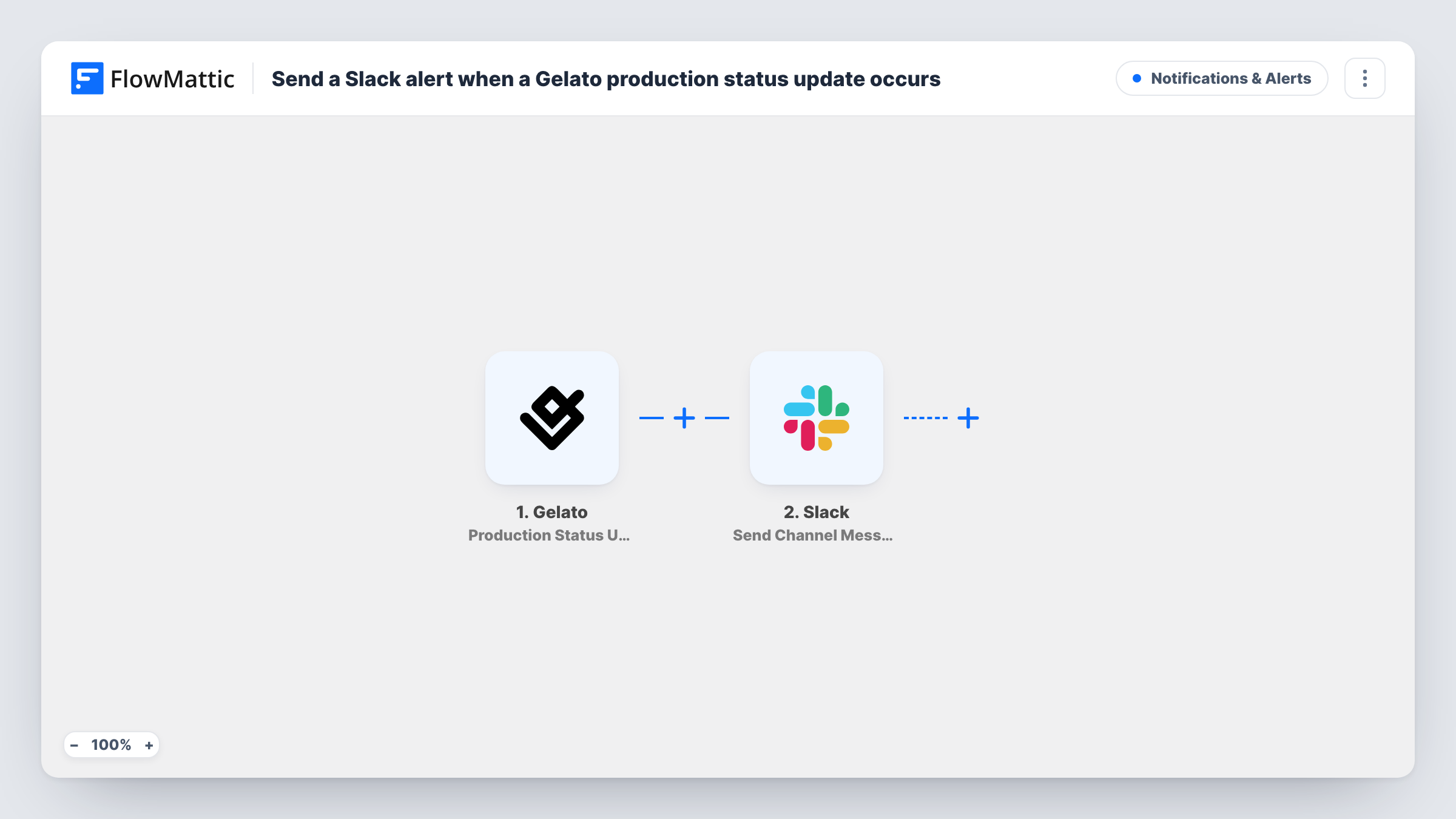
Each time Gelato reports a change in an order’s production status, this workflow posts a message about it to the Slack channel you choose, so your team follows print jobs from Slack.
 Gelato
 Slack
2 steps Setup ~5 min Used on 821 sites Free to import
What this workflow does
When Gelato prints and ships your products, the progress of each order lives in the Gelato dashboard. If customer service or fulfilment staff want to know where an order is, someone has to look it up. This workflow brings each production status change into Slack.
The Gelato trigger fires whenever the production status of an order is updated. Whatever Gelato sends about the update becomes data you can map. The Slack step then posts a message to one channel, built from your own text and those values, so the team can see which order changed and what its status is now.
Every status change starts a run, so a single order can produce several messages as it moves through production. If that is too much, a Filter can limit the alerts to the statuses your team cares about. Task History keeps a record of each run and the data Gelato sent.
Fulfilment channel for a print-on-demand shop
A small merch store posts every Gelato production update to #fulfilment, so the person packing extra items knows when an order is underway.
Answering where-is-my-order questions
Support staff search the Slack channel for an order reference and see its latest production status before replying to the customer.
Spotting problem orders
With a Filter on the status, only updates that need action reach Slack, and the team deals with them without checking Gelato all day.
How this workflow runs
What happens at each step once the workflow is on, and what you need before you import it.
 Gelato Production Status Update
Fires when Gelato updates the production status of one of your orders. The details of that update are passed to the Slack step.
- Slack Send Channel Message
Sends the update to the Slack channel you pick. Write the message and insert values from the Gelato update. A test run shows which values Gelato includes.
What you need
- FlowMatticCore
- Gelato AccountAccount
- Slack AccountAccount
After importing, map your own data. To keep the template universal, not every step is pre-filled. Open each step in the builder and connect your accounts and fields (channels, lists, sheets, recipients) before you switch the workflow on.
Make it yours
Changes worth making after you import it.
- Add a Filter between Gelato and Slack that continues only for the status values you want to hear about. Run a test first to see the exact status text Gelato sends.
- Use a Router with one route per status value and a Slack step on each, if different statuses should go to different channels.
- Trigger a test update after import, then map the Gelato fields you see into the Slack message so it reads clearly.
Questions about this workflow
Will every Gelato status change post to Slack?
Yes, as imported. Each update to an order's production status starts a run and posts a message. A Filter after the Gelato trigger cuts that down to the statuses you pick.
Which Slack channel gets the Gelato alerts?
The channel you choose in the Slack step after you connect your workspace. You can switch it to another channel at any time.
Does this change anything in my Gelato orders?
No. The workflow only reads the update Gelato sends and posts a message. Your orders in Gelato are not touched.
Can I also alert the customer about Gelato production updates?
Not with this template. Add an email step after Slack and map the customer's address if Gelato includes it in the update.
More Notifications & Alerts workflows
Other ready-to-import templates from the same category.






Import this workflow into your WordPress site
Download the JSON, import it from the Workflows screen and connect your accounts. Every run stays on your server, with no per-task fees.
30-day money-back guarantee Unlimited workflows and runs Self-hosted