

Send a Slack alert when a PageProof proof status changes
When a proof in PageProof moves to a new status, such as in proofing, to-dos requested or approved, this workflow posts a message in a Slack channel so the team sees where each proof stands.
 PageProof
 Slack
Slack2 steps Setup ~5 min Used on 2.1k sites Free to import
What this workflow does
Creative work stalls when nobody notices that a proof is waiting on them. Designers miss the to-do list from the client, and account managers miss the approval that means the job can ship. This workflow puts each PageProof status change in a Slack channel the team watches.
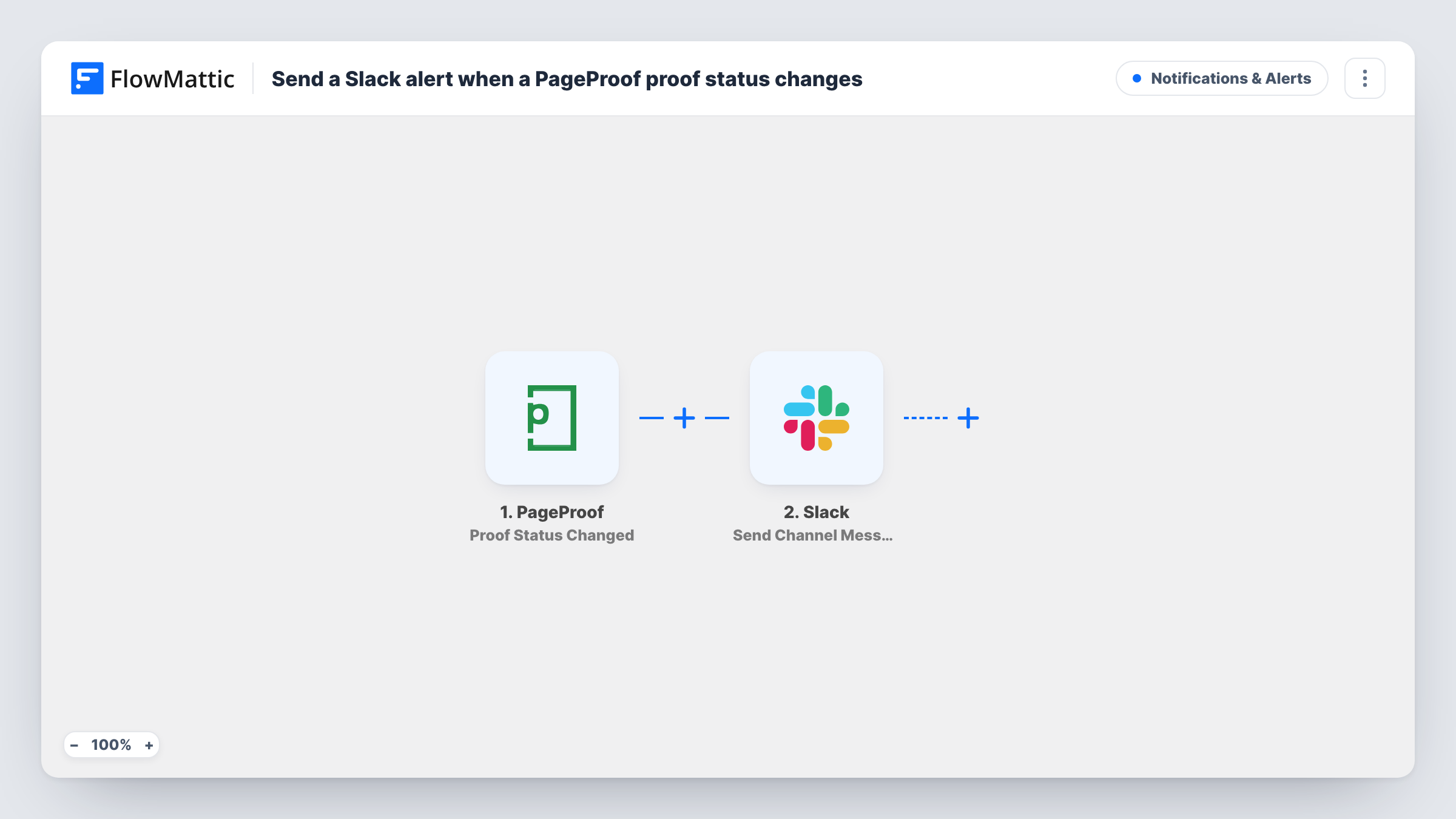
The PageProof trigger, Proof Status Changed, fires when a proof reaches a status such as new, in proofing, with gatekeeper or approver, to-dos requested, awaiting new version, has new version, or approved. FlowMattic then posts in Slack with Send Channel Message. You write the message and map in the proof's name and its new status.
Status changes are announced without a Filter, so a proof that moves through several stages produces several posts. If your channel only needs some of them, such as approvals, add a Filter on the status value. A private channel needs Slack's Send Private Channel Message action in place of the imported one.
Agency studio channel
Every move a proof makes, from in proofing to approved, shows up in the studio's Slack channel, so designers see when a client has sent back to-dos.
Marketing sign-off tracking
A marketing team proofs ads with legal and brand reviewers. The Slack channel shows when each proof reaches the approver, so nobody has to chase status by email.
Print production hand-off
Production watches the Slack channel for proofs reaching approved, then starts the print job without waiting for a separate email.
How this workflow runs
What happens at each step once the workflow is on, and what you need before you import it.
 PageProof Proof Status Changed
Fires when a PageProof proof reaches a new status, from new and in proofing through to-dos requested, awaiting new version and approved. The proof details are passed to Slack.
- Slack Send Channel Message
Posts a message to the Slack channel you pick with the proof's name and new status mapped in. Connect Slack and write the message on import.
What you need
- FlowMatticCore
- PageProof AccountAccount
- Slack AccountAccount
After importing, map your own data. To keep the template universal, not every step is pre-filled. Open each step in the builder and connect your accounts and fields (channels, lists, sheets, recipients) before you switch the workflow on.
Make it yours
Changes worth making after you import it.
- Add a Filter after the trigger that continues only when the status is approved if the channel should only hear about finished proofs.
- To route approvals and to-do requests to different channels, use a Router whose routes check distinct status values, each with its own Slack step.
- Put the proof name first in the Slack message so people can scan the channel quickly.
Questions about this workflow
Which PageProof statuses send a Slack message?
The trigger covers new, in proofing, with gatekeeper or approver, to-dos requested, awaiting new version, has new version, and approved. Run a test after import to see how your account reports each one.
Can I get only PageProof approvals in Slack?
Yes. Add a Filter after the trigger that checks the status value for approved. Other status changes then stop at the Filter.
Will an overdue PageProof proof post to Slack?
Not through this trigger. PageProof has a separate Proof Overdue trigger you could use in another workflow.
Can the PageProof alert go to a private Slack channel?
Swap the step for Send Private Channel Message, Slack's action for private channels, and choose the channel there.
More Notifications & Alerts workflows
Other ready-to-import templates from the same category.



Import this workflow into your WordPress site
Download the JSON, import it from the Workflows screen and connect your accounts. Every run stays on your server, with no per-task fees.
30-day money-back guarantee Unlimited workflows and runs Self-hosted