

When a new form submission is received in Voiceform, send a message in Slack
Each new Voiceform submission posts a message to the Slack channel you pick, so your team sees fresh survey responses in Slack instead of checking Voiceform.
 Voiceform
 Slack
2 steps Setup ~5 min Used on 2.2k sites Free to import
What this workflow does
Voiceform surveys let people answer by voice, video or text. The answers are often worth hearing quickly, especially for customer feedback or research, but they sit in Voiceform until someone logs in. This workflow posts every new submission to a Slack channel.
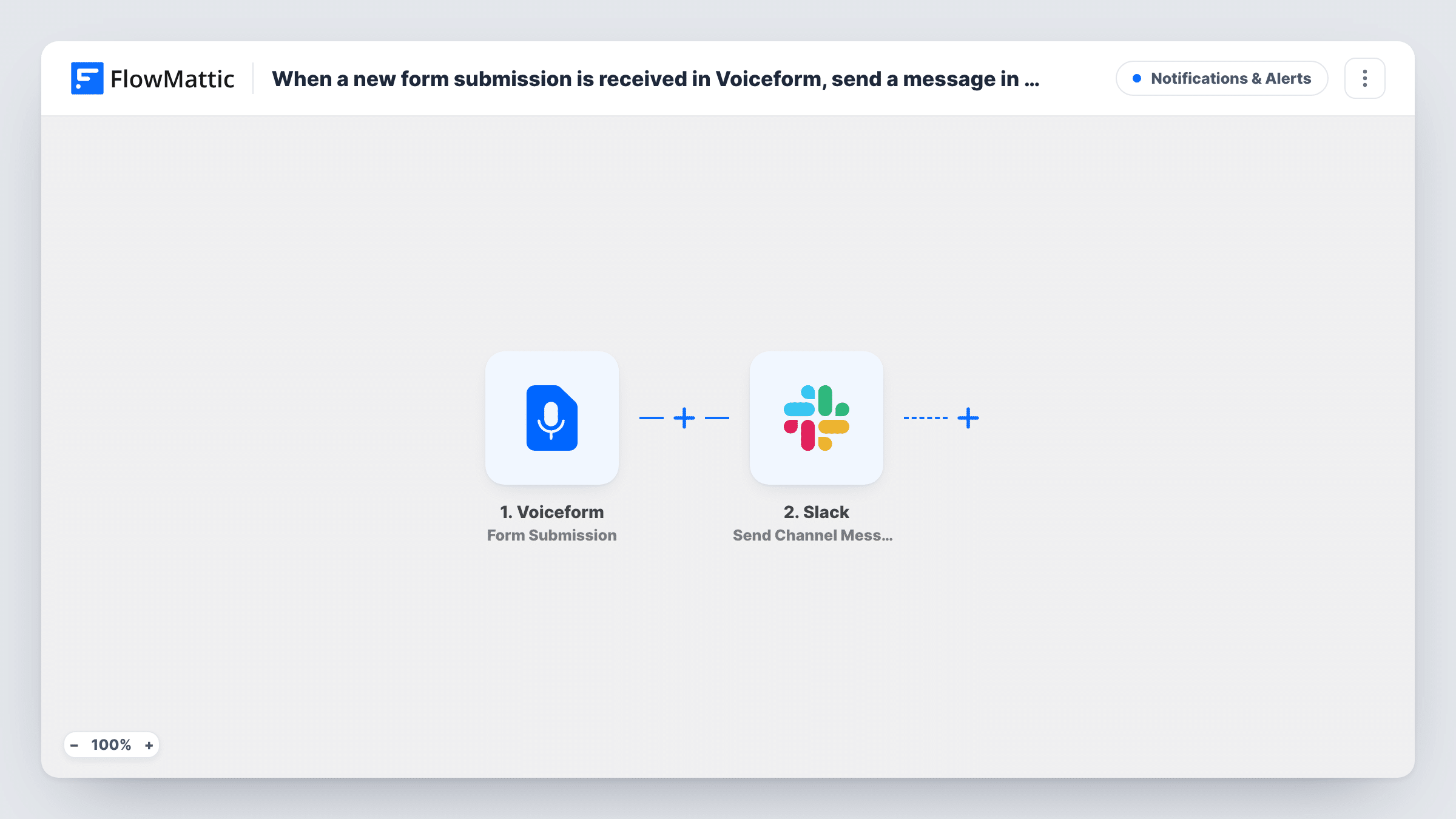
The Voiceform trigger fires when a new form is submitted to your voiceform. FlowMattic passes the submission data to Slack, where Send Channel Message posts to the channel you set. You compose the message and insert values from the submission; send a test response after import to see what Voiceform includes.
Every submission sends one Slack message, with no Filter in the template. The full response, including any recording, stays in Voiceform. Mapping a response link into the message, if Voiceform sends one, lets readers open it from Slack.
Customer feedback channel
Each voice feedback response posts to a #feedback channel, where the product team reads it and discusses it in a thread.
Candidate screening answers
A recruiter's Voiceform screening survey posts each new response to a hiring channel, so the panel knows a candidate has answered.
Event follow-up survey
After a webinar, every survey response appears in the events channel for the hosts to read.
How this workflow runs
What happens at each step once the workflow is on, and what you need before you import it.
 Voiceform Form Submission
Fires when a new form is submitted to your Voiceform. The submission data is made available for the Slack message.
- Slack Send Channel Message
Posts the Voiceform response to the Slack channel you set. Compose the text with values from the submission and connect your Slack workspace.
What you need
- FlowMatticCore
- Voiceform AccountAccount
- Slack AccountAccount
After importing, map your own data. To keep the template universal, not every step is pre-filled. Open each step in the builder and connect your accounts and fields (channels, lists, sheets, recipients) before you switch the workflow on.
Make it yours
Changes worth making after you import it.
- Add a Filter after the trigger if only responses to one survey, or with a certain answer, should post to this channel.
- Add a Google Sheets step after Slack to keep a table of responses for later analysis.
- Keep the Slack message to the key answers, and link to the full response for the rest.
Questions about this workflow
Are Voiceform voice recordings posted into Slack?
The Slack step posts text you compose. If Voiceform sends a link to the response or recording, you can put that link in the message; check a test submission to see.
Does every Voiceform response post to Slack?
Yes, as imported. Each new submission sends one message. Add a Filter to limit it.
Are past Voiceform responses sent to Slack?
No. Only submissions made while the workflow is on are posted.
More Notifications & Alerts workflows
Other ready-to-import templates from the same category.



Import this workflow into your WordPress site
Download the JSON, import it from the Workflows screen and connect your accounts. Every run stays on your server, with no per-task fees.
30-day money-back guarantee Unlimited workflows and runs Self-hosted