

Send a Slack alert when a SumoQuote report is signed
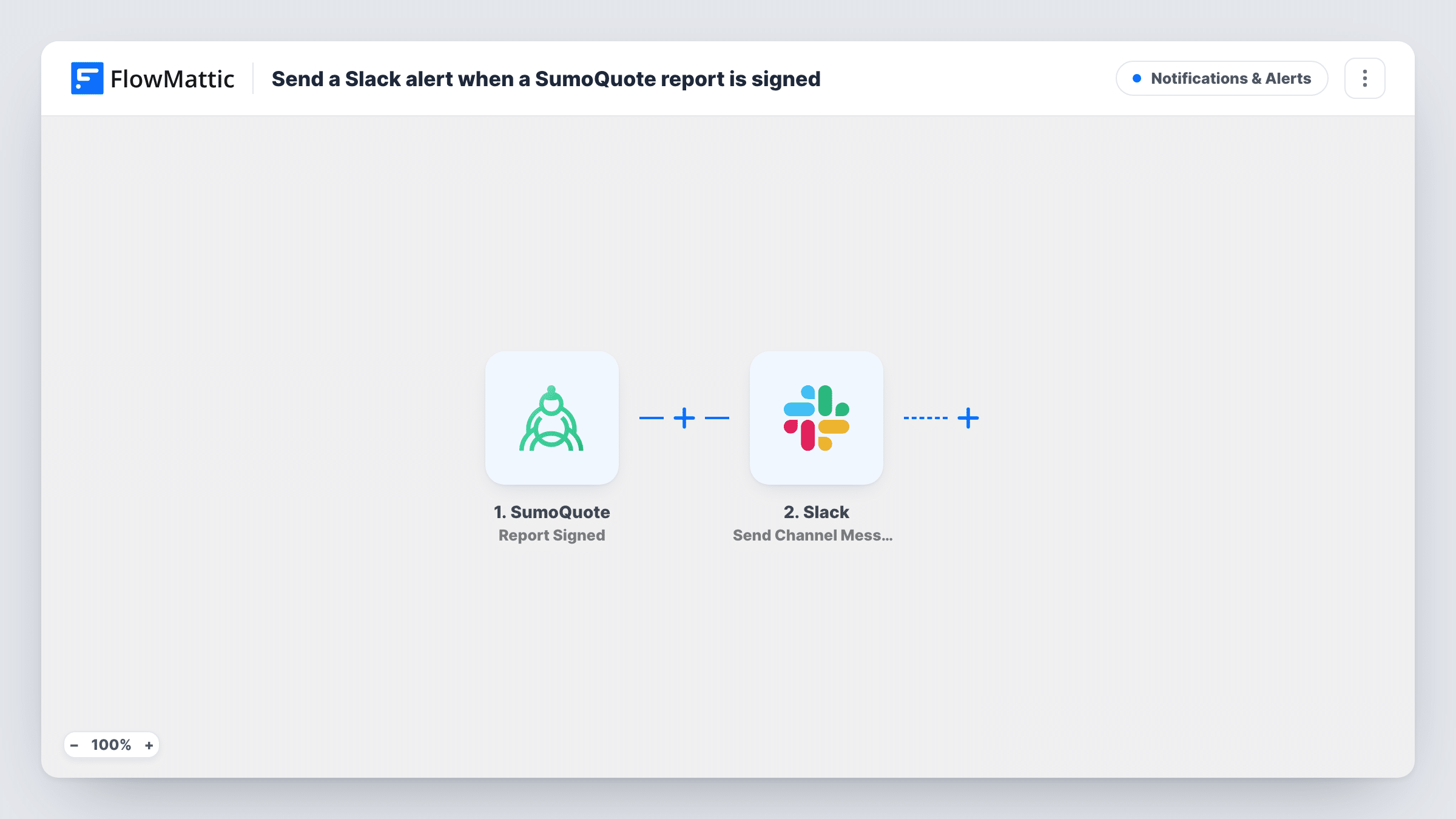
When a customer signs a SumoQuote report, this workflow posts a message to a Slack channel you pick, with the report details you map, so your team knows the job is approved.
 SumoQuote
 Slack
2 steps Setup ~5 min Used on 3.2k sites Free to import
What this workflow does
A signed SumoQuote report usually means the job is a go: materials to order, a crew to schedule, a deposit to collect. If only the salesperson sees the signature, everyone else finds out late. This workflow tells the whole team in Slack.
The SumoQuote trigger fires when a report is signed. FlowMattic receives the data for that report and hands it to Slack. The Send Channel Message action posts in the channel you choose, with a message you write using values from the signed report, such as the customer or project name if SumoQuote sends them.
It is a single, one-way alert. Nothing changes in SumoQuote, and the Slack message is not linked back to the report. Sign a test report after import to see which values arrive, then build the message. Every alert is recorded in Task History.
Roofing crew scheduling
A homeowner signs the roofing estimate. The #jobs channel gets a message so the office manager can book the crew and order materials.
Sales wins channel
Post each signed report to a team channel, so the whole company sees closed deals as they come in.
Deposit collection for the office
The person who sends invoices watches a Slack channel and starts the deposit request when a signed report message appears.
How this workflow runs
What happens at each step once the workflow is on, and what you need before you import it.
 SumoQuote Report Signed
Fires when a customer signs a report in SumoQuote. The report data from that event is passed on so you can use it in the Slack message.
- Slack Send Channel Message
Posts your message in the Slack channel you pick. Connect your Slack workspace, select the channel, and write the text with values from the signed SumoQuote report.
What you need
- FlowMatticCore
- SumoQuote AccountAccount
- Slack AccountAccount
After importing, map your own data. To keep the template universal, not every step is pre-filled. Open each step in the builder and connect your accounts and fields (channels, lists, sheets, recipients) before you switch the workflow on.
Make it yours
Changes worth making after you import it.
- Mention the project address or customer name in the message, if SumoQuote sends it, so people know which job was signed without opening SumoQuote.
- Add a Router after the trigger if different teams handle different kinds of jobs, with a separate Slack step and channel on each route. Use conditions that can't both match one report.
- Add a ClickUp, Asana or similar task step after the Slack message if a signed report should also start a job checklist.
Questions about this workflow
Does the Slack alert fire when a SumoQuote report is only opened?
No. This template uses the Report Signed trigger, so it runs only when a report is signed. Opening or viewing a report doesn't start it.
Can the signed-report alert go to more than one Slack channel?
Add another Send Channel Message step after the first and pick a second channel. Each step posts its own message.
What SumoQuote details can I show in the Slack message?
Whatever the Report Signed event sends. Sign a test report after import, look at the trigger data in FlowMattic, and map the values you want into the text.
More Notifications & Alerts workflows
Other ready-to-import templates from the same category.



Import this workflow into your WordPress site
Download the JSON, import it from the Workflows screen and connect your accounts. Every run stays on your server, with no per-task fees.
30-day money-back guarantee Unlimited workflows and runs Self-hosted