

Send a Slack alert when an Act-On contact opts out globally
When a contact in Act-On opts out of all email communication, this workflow posts an alert to a Slack channel, so your marketing and sales teams know not to email that person from other tools.
 Act-On
 Slack
Slack2 steps Setup ~5 min Used on 541 sites Free to import
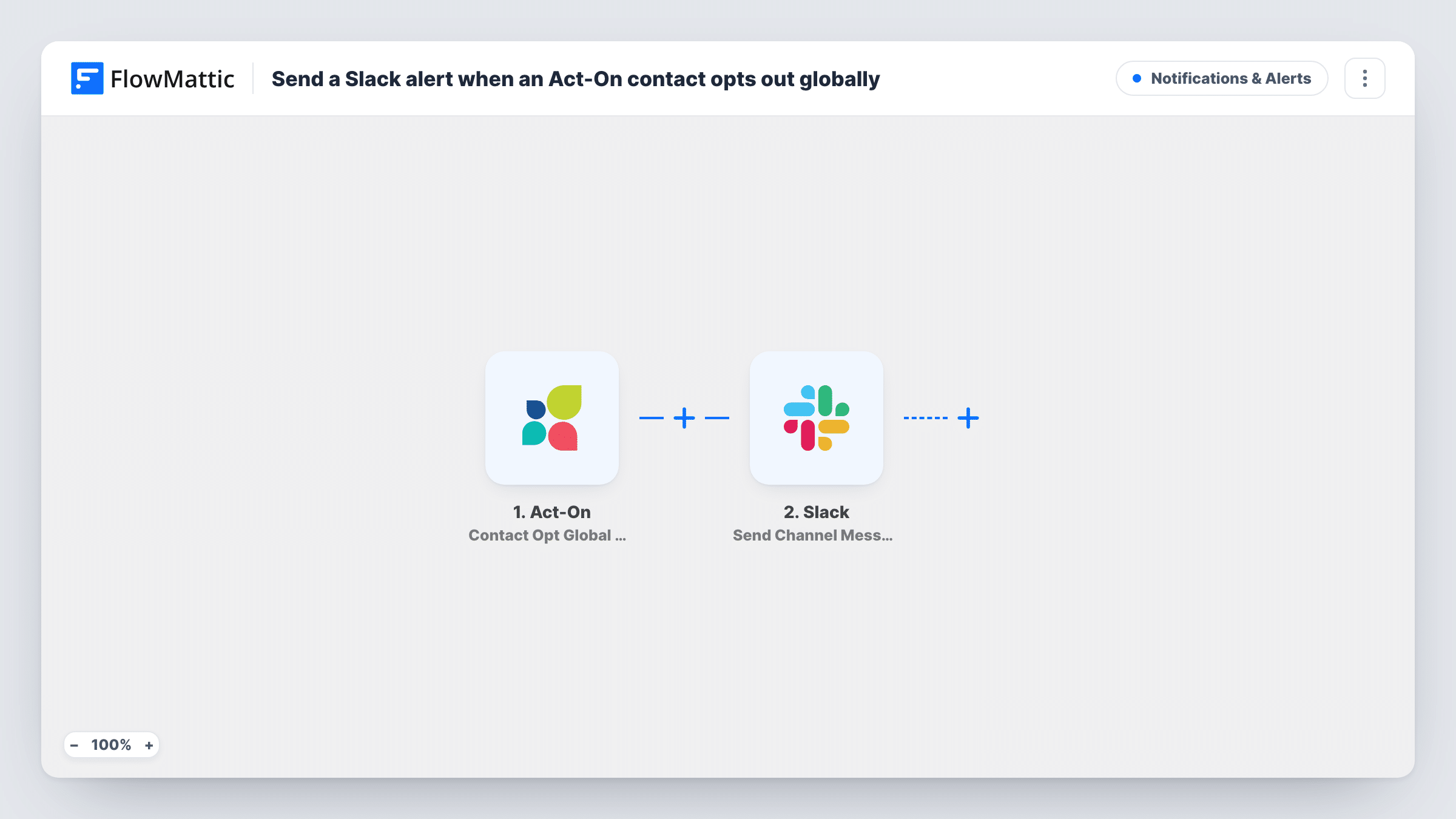
What this workflow does
A global opt-out in Act-On covers Act-On's own emails, but your sales reps may still write to the same person from Gmail, a CRM or another sending tool. Telling them quickly helps them respect the request. This workflow puts each global opt-out in front of the team in Slack.
The Act-On trigger, Contact Opt Global Out, fires when a contact opts out from all email communication. FlowMattic receives the contact details Act-On sends. The Slack step then runs Send Channel Message and posts to the channel you choose, with the contact's email or name in the text when the trigger data includes them.
The workflow only notifies. It doesn't remove the person from a CRM or another email tool, so whoever reads the alert acts on it. Opt-outs from a single subscription category are a different Act-On trigger and don't post here.
Keeping sales reps informed
Reps who email prospects from their own inboxes see in #marketing-ops that a contact has opted out, before their next outreach.
Compliance record for a marketing team
A marketing manager keeps a dedicated channel of opt-out alerts, giving a searchable history of who unsubscribed and when.
Watching for unsubscribe spikes
After a campaign goes out, the team watches the channel for a burst of opt-outs and reviews the email that preceded them.
How this workflow runs
What happens at each step once the workflow is on, and what you need before you import it.
 Act-On Contact Opt Global Out
Fires when a contact opts out of all email communication in Act-On. The contact details Act-On sends become available for the Slack message.
- Slack Send Channel Message
Posts an alert to the Slack channel you select. Write the text and insert the contact's email or name from the Act-On data, so readers know who opted out.
What you need
- FlowMatticCore
- Act-On AccountAccount
- Slack AccountAccount
After importing, map your own data. To keep the template universal, not every step is pre-filled. Open each step in the builder and connect your accounts and fields (channels, lists, sheets, recipients) before you switch the workflow on.
Make it yours
Changes worth making after you import it.
- After import, opt a test contact out globally in Act-On so FlowMattic captures the trigger fields, then check the email address is there before writing the message.
- Add a Google Sheets Add New Row step after Slack if you want a lasting list of opt-outs alongside the channel alerts.
- Post to a private channel with Slack's Send Private Channel Message action if contact emails shouldn't be visible to the whole workspace.
Questions about this workflow
Does the workflow remove the opted-out contact from my CRM?
No. It only posts to Slack. Remove or flag the contact in your other tools yourself, or add a step for that tool after Slack.
Do Act-On subscription category opt-outs trigger this Slack alert?
No. Act-On reports those through its separate Subscription Category Opt Out trigger. This one covers opt-outs from all email.
What if the same Act-On contact opts back in later?
Nothing posts for an opt-in here. Act-On's Contact Opt Global In trigger could run a separate workflow if you want that alert too.
Will past Act-On opt-outs be posted to Slack?
No. Only opt-outs that happen after the workflow is active post a message.
More Notifications & Alerts workflows
Other ready-to-import templates from the same category.




Import this workflow into your WordPress site
Download the JSON, import it from the Workflows screen and connect your accounts. Every run stays on your server, with no per-task fees.
30-day money-back guarantee Unlimited workflows and runs Self-hosted