

Notify the team in Discord when a Descript recording is stopped
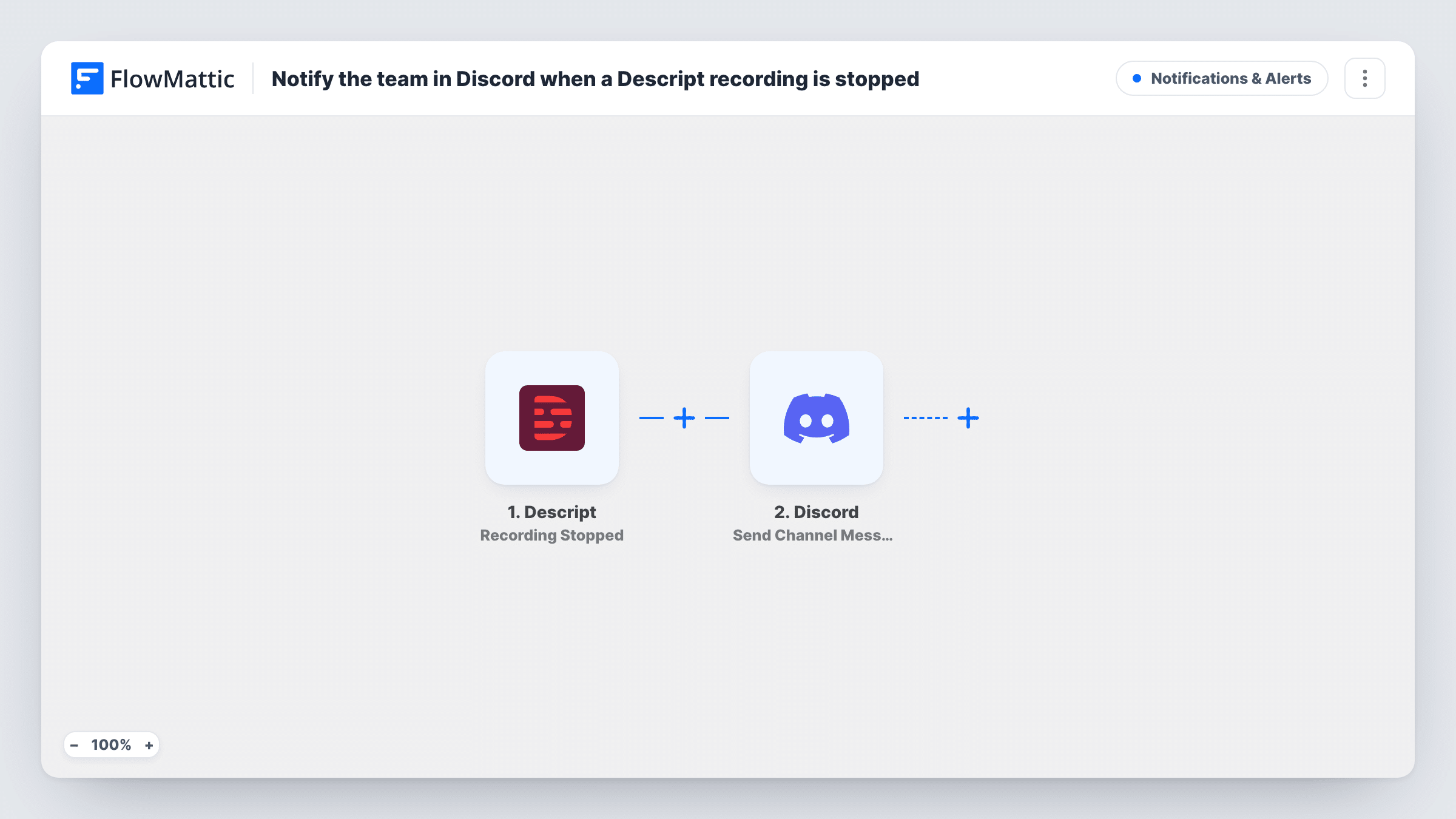
When a recording stops in Descript, this workflow sends a message to the Discord channel you choose, so editors and producers know a session is done and the material is on its way.
 Descript
 Discord
2 steps Setup ~5 min Used on 2.2k sites Free to import
What this workflow does
In a remote production team, the people editing a show are often not the people recording it. They need to know when a session ends so they can plan their time. This workflow tells them in Discord the moment Descript reports that a recording has stopped.
The Descript trigger fires when a recording has stopped. FlowMattic passes the details from that event to Discord, where Send Channel Message posts in the channel you pick. You write the message and add any recording details you want to show.
A stopped recording is not the same as a finished file. Descript has separate render triggers if your team should wait for the output instead. Each stop gives one Discord post, and Task History lists every run.
Podcast editors on standby
An editor sees in Discord that the host has stopped recording and starts preparing the session for the edit.
Community show crews
A volunteer team that runs a weekly show uses a Discord channel to know when each recording wraps.
Production log in chat
The channel becomes a simple history of when each recording stopped, readable by everyone on the server.
How this workflow runs
What happens at each step once the workflow is on, and what you need before you import it.
 Descript Recording Stopped
Runs when Descript reports that a recording has stopped. Details from that event can be used in the Discord message.
- Discord Send Channel Message
Posts your message in the Discord channel you select. Write the text and insert details from the Descript event, such as names or times if the event includes them.
What you need
- FlowMatticCore
- Descript AccountAccount
- Discord AccountAccount
After importing, map your own data. To keep the template universal, not every step is pre-filled. Open each step in the builder and connect your accounts and fields (channels, lists, sheets, recipients) before you switch the workflow on.
Make it yours
Changes worth making after you import it.
- Stop a short test recording after import so FlowMattic captures the event, then check which details you can add to the message.
- If editors should start only when a file is ready, copy the workflow and use Descript's Audio Rendered or Video Rendered trigger instead.
- Mention a Discord role in the message text if the people who need to act should get a notification.
Questions about this workflow
Does the Discord post include the Descript recording file?
No. Discord receives plain text from this step. Only details from the stop event that you insert appear in it.
Does the Discord alert wait until Descript has processed the recording?
No. It fires on Recording Stopped, which is a separate event from Descript's render triggers. Use a Descript render trigger instead if the message should mean the file is ready.
Can I post to a different Discord channel per show?
Not as imported. Add a Router with one route per show, each with its own Discord step, if the event data names the show.
More Notifications & Alerts workflows
Other ready-to-import templates from the same category.




Import this workflow into your WordPress site
Download the JSON, import it from the Workflows screen and connect your accounts. Every run stays on your server, with no per-task fees.
30-day money-back guarantee Unlimited workflows and runs Self-hosted