

When a Malcolm! workflow is completed, post an update in Discord
Each time a workflow is completed in Malcolm!, this FlowMattic workflow posts a message to the Discord channel you pick, so your team sees finished work without opening the Malcolm! app.
 Malcolm!
 Discord
2 steps Setup ~5 min Used on 1.9k sites Free to import
What this workflow does
When work wraps up in Malcolm!, the people who care about it are often in Discord, not in the Malcolm! app. Someone has to tell them, and that note is easy to forget on a busy day. This workflow writes the note for you each time a Malcolm! workflow reaches completion.
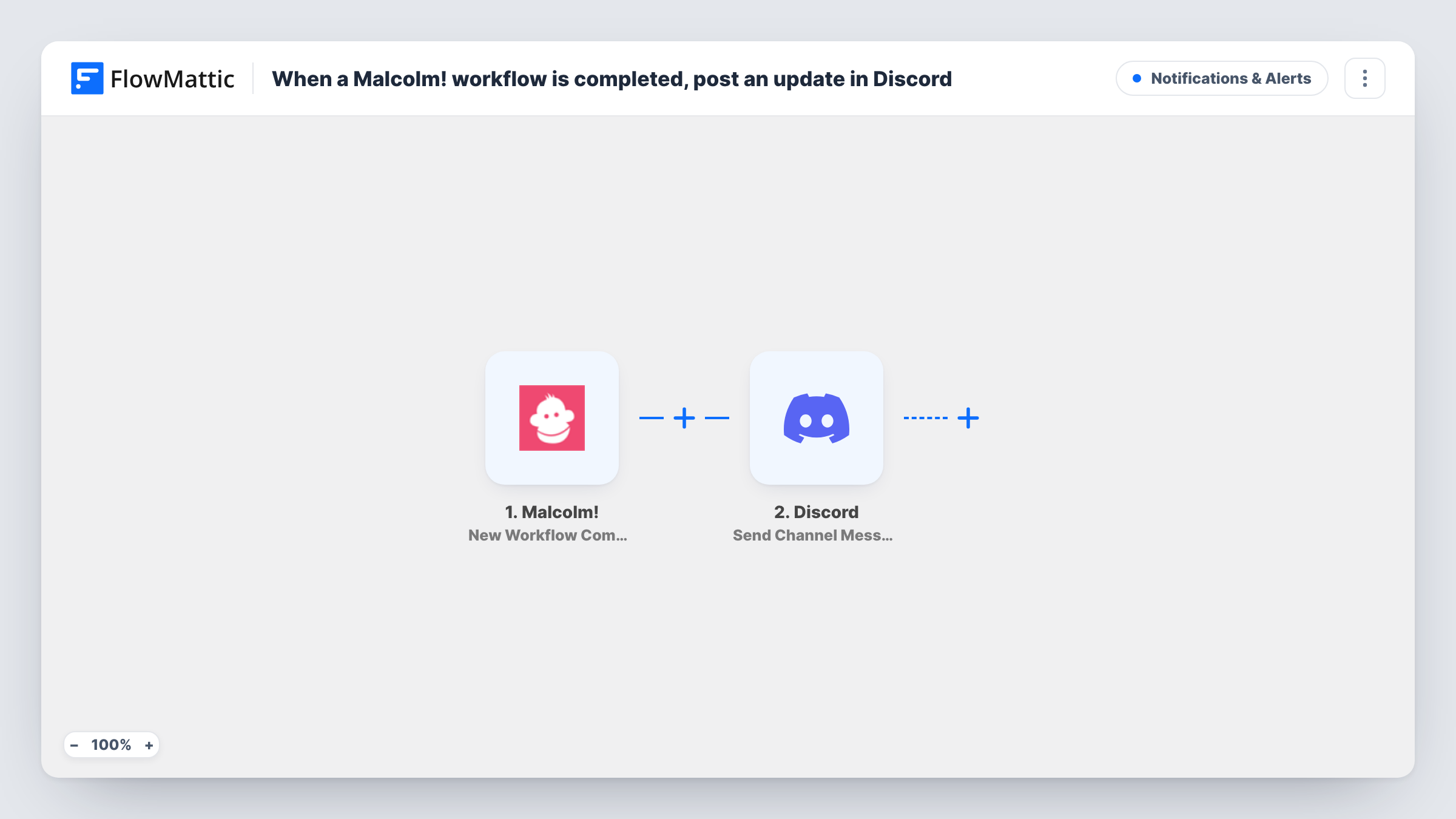
The Malcolm! trigger fires when a workflow there is completed. FlowMattic takes the data that event carries and hands it to the Discord step, which posts a new message to a channel in your server. You write the message text yourself and drop in values from the completion wherever you want them. A test run shows which fields Malcolm! sends.
There is no condition in between, so every completion produces one post. If only some Malcolm! workflows matter to the channel, add a Filter after the trigger. Task History keeps a record of each run, including what was sent to Discord.
Onboarding checklists finished
An HR lead runs a Malcolm! onboarding workflow for each new hire. When it is completed, the managers' Discord channel gets a short note so they know the new starter is set up.
Client delivery sign-off
An agency tracks delivery steps in the Malcolm! app. Completion posts to the project channel, so account managers can tell the client the job is done.
Shared progress log for a remote team
A team that works in Discord uses one channel as a running log, with a post for every Malcolm! workflow that reaches the end.
How this workflow runs
What happens at each step once the workflow is on, and what you need before you import it.
 Malcolm! New Workflow Completion
Fires when a workflow in your connected Malcolm! account is completed. The completion data becomes available for mapping into the Discord message.
- Discord Send Channel Message
Sends one new message to a Discord channel of your choice. Write the text and insert fields from the Malcolm! event, then run a test to see which values arrive.
What you need
- FlowMatticCore
- Malcolm! AccountAccount
- Discord AccountAccount
After importing, map your own data. To keep the template universal, not every step is pre-filled. Open each step in the builder and connect your accounts and fields (channels, lists, sheets, recipients) before you switch the workflow on.
Make it yours
Changes worth making after you import it.
- Add a Filter after the Malcolm! trigger that continues only when a field that names the workflow, if the event carries one, matches the ones a channel cares about, so the channel isn't flooded with every completion.
- Swap the single Discord step for a Router with one route per Malcolm! workflow, each posting to its own channel, so each team only sees its own completions.
- Complete a test workflow in Malcolm! after import so FlowMattic captures real field names, then build the message from those fields.
Questions about this workflow
Which Malcolm! workflows trigger a Discord post?
As imported, every completed workflow in the connected Malcolm! account does. Add a Filter after the trigger if you want only certain workflows to post.
Can the Discord message include details from Malcolm!?
Yes. Any value the completion event carries can be inserted into the message text. Run a test completion first to see which fields Malcolm! sends.
Will workflows completed before I turn this on be posted?
No. The trigger reacts to completions that happen while the FlowMattic workflow is on. Earlier completions are not sent to Discord.
Does this need a Discord bot in my server?
You connect your Discord account when you set up the Send Channel Message step, and FlowMattic posts through that connection. Make sure it can post in the channel you pick.
More Notifications & Alerts workflows
Other ready-to-import templates from the same category.





Import this workflow into your WordPress site
Download the JSON, import it from the Workflows screen and connect your accounts. Every run stays on your server, with no per-task fees.
30-day money-back guarantee Unlimited workflows and runs Self-hosted