

Send a Slack celebration message when a Nutshell lead is won
Each time a lead is marked won in Nutshell, this workflow posts a message to a Slack channel, so the team hears about the closed deal and who brought it in.
 Nutshell
 Slack
2 steps Setup ~5 min Used on 3.1k sites Free to import
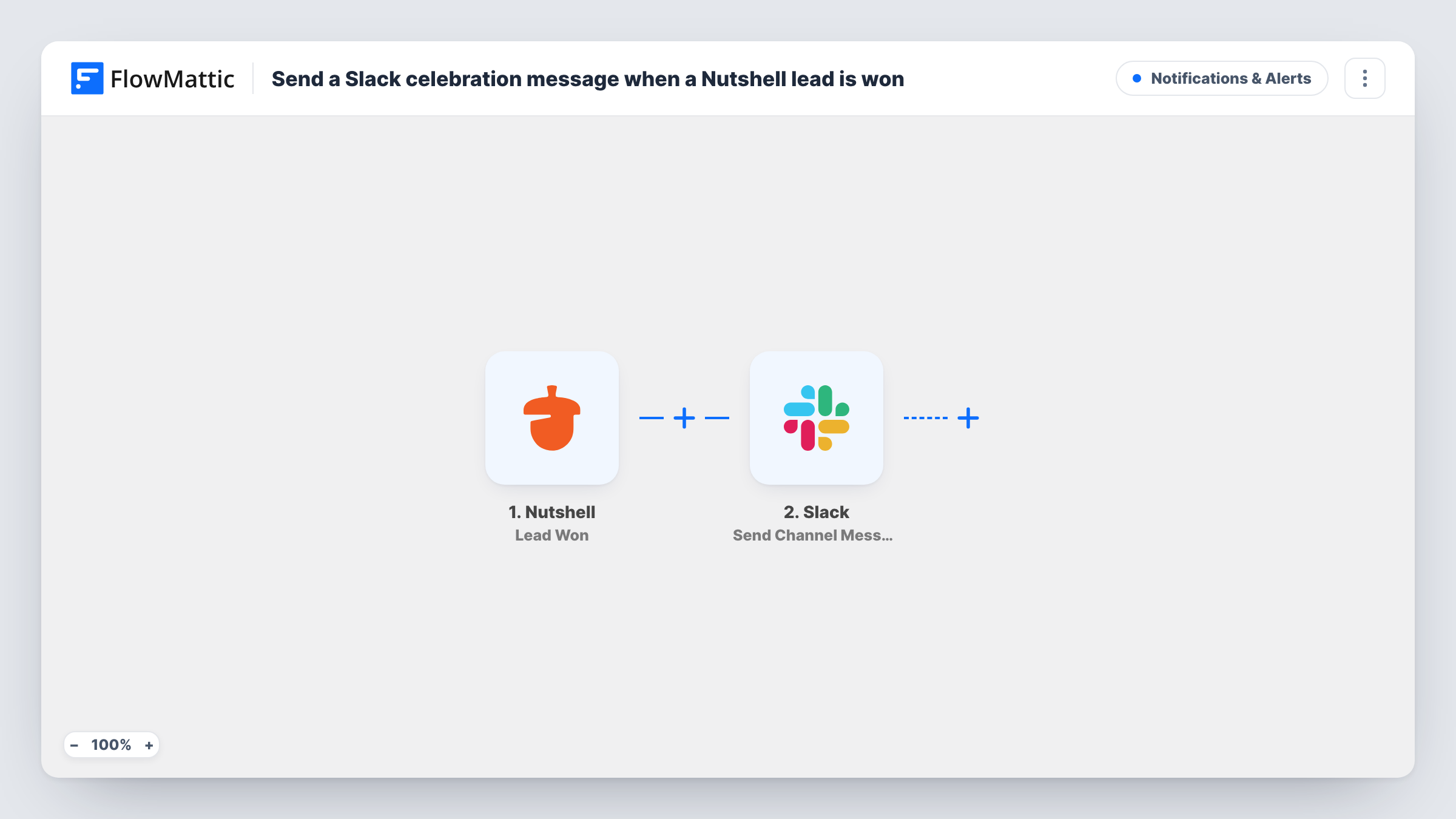
What this workflow does
A won deal is news the whole team wants, but in Nutshell it is a status change only the CRM users see. Sales managers end up announcing wins by hand, or not at all. This workflow posts the news to Slack the moment a lead is won.
The Nutshell trigger fires when a lead is won. FlowMattic receives the lead's data and hands it to Slack, where Send Channel Message posts to the channel you choose. You write the message yourself and drop in values from the lead, for example its name, value or owner, depending on what Nutshell sends.
Every won lead posts once when the trigger fires, with no filter on size or owner. The message is plain channel text that you can make as cheerful or as factual as your team likes. Task History records each post and Slack's reply, which helps if a message doesn't show up.
Win announcements for a sales floor
A #wins channel gets a post for every Nutshell deal closed, so reps see each other's results without opening the CRM.
Handover to onboarding
The onboarding team watches the Slack channel and starts setting up the new customer as soon as the won message appears.
Founders tracking a small sales team
A founder who rarely logs into Nutshell sees each won lead in Slack, with whichever lead details you mapped into the message.
How this workflow runs
What happens at each step once the workflow is on, and what you need before you import it.
 Nutshell Lead Won
Runs when a lead is marked won in Nutshell. Whatever Nutshell sends about the won lead can be dropped into the Slack text.
- Slack Send Channel Message
Sends your celebration text to a Slack channel. Connect your Slack workspace, pick the channel, and write the text with values from the won Nutshell lead mapped in.
What you need
- FlowMatticCore
- Nutshell AccountAccount
- Slack AccountAccount
After importing, map your own data. To keep the template universal, not every step is pre-filled. Open each step in the builder and connect your accounts and fields (channels, lists, sheets, recipients) before you switch the workflow on.
Make it yours
Changes worth making after you import it.
- Add a Filter after the trigger on the lead's value if you only want large wins announced, and check with a test what value field Nutshell sends.
- Mention the rep's name in the message so the channel knows whom to congratulate.
- For a private Slack channel, swap the step for Slack's Send Private Channel Message action. To congratulate the rep alone, Slack's Send Direct Message action fits better.
Questions about this workflow
Does every won Nutshell lead get a Slack message?
Yes, as imported. There is no condition between the trigger and the Slack step. Add a Filter if you want to post only some wins.
Can the Nutshell win go to a private Slack channel?
Send Channel Message isn't meant for that. Replace it with Slack's Send Private Channel Message action and choose the private channel there.
What if a Nutshell lead is reopened and won again?
If Nutshell fires Lead Won a second time, the workflow posts a second message. Nothing removes or edits the earlier one.
More Notifications & Alerts workflows
Other ready-to-import templates from the same category.





Import this workflow into your WordPress site
Download the JSON, import it from the Workflows screen and connect your accounts. Every run stays on your server, with no per-task fees.
30-day money-back guarantee Unlimited workflows and runs Self-hosted