

Send a Slack notification for each new LeadGen App lead
Every new lead that LeadGen App receives is posted as a message in the Slack channel you pick, so the people who follow up see each lead in the place they already talk.
 LeadGen App
 Slack
Slack2 steps Setup ~5 min Used on 1.8k sites Free to import
What this workflow does
Leads that sit in a form tool's dashboard wait until someone remembers to look. Moving them into Slack puts each one in front of your team as it arrives, with no extra login and no export.
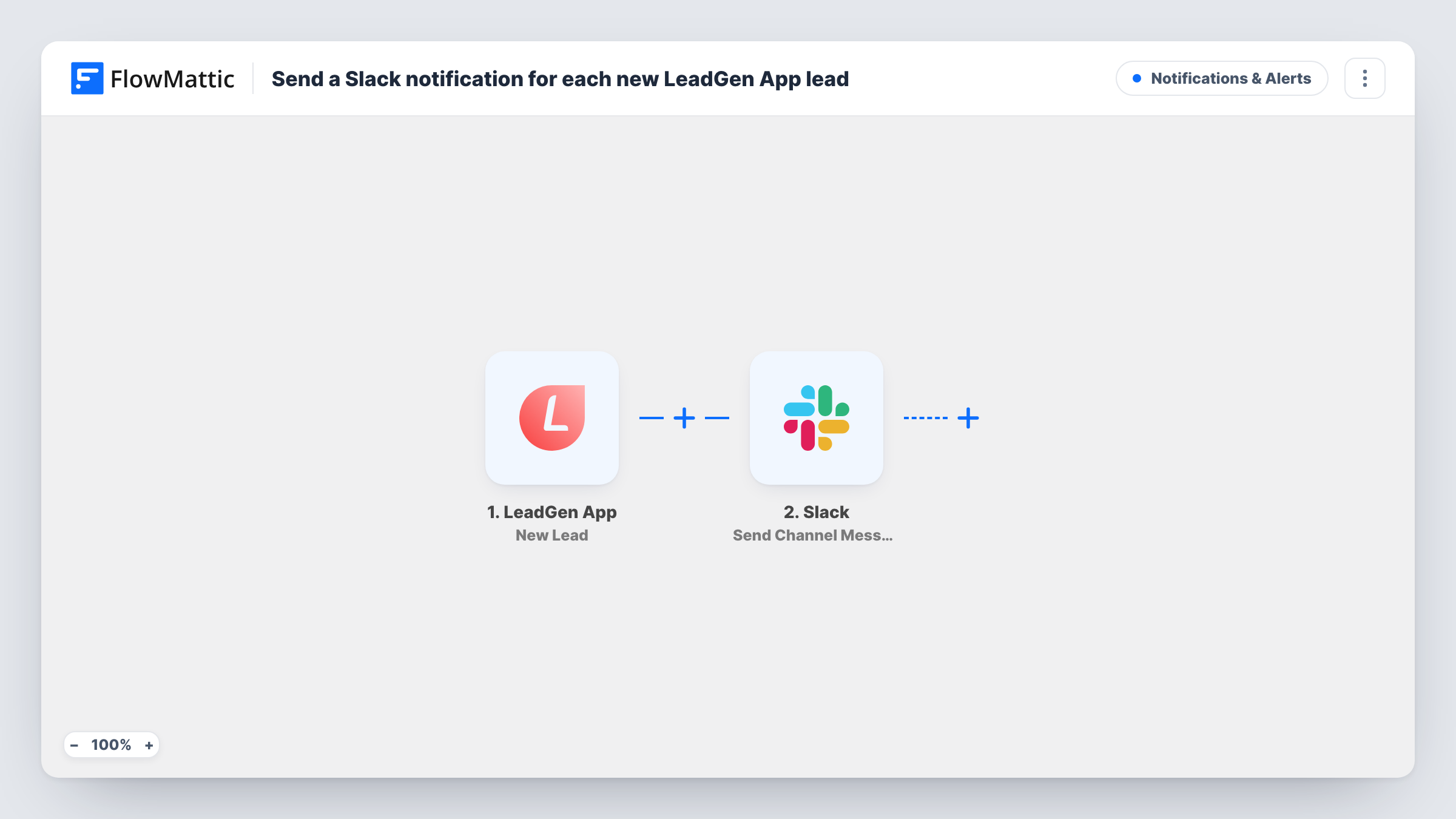
The LeadGen App trigger starts a run each time a fresh lead lands in your LeadGen App account. FlowMattic passes the lead's answers to Slack, where the Send Channel Message action posts to the channel you choose. You write the message yourself and drop in the lead details you want shown, such as a name, contact details or the answer to a qualifying question.
Every lead posts one message, since the template has no Filter. The lead itself stays in LeadGen App; Slack only gets the text you build. Each run is listed in Task History, so you can see what was sent if a message looks wrong.
Sales channel for a landing page
A LeadGen App form sits on a paid ad landing page. Each new lead appears in your #sales channel with the name and the budget answer, and whoever is free replies in a thread to claim it.
Consultation requests for a clinic
Front-desk staff watch one Slack channel. Each LeadGen App booking request shows up there with the preferred day the visitor chose.
Agency alerts for a client form
An agency runs a lead form for a client and posts each new lead to a Slack channel the client's team shares with the agency.
How this workflow runs
What happens at each step once the workflow is on, and what you need before you import it.
 LeadGen App New Lead
Fires when LeadGen App receives a new lead. The lead's answers become data you can place in the Slack message.
- Slack Send Channel Message
Sends your message into a Slack channel in your workspace. Connect your Slack workspace, pick the channel, and write the message text with the lead fields mapped in.
What you need
- FlowMatticCore
- LeadGen App AccountAccount
- Slack AccountAccount
After importing, map your own data. To keep the template universal, not every step is pre-filled. Open each step in the builder and connect your accounts and fields (channels, lists, sheets, recipients) before you switch the workflow on.
Make it yours
Changes worth making after you import it.
- Leads that belong in a private sales room need the Send Private Channel Message action in place of this one, while a single rep can get them through Send Direct Message.
- Add a Filter after the trigger to post only leads that match an answer, such as a budget range or a service choice. Leads that don't match stop at the Filter.
- Put the most useful detail first in the message, such as the lead's name and what they asked for, so the channel preview shows it without opening the post.
Questions about this workflow
Which LeadGen App lead details can I show in Slack?
Whatever the trigger passes from the lead. Submit a test lead after import so FlowMattic captures the fields, then map the ones you want into the message.
Can LeadGen App leads go to a private Slack room?
For a private room, don't rely on the imported Send Channel Message step. Replace it with the Send Private Channel Message action from Slack to post into a private one.
Does a lead get posted twice if it is received again?
Each new lead event from LeadGen App runs the workflow once. If LeadGen App records the same person as a second lead, Slack gets a second message.
More Notifications & Alerts workflows
Other ready-to-import templates from the same category.





Import this workflow into your WordPress site
Download the JSON, import it from the Workflows screen and connect your accounts. Every run stays on your server, with no per-task fees.
30-day money-back guarantee Unlimited workflows and runs Self-hosted