

Send a Slack notification when a donation is refunded in GiveWP
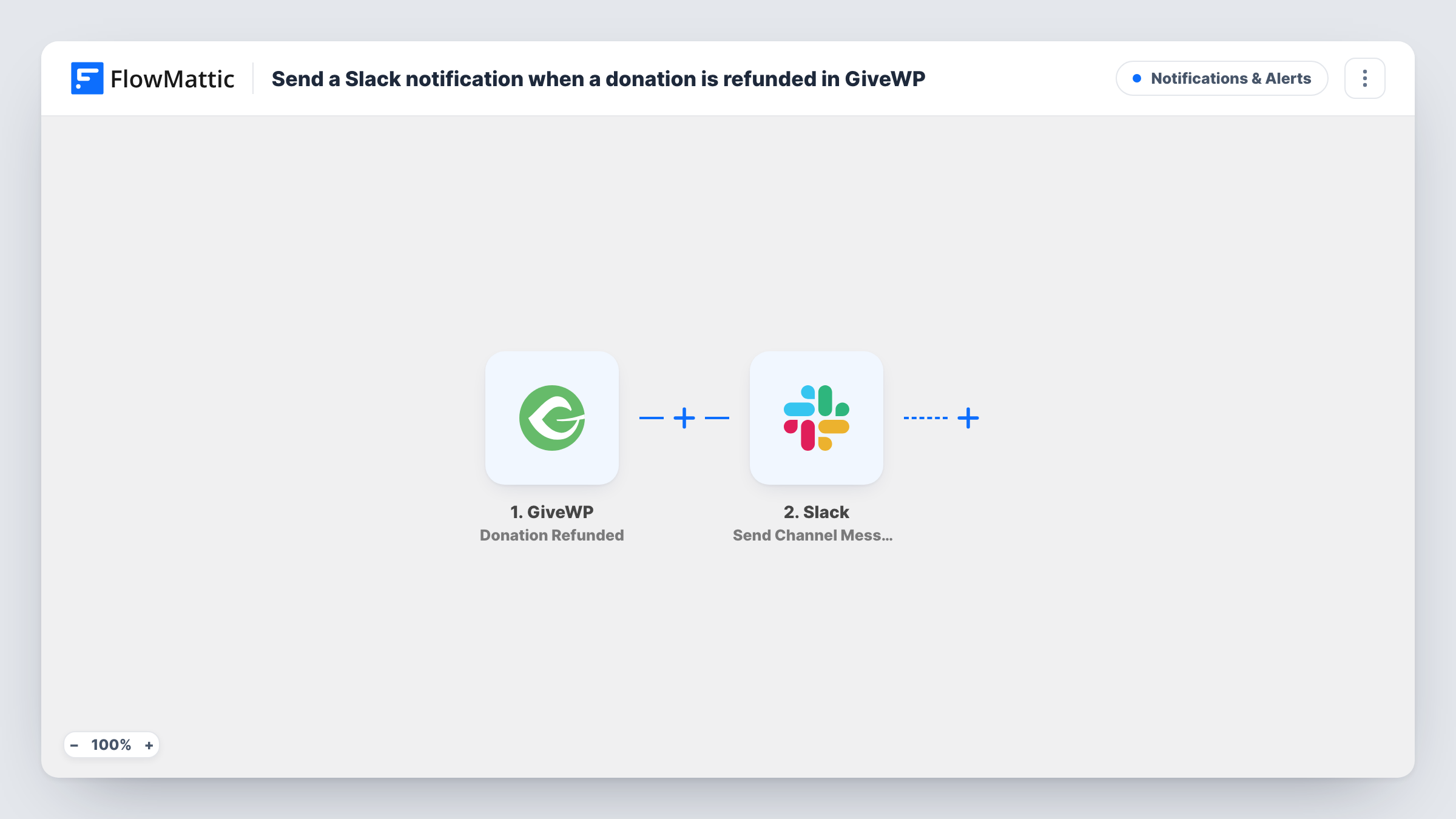
When a GiveWP donation is marked as refunded on your WordPress site, this workflow posts a message in the Slack channel you pick, so your finance and fundraising staff hear about it straight away.
 GiveWP
 Slack
2 steps Setup ~5 min Used on 979 sites Free to import
What this workflow does
Refunds change your totals, and they often mean a donor needs a personal follow-up. If the only record sits in the GiveWP admin, the people who reconcile accounts or look after donors may not notice for days. This workflow tells them in Slack instead.
The GiveWP trigger fires when a donation is refunded on your site. FlowMattic passes that donation's data to Slack, which posts in the channel you choose. You write the message and map in details from the refunded donation, such as the donor's name, the amount or the form it came through.
The workflow only reads the refund and posts about it. It does not change the donation, contact the donor or adjust any report. Each refund produces one message, and Task History keeps a record of every run with the data GiveWP sent.
Keep the books in step
Your treasurer watches a #finance channel and adjusts the monthly figures as each GiveWP refund is posted there.
Personal follow-up with the donor
A donor relations lead sees the refund in Slack and reaches out to ask whether something went wrong with their gift.
Spotting problems with a campaign form
Several refunds from the same donation form showing up in Slack can point to a confusing amount or a setup mistake you want to look at.
How this workflow runs
What happens at each step once the workflow is on, and what you need before you import it.
 GiveWP Donation Refunded
Fires when a donation on your site is set to refunded in GiveWP. The refunded donation's data becomes available to map in the Slack message.
- Slack Send Channel Message
Posts a refund message in the Slack channel you select. Connect your workspace, write the text and map in the donation details your team should see.
What you need
- FlowMatticCore
- GiveWP PluginPlugin
- Slack AccountAccount
After importing, map your own data. To keep the template universal, not every step is pre-filled. Open each step in the builder and connect your accounts and fields (channels, lists, sheets, recipients) before you switch the workflow on.
Make it yours
Changes worth making after you import it.
- Add a Filter after the trigger if only larger refunds need a Slack alert, for example an amount greater than a figure you choose. Decimals are cut off in the comparison.
- Refund one test donation in GiveWP after import so FlowMattic captures the real fields, then build the Slack message from them.
- Add a Google Sheets step after Slack to keep a running log of refunds alongside the alert.
Questions about this workflow
Does the Slack message go out for GiveWP refunds made before import?
No. Only donations refunded after you turn the workflow on post a message.
Does this workflow issue the refund in GiveWP?
No. It reacts to a refund that has already been recorded in GiveWP and only posts to Slack.
Can the refund alert go to a private Slack channel?
Check with a test run. A private channel usually needs the FlowMattic Slack connection to have access to it before a message can be posted there.
More Notifications & Alerts workflows
Other ready-to-import templates from the same category.





Import this workflow into your WordPress site
Download the JSON, import it from the Workflows screen and connect your accounts. Every run stays on your server, with no per-task fees.
30-day money-back guarantee Unlimited workflows and runs Self-hosted