

Send a Slack notification when a new 99Inbound form is submitted
Each new submission to your 99Inbound form posts a message in the Slack channel you choose, with the answers you map, so your team hears about every lead or enquiry without checking email.
 99Inbound
 Slack
2 steps Setup ~5 min Used on 1.6k sites Free to import
What this workflow does
99Inbound handles form submissions for sites that have no back end of their own. The submissions usually arrive by email, where they compete with everything else in the inbox. If your team runs its day in Slack, this workflow puts each submission there instead.
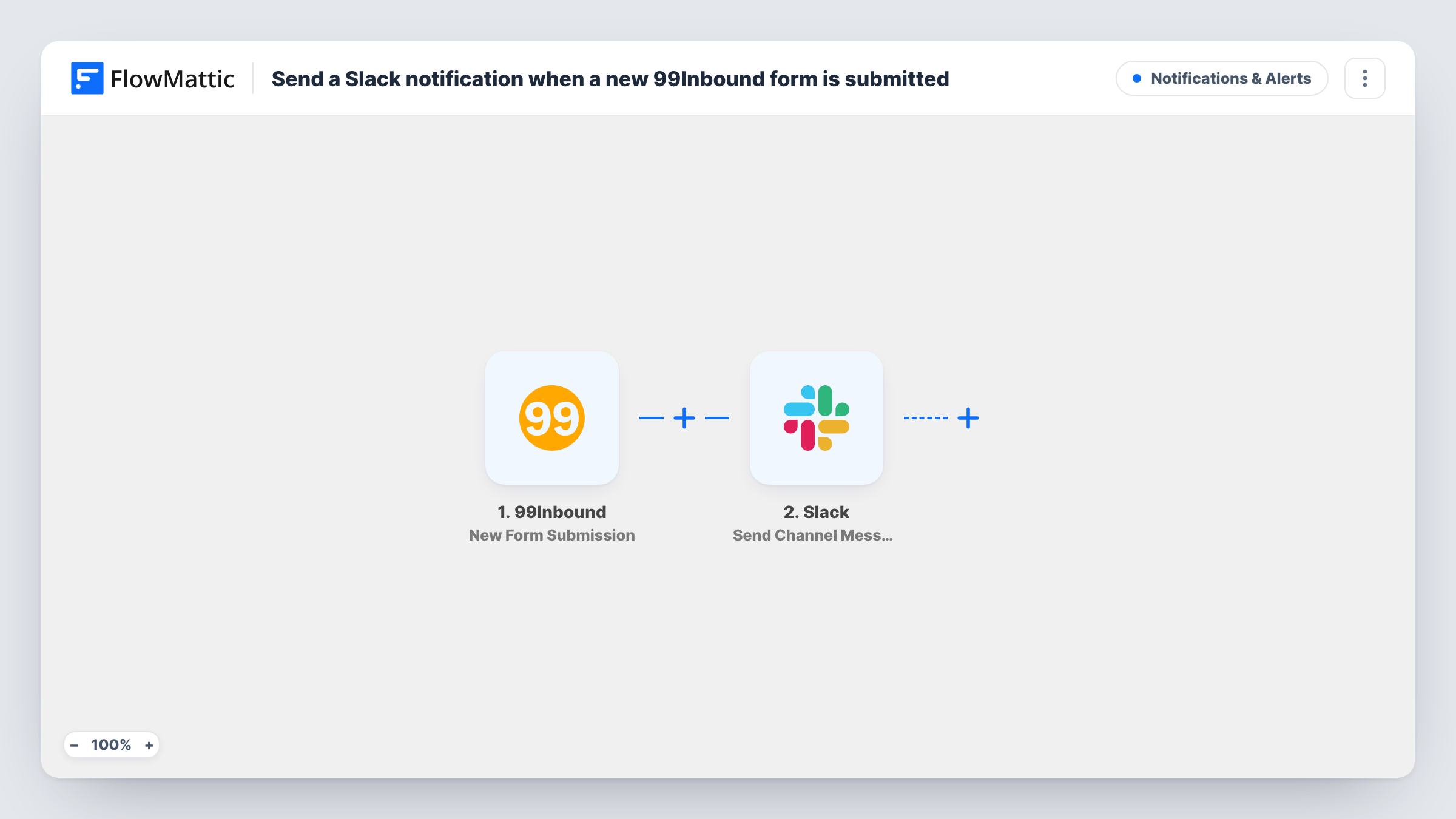
The 99Inbound trigger fires when a submission is received on your form. FlowMattic passes the submitted fields to Slack, and the Send Channel Message action posts to the channel you pick. You build the message from the fields you want to see, such as the sender's name, email and message.
Each submission produces one Slack post, and nothing is filtered out as imported. Spam that gets past 99Inbound would also be posted, so keep its spam protection on. The workflow doesn't change 99Inbound's own handling of the form, so any email notifications you set there continue as before.
Contact form on a static marketing site
A site built with a static generator uses 99Inbound for its contact form. Every message shows up in a Slack channel the whole team reads.
Beta sign-ups for a new product
A landing page collects early-access requests through 99Inbound, and the founders watch the channel to see each sign-up as it comes in.
Partnership enquiries
A partners page form posts each enquiry in a business development channel, so the right person can pick it up and reply.
How this workflow runs
What happens at each step once the workflow is on, and what you need before you import it.
 99Inbound New Form Submission
Runs when a new submission is received on your 99Inbound form. The submitted fields are passed to the Slack step for mapping.
- Slack Send Channel Message
Sends a Slack post about the submission to the channel named in this step. Map the sender's details and message into the text so the team can act on it.
What you need
- FlowMatticCore
- 99Inbound AccountAccount
- Slack AccountAccount
After importing, map your own data. To keep the template universal, not every step is pre-filled. Open each step in the builder and connect your accounts and fields (channels, lists, sheets, recipients) before you switch the workflow on.
Make it yours
Changes worth making after you import it.
- To alert one person rather than a channel, swap the step for Slack's Send Direct Message action and map the same submission fields into it.
- If several forms feed this workflow, add a Filter after the trigger on the form name, if the submission carries it, so each channel only sees its own form.
- Submit your 99Inbound form once after import so FlowMattic captures its fields, then build the Slack message from them.
Questions about this workflow
Will 99Inbound still email me submissions?
Yes, if you have that set up in 99Inbound. This workflow receives a copy of each submission and doesn't change your form's settings.
Can 99Inbound submissions go to a private Slack channel?
For a private channel, replace the step with Slack's Send Private Channel Message action and map the same fields. The Send Channel Message step in this template is meant for regular channels.
Does the Slack post include every field from the 99Inbound form?
Only the fields you map into the message. Add or remove fields in the Slack step whenever your form changes.
More Notifications & Alerts workflows
Other ready-to-import templates from the same category.





Import this workflow into your WordPress site
Download the JSON, import it from the Workflows screen and connect your accounts. Every run stays on your server, with no per-task fees.
30-day money-back guarantee Unlimited workflows and runs Self-hosted