

Send a Slack notification when an Emarsys webhook event fires
When Emarsys sends one of the events you set its webhook up for, this workflow posts a message to a Slack channel, so your marketing team sees campaign activity without logging in to Emarsys.
 Emarsys
 Slack
2 steps Setup ~5 min Used on 2.1k sites Free to import
What this workflow does
Emarsys holds a lot of activity your team may want to know about as it happens, but nobody keeps its dashboard open all day. Slack is where most teams already talk. This workflow carries Emarsys events into a channel there.
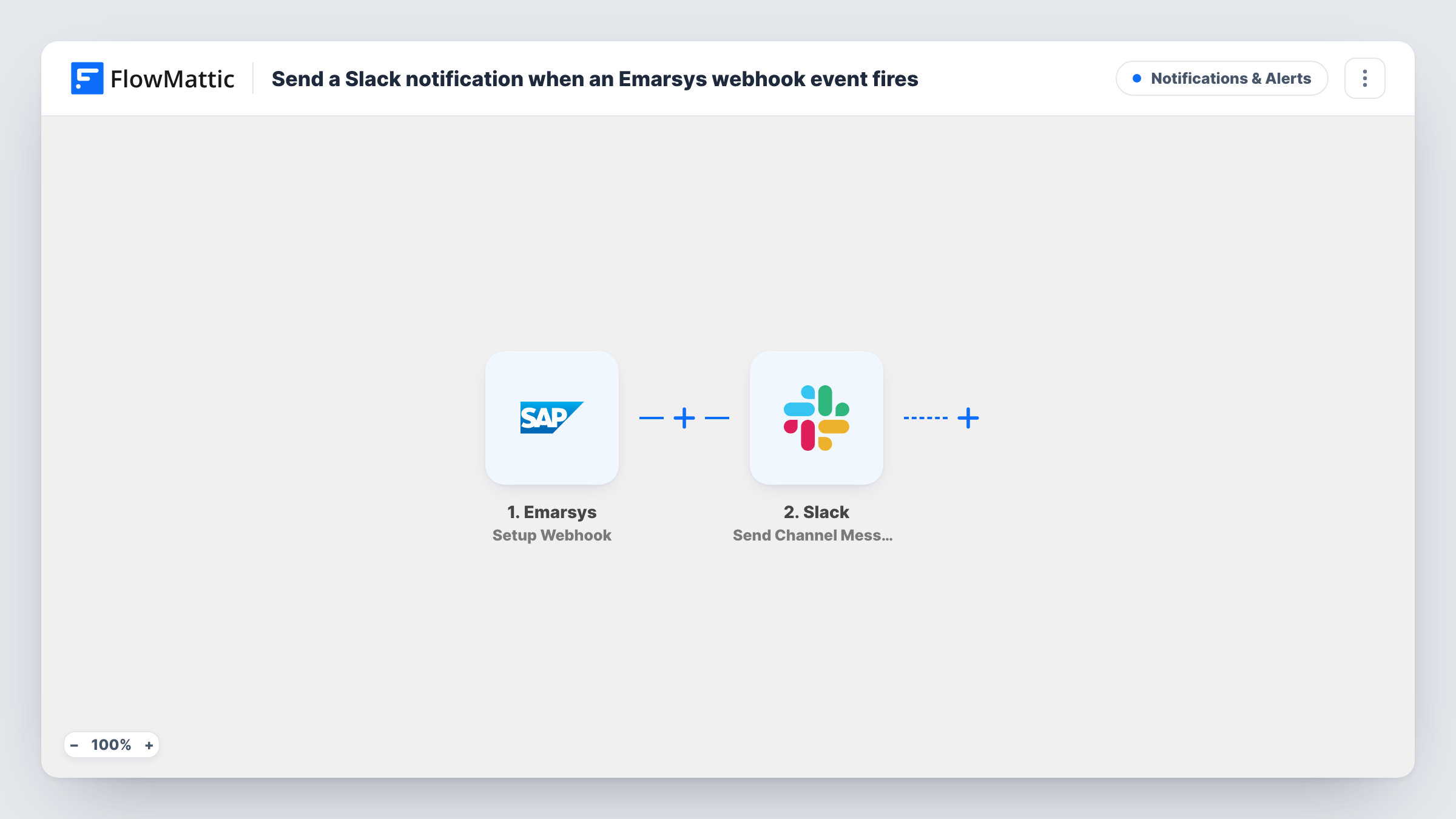
The Emarsys trigger is Setup Webhook. Per FlowMattic's description, it triggers for all the events you specify inside Emarsys, so which events start a run is decided by your webhook set-up on the Emarsys side. Each event's data is handed to Slack Send Channel Message, which posts to the channel you pick. You write the message and drop in fields from the event.
Every event Emarsys sends to the webhook becomes one Slack post. If you subscribe it to frequent events, the channel fills up quickly, so start with a small set or add a Filter. Task History holds each run with the event data and Slack's reply, which helps when you are working out which fields to show.
Marketing ops channel
The marketing operations team wants a heads-up when the Emarsys events they care about happen. Each event lands as a post in their Slack channel.
Watching a campaign launch
During a launch week, you point the Emarsys webhook at the events for that campaign, and the team follows them in Slack while they work.
Sharing activity with stakeholders
Managers who have no Emarsys login can still follow chosen events by joining the Slack channel that receives the posts.
How this workflow runs
What happens at each step once the workflow is on, and what you need before you import it.
 Emarsys Setup Webhook
Receives the events you specify in Emarsys through its webhook. Each event that arrives starts a run, and its data becomes available to map in the Slack message.
- Slack Send Channel Message
Sends the event to the Slack channel you pick as a new message. Write the text and map event fields into it so readers can tell what happened in Emarsys.
What you need
- FlowMatticCore
- Emarsys AccountAccount
- Slack AccountAccount
After importing, map your own data. To keep the template universal, not every step is pre-filled. Open each step in the builder and connect your accounts and fields (channels, lists, sheets, recipients) before you switch the workflow on.
Make it yours
Changes worth making after you import it.
- Send one event from Emarsys after import so FlowMattic captures a sample, then choose which fields to show in the Slack message from what actually arrives.
- Add a Filter after the trigger if you only want some event types in Slack. Continue only when the event type field equals the value you care about.
- For a private channel, replace the step with Slack's Send Private Channel Message action. To alert one teammate only, use Send Direct Message instead.
Questions about this workflow
Which Emarsys events reach Slack?
The ones you specify in your Emarsys webhook set-up. FlowMattic posts whatever arrives, so change the event list in Emarsys or add a Filter to narrow it.
Can I format the Emarsys alert in Slack?
You write the message text in the Slack step and place event fields where you want them, so you control the wording and which details appear.
Will Emarsys events from before the import be posted?
No. Only events Emarsys sends while the workflow is active start a run. Past activity stays in Emarsys.
Can I post different Emarsys events to different Slack channels?
Not as imported, since one step posts to one channel. Swap in a Router with a route per event type, each with its own Slack step.
More Notifications & Alerts workflows
Other ready-to-import templates from the same category.



Import this workflow into your WordPress site
Download the JSON, import it from the Workflows screen and connect your accounts. Every run stays on your server, with no per-task fees.
30-day money-back guarantee Unlimited workflows and runs Self-hosted