

Send Slack messages for gift card purchases in WooCommerce Smart Coupons
When a customer buys a gift card through WooCommerce Smart Coupons and it is sent to the recipient, this workflow posts a message to a Slack channel so your team sees the sale.
 WooCommerce Smart Coupons
 Slack
Slack2 steps Setup ~5 min Used on 2.3k sites Free to import
What this workflow does
Gift card sales are easy to miss in the WooCommerce orders screen, yet your team may want to know about them: someone to thank the buyer, someone to watch outstanding balances. This workflow puts each gift card purchase in front of the team in Slack.
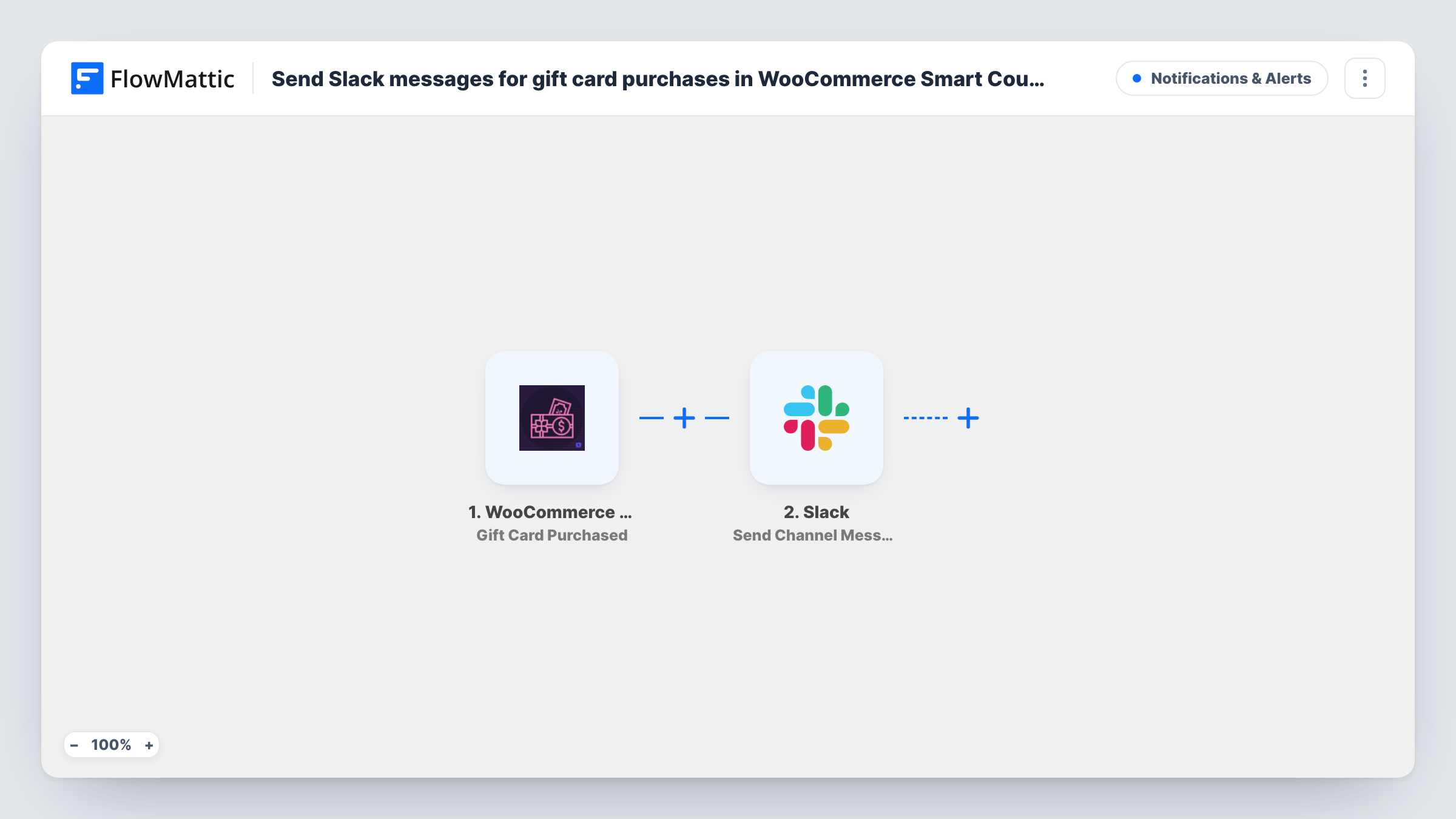
The WooCommerce Smart Coupons trigger fires when a gift card is purchased and sent to its recipient. FlowMattic passes the purchase data on to Slack, where Send Channel Message posts to the channel you pick. You write the message text and drop in details from the purchase, such as the buyer or the card's value, where the event provides them.
Every gift card purchase produces one message. Other Smart Coupons activity, like generated coupons or store credit use, does not start this workflow. Each gift card run and the Slack text it produced show up in Task History.
Holiday gift card rush
During the December sales period, the shop team watches gift card purchases appear in a #sales channel without refreshing the orders screen.
Personal thank-you notes
A small boutique's owner sees each gift card sale in Slack and sends the buyer a handwritten card with their next shipment.
Finance keeps track of liabilities
Gift cards are money owed to customers. Posting each purchase to a finance channel gives the bookkeeper a running view of new balances issued.
How this workflow runs
What happens at each step once the workflow is on, and what you need before you import it.
 WooCommerce Smart Coupons Gift Card Purchased
Runs when a gift card is purchased in WooCommerce Smart Coupons and sent to a recipient. The purchase data is passed on so you can map it into the Slack message.
- Slack Send Channel Message
Sends the gift card alert to one public Slack channel of your choosing. Write the text and map gift card details from the trigger into it, then connect your Slack workspace.
What you need
- FlowMatticCore
- WooCommerce Smart Coupons PluginPlugin
- Slack AccountAccount
After importing, map your own data. To keep the template universal, not every step is pre-filled. Open each step in the builder and connect your accounts and fields (channels, lists, sheets, recipients) before you switch the workflow on.
Make it yours
Changes worth making after you import it.
- To notify a private channel, swap this step for Slack's Send Private Channel Message action. For a single teammate, Send Direct Message is the better fit.
- Add a Filter after the trigger to post only gift cards above a certain value, using the amount field from a test run.
- Buy a low-value test gift card after import so FlowMattic captures the purchase fields, then map them into the Slack text before you go live.
Questions about this workflow
Does this post when a WooCommerce Smart Coupons gift card is redeemed?
No. The trigger fires on purchase. Smart Coupons has a separate Store Credit Used trigger for when credit is applied on an order.
Can the gift card message go to a private Slack channel?
Don't count on the template's Send Channel Message step for a gift card alert in a private room. Switch the step to Slack's Send Private Channel Message action when the alert belongs in a private room.
Will past gift card sales be posted to Slack?
No. Gift cards bought before activation are never sent to Slack.
Do I need WooCommerce Smart Coupons on the same site?
Yes. The trigger comes from the WooCommerce Smart Coupons plugin, so it must run on the WordPress site where FlowMattic is installed.
More Notifications & Alerts workflows
Other ready-to-import templates from the same category.






Import this workflow into your WordPress site
Download the JSON, import it from the Workflows screen and connect your accounts. Every run stays on your server, with no per-task fees.
30-day money-back guarantee Unlimited workflows and runs Self-hosted