

Share new Creatomate renders on Facebook Pages using Nuelink
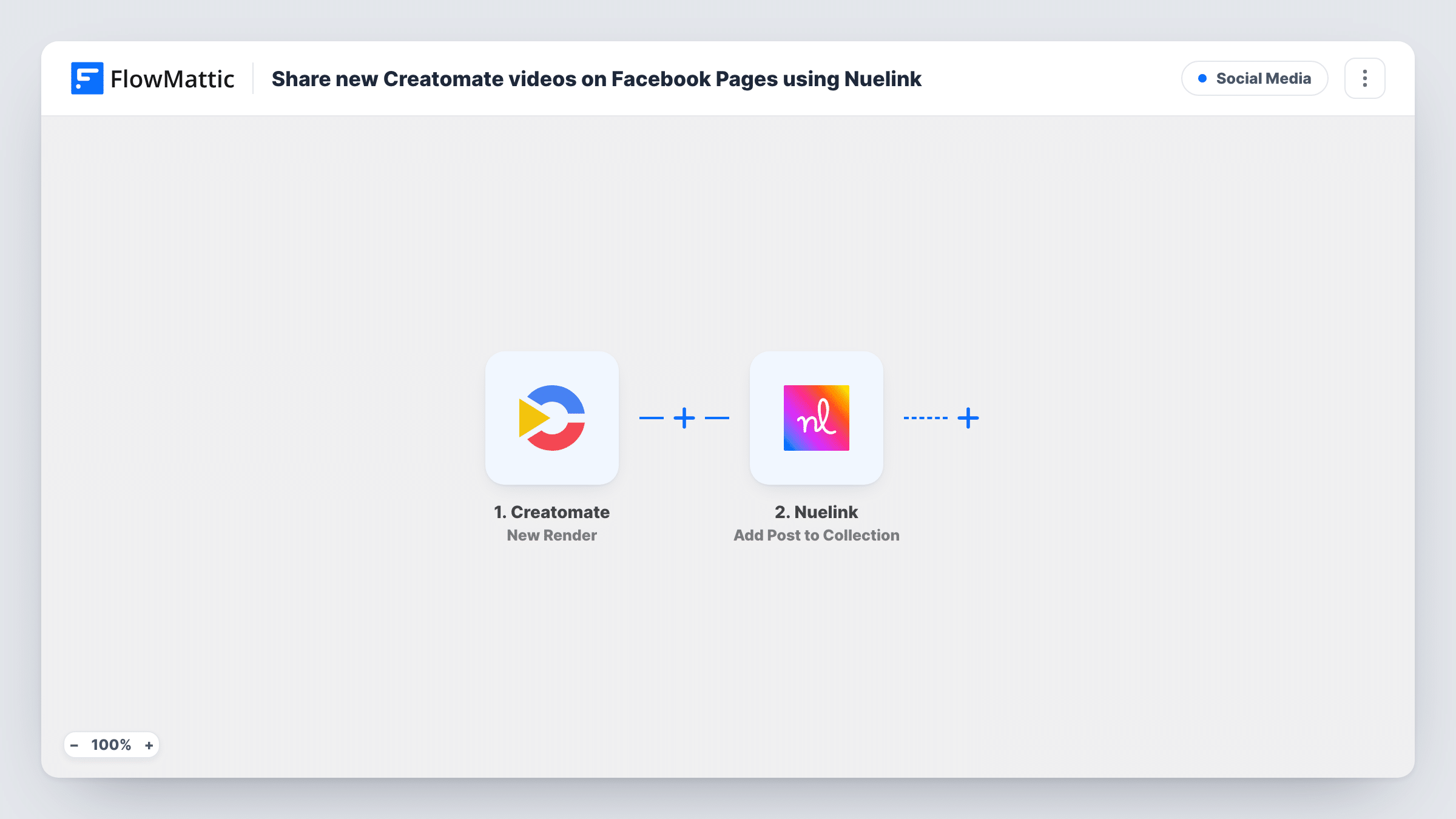
Whenever Creatomate finishes a render, FlowMattic adds it as a new post to a Nuelink collection, so the video, image or GIF can go out on the Facebook Pages you publish to from Nuelink.
 Creatomate
 Nuelink
2 steps Setup ~5 min Used on 3.2k sites Free to import
What this workflow does
Creatomate is often used to turn a template into a steady stream of social content: product clips, quote cards, weekly promos. Downloading each file and scheduling it by hand undoes much of that automation. This workflow hands every finished render to Nuelink, the social scheduling tool, as a post in one of your collections.
The Creatomate trigger, New Render, fires when a new video, image or GIF has been generated. FlowMattic receives the render's details, including the link to the finished file, which a test render will show you.
The Nuelink step adds a new social media post to your Nuelink collection. It is not mapped in the template, so after import you connect Nuelink, choose the collection and map the render's file link and any caption text into the post. Which social accounts the post reaches is decided in Nuelink, so set up the collection there to publish to your Facebook Pages.
Every completed render becomes a post, whatever template or format produced it. If you also render drafts, previews or files for other channels in the same Creatomate project, they reach the collection too unless you add the Filter from the tips. Make one test render and look at Task History to confirm the link and the post Nuelink created.
Weekly product clips for a shop page
An online store renders a short clip for each featured product with Creatomate, and every clip lands in the Nuelink collection that feeds its Facebook Page.
Quote cards for a coaching brand
A coach generates image quote cards in batches, and Nuelink spaces them out on the coach's Facebook Page from the collection.
Local news highlights
A community publisher renders headline videos from a Creatomate template and queues each one in Nuelink for its Facebook Pages.
How this workflow runs
What happens at each step once the workflow is on, and what you need before you import it.
 Creatomate New Render
Fires when Creatomate has generated a new video, image or GIF. The render details, including the file link, are passed to the Nuelink step.
- Nuelink Add Post to Collection
Creates a new post in the Nuelink collection you pick, built from the Creatomate render. Map the render's file link and your caption after import; the template leaves the step empty.
What you need
- FlowMatticCore
- Creatomate AccountAccount
- Nuelink AccountAccount
After importing, map your own data. To keep the template universal, not every step is pre-filled. Open each step in the builder and connect your accounts and fields (channels, lists, sheets, recipients) before you switch the workflow on.
Make it yours
Changes worth making after you import it.
- In Nuelink, connect your Facebook Pages to the collection you pick in step 2 before turning the workflow on, since that's where publishing is decided.
- If only some Creatomate templates are meant for Facebook, put a Filter between the New Render trigger and the Add Post to Collection step that checks the template field a test render shows.
- Write the caption in the Nuelink step using values from the render, so each post has text that matches its video or image.
Questions about this workflow
Do I need Facebook connected in Nuelink for this workflow?
Yes. FlowMattic only adds the post to a Nuelink collection. Nuelink publishes it, so the Facebook Pages must be connected to that collection in your Nuelink account.
Are Creatomate images and GIFs posted, or only videos?
The New Render trigger fires for videos, images and GIFs alike, so all of them become Nuelink posts. To keep some out, add a Filter on the output type or template between the New Render trigger and the Nuelink step.
Can I check Creatomate renders before they reach Facebook?
Yes. Add a Human in the Loop step between the New Render trigger and the Nuelink step, so someone approves each render first. Set its timeout action to End Workflow if nothing should post without approval.
More Social Media workflows
Other ready-to-import templates from the same category.






Import this workflow into your WordPress site
Download the JSON, import it from the Workflows screen and connect your accounts. Every run stays on your server, with no per-task fees.
30-day money-back guarantee Unlimited workflows and runs Self-hosted