

Subscribe new FlexiFunnels leads to a Mailchimp audience
Each new FlexiFunnels form submission adds the lead to your Mailchimp audience, or updates them if they are already on it, so your email list grows with every funnel sign-up.
 FlexiFunnels
 Mailchimp
2 steps Setup ~5 min Used on 872 sites Free to import
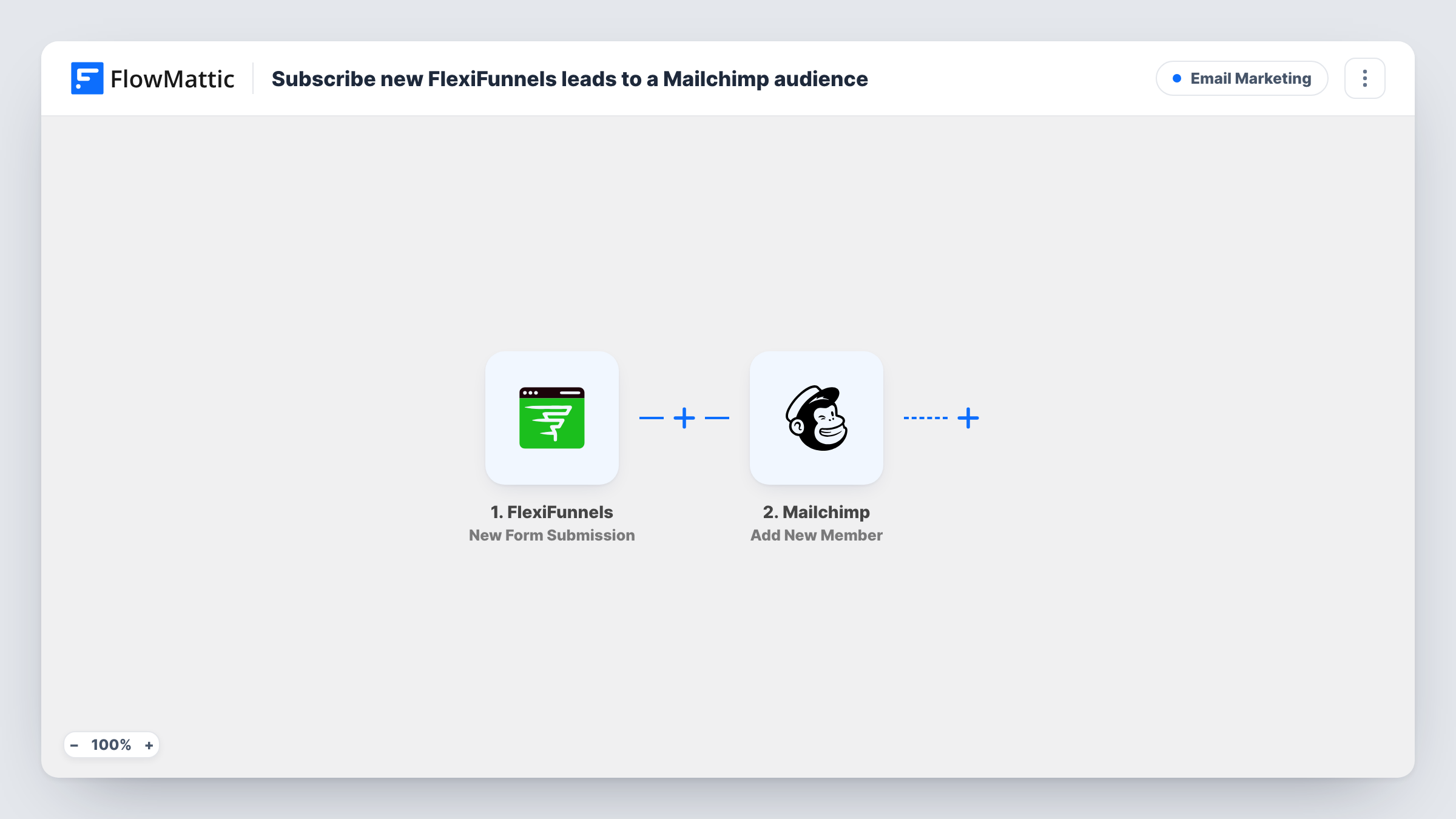
What this workflow does
Funnel pages built in FlexiFunnels bring in leads, but your emails go out from Mailchimp. Without a link between the two, sign-ups wait in FlexiFunnels until someone exports them. This workflow adds each lead to your Mailchimp audience as soon as the form is sent.
The FlexiFunnels trigger fires on every new form submission, and the visitor's details become fields you can map. The Mailchimp step then adds that person to your Mailchimp audience. If the address is already on the list, Mailchimp updates the existing member instead of adding a second one.
Once the lead is in Mailchimp, any welcome emails or journeys you set up there can pick them up. Task History records each run, so you can see what was sent to Mailchimp if a sign-up looks wrong.
Lead magnet funnels
Visitors who opt in for a free guide on a FlexiFunnels page join your Mailchimp audience, ready for your follow-up emails.
Launch waitlists
A waitlist form in FlexiFunnels adds each sign-up to Mailchimp, so you can email everyone when the product opens.
Repeat opt-ins on different pages
Someone who signs up on two funnels stays one Mailchimp member, with details updated from the latest form.
How this workflow runs
What happens at each step once the workflow is on, and what you need before you import it.
 FlexiFunnels New Form Submission
Fires when someone submits a form on your FlexiFunnels pages. Their details are passed on for mapping into Mailchimp.
- Mailchimp Add New Member
Adds the lead to your Mailchimp audience, or updates the member if that email is already there. Map the email address and any name fields from the form.
What you need
- FlowMatticCore
- FlexiFunnels AccountAccount
- Mailchimp AccountAccount
After importing, map your own data. To keep the template universal, not every step is pre-filled. Open each step in the builder and connect your accounts and fields (channels, lists, sheets, recipients) before you switch the workflow on.
Make it yours
Changes worth making after you import it.
- Send a test sign-up through your FlexiFunnels form after import, so the trigger captures sample data for the Mailchimp mapping.
- Add a Slack or email step after Mailchimp if you want a heads-up each time a funnel lead joins your list.
- If your form has a consent checkbox, add a Filter after the trigger that continues only when it is ticked.
Questions about this workflow
What happens if the FlexiFunnels lead is already in my Mailchimp audience?
The Add New Member action updates the existing member rather than adding a duplicate. Their details are refreshed from the form.
Are past FlexiFunnels sign-ups added to Mailchimp?
No. Only submissions made after you turn the workflow on are sent to Mailchimp.
Will FlexiFunnels leads get my Mailchimp welcome email?
The workflow only adds or updates the member. Any welcome email or journey depends on what you have set up in Mailchimp for that audience.
Which accounts does the FlexiFunnels to Mailchimp workflow use?
A FlexiFunnels account with the form, and the Mailchimp account that holds your audience.
More Email Marketing workflows
Other ready-to-import templates from the same category.




Import this workflow into your WordPress site
Download the JSON, import it from the Workflows screen and connect your accounts. Every run stays on your server, with no per-task fees.
30-day money-back guarantee Unlimited workflows and runs Self-hosted