

Create a HubSpot CRM contact from Iterable subscriber activity
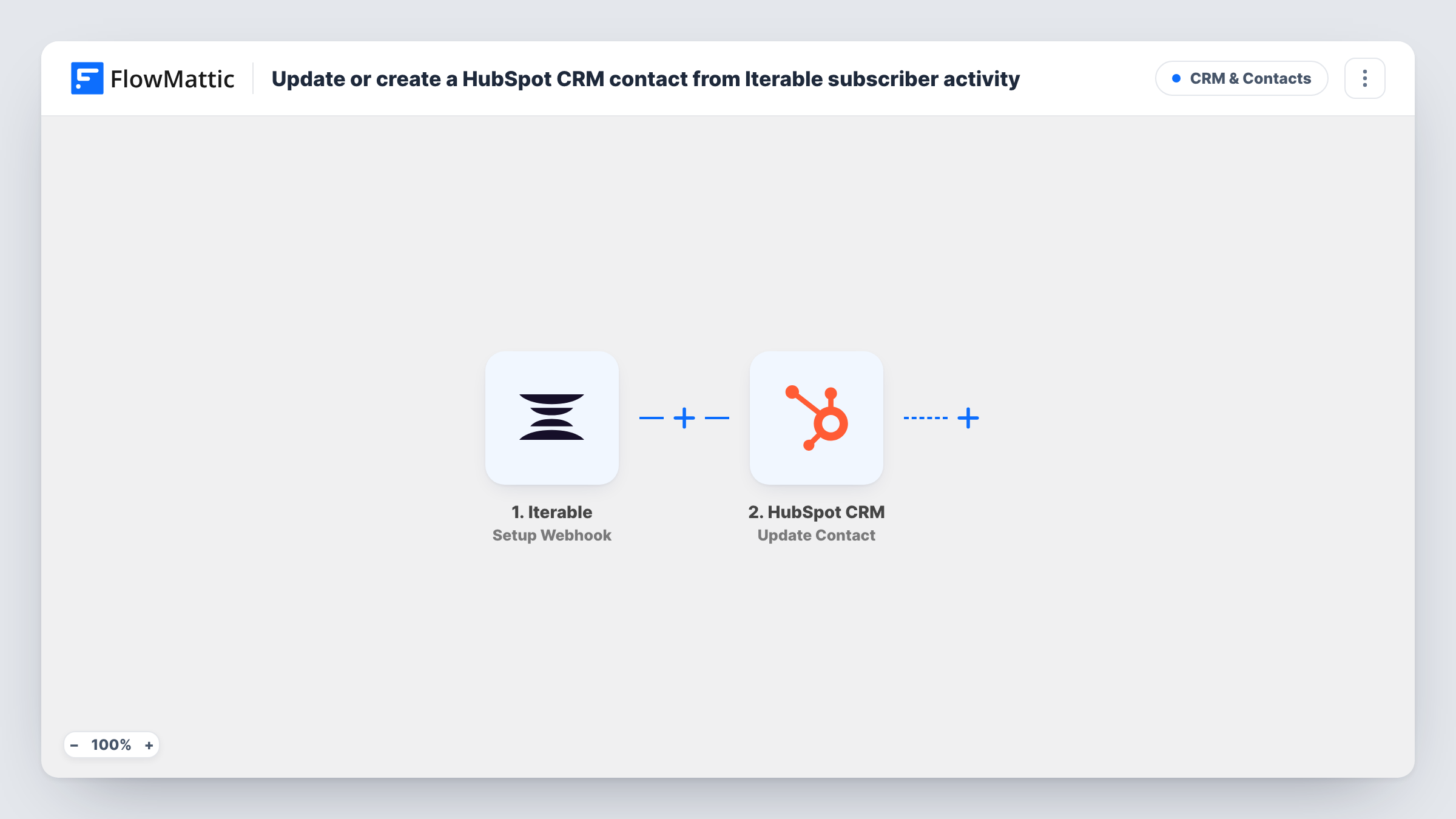
Iterable sends the subscriber events you select to FlowMattic, and each one creates a HubSpot CRM contact using the subscriber’s email address from the event.
 Iterable
 HubSpot CRM
2 steps Setup ~5 min Used on 3.2k sites Free to import
What this workflow does
Marketing teams often run their messaging in Iterable while sales works in HubSpot. When someone subscribes or engages with a campaign, sales may never hear about them. This workflow passes those people to HubSpot as contacts, so the CRM shows who is active in your Iterable program.
The Iterable trigger is a webhook that runs for the events you specify. You choose them in Iterable when you add the trigger's URL as a webhook there. Pick only the events that should create a contact, such as new subscriptions, because every event Iterable sends starts its own run.
The HubSpot CRM step creates a contact, and the template already maps the email from the Iterable event into it. You can add more fields after import, like a first name or a lifecycle stage, if the event carries them.
This step is create-only, so it won't refresh a contact that is already there. When an email already exists in HubSpot, for example because the same subscriber triggers a second event, HubSpot may refuse the duplicate, and you can read its answer in Task History. Send a test event from Iterable before turning the workflow on.
New newsletter subscribers for sales
A B2B software company sends Iterable's subscribe events to FlowMattic, so every new subscriber appears in HubSpot where sales reps can see them.
Engaged readers become CRM records
A media company selects the email click event in Iterable, so readers who click a campaign link are added to HubSpot for its partnerships team.
One contact list across two tools
A retailer that runs messaging in Iterable but reports in HubSpot uses the workflow to make sure people it starts emailing also exist in the CRM.
How this workflow runs
What happens at each step once the workflow is on, and what you need before you import it.
 Iterable Setup Webhook
Receives each event that Iterable sends to the webhook URL. You choose the event types in Iterable; every event it delivers, including the subscriber's email, starts one run.
- HubSpot CRM Create Contact
Creates a HubSpot contact with the email mapped from the Iterable event. Add more contact properties after import if your events include them, and check a test run for HubSpot's reply.
What you need
- FlowMatticCore
- Iterable AccountAccount
- HubSpot CRM AccountAccount
After importing, map your own data. To keep the template universal, not every step is pre-filled. Open each step in the builder and connect your accounts and fields (channels, lists, sheets, recipients) before you switch the workflow on.
Make it yours
Changes worth making after you import it.
- In Iterable's webhook settings, send only the event that should make a contact, such as a subscribe event. Engagement events like opens can repeat for the same person many times.
- Put a Filter between the Iterable trigger and the HubSpot step that continues only when the event's email field is not empty, so events without an address don't reach HubSpot.
- If you keep a custom HubSpot property for where a contact came from, set it to a fixed value such as Iterable in the Create Contact step.
Questions about this workflow
Can I limit which Iterable events reach HubSpot?
Yes. Select only those events for the webhook in Iterable. FlowMattic's Iterable trigger runs for the specified events, so a narrow selection keeps HubSpot from getting a run for every open or click.
What if the Iterable subscriber is already a HubSpot contact?
The HubSpot step is Create Contact, which doesn't update existing records. HubSpot may refuse an email it already has, and Task History shows what it returned for that run.
Does the HubSpot contact get a name as well as an email?
Only if you add it. The template maps just the email from the Iterable event. Check a test event to see which other fields Iterable sends, then map them.
More CRM & Contacts workflows
Other ready-to-import templates from the same category.




Import this workflow into your WordPress site
Download the JSON, import it from the Workflows screen and connect your accounts. Every run stays on your server, with no per-task fees.
30-day money-back guarantee Unlimited workflows and runs Self-hosted