

When a form is submitted in Formsite, add the user to a Mailchimp email list
Each time someone submits your Formsite form, FlowMattic adds them to the Mailchimp list you pick, or updates their details there if the address is already on it.
 Formsite
 Mailchimp
2 steps Setup ~5 min Used on 2.1k sites Free to import
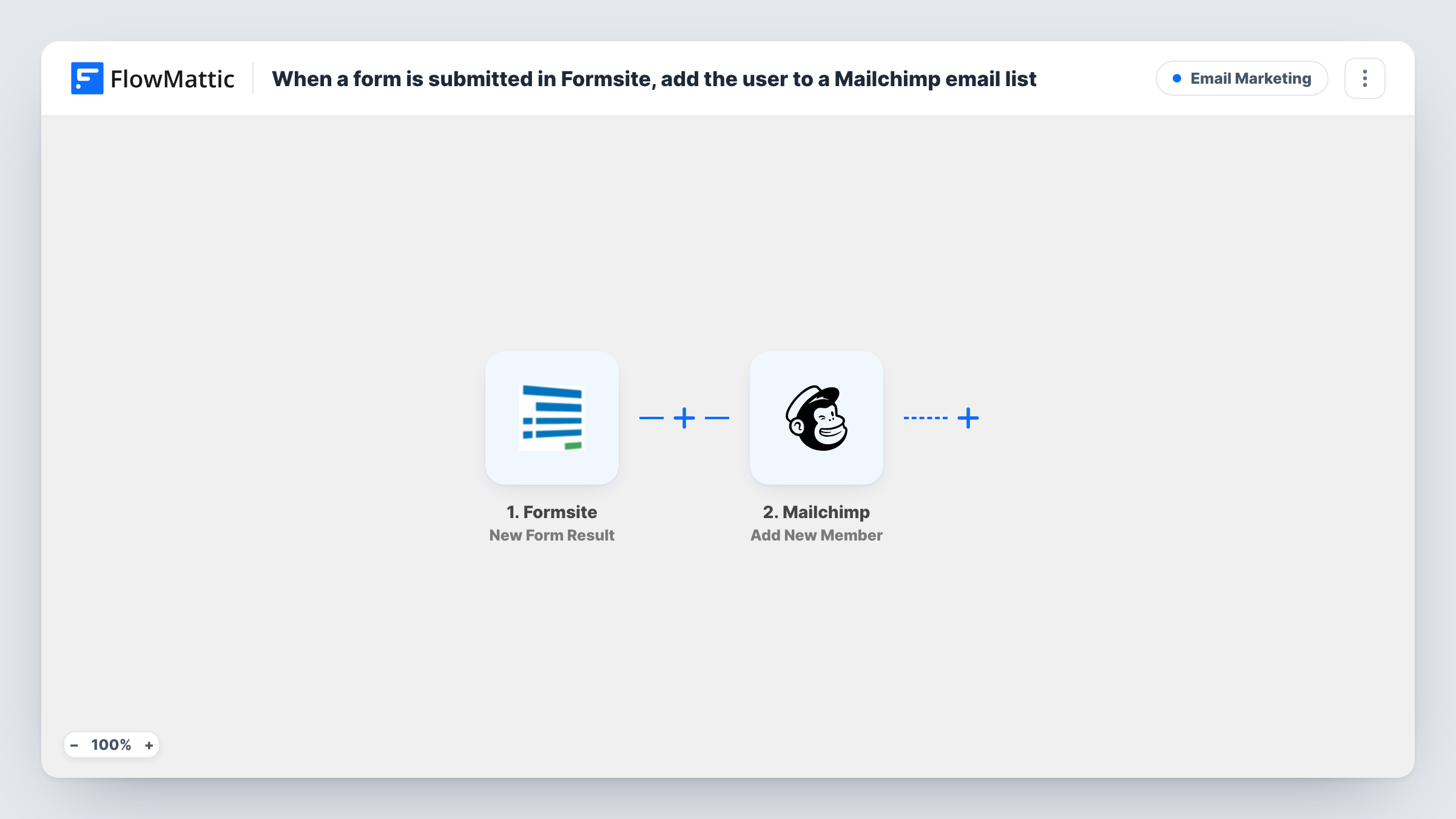
What this workflow does
A Formsite form is often the first place a prospect leaves an email address: a sign-up sheet, a download request, an event registration. Getting those addresses into Mailchimp usually means exporting results and uploading a CSV. This workflow moves each respondent onto your Mailchimp list as soon as the result is saved.
The Formsite trigger runs on every new form result. FlowMattic picks up the answers in that result; submit one test entry to see how your form's fields are named.
The Mailchimp Add New Member step puts the respondent on a list. FlowMattic describes it as adding a new member, or updating them if they already exist, so a person who fills in the form twice is kept up to date rather than duplicated. The step ships unmapped: after import, connect Mailchimp, choose the list and map the email answer, plus first and last name if your form asks for them.
Think about consent before you go live. Every result runs the step, so if your form isn't a newsletter sign-up, add an opt-in question and a Filter on it between the Formsite trigger and the Mailchimp step. Task History records Mailchimp's reply for each submission.
Newsletter sign-up on a Formsite page
A nonprofit embeds a short Formsite form on its site. Each person who signs up joins the Mailchimp list that receives the monthly newsletter.
Webinar registrants for reminders
A software company registers webinar attendees through Formsite and sends reminders and the recording link from a Mailchimp list.
Download requests that grow a list
A consultant gates a checklist behind a Formsite form and adds each requester to Mailchimp for a short follow-up series.
How this workflow runs
What happens at each step once the workflow is on, and what you need before you import it.
 Formsite New Form Result
Starts a run whenever a person submits a fresh result to your Formsite form. Their answers pass to Mailchimp; use a test submission to learn the field names your form produces.
- Mailchimp Add New Member
Adds the respondent to your chosen Mailchimp list, or updates the member if the email is already there. It is empty on import, so connect Mailchimp, pick the list and map the email and name answers.
What you need
- FlowMatticCore
- Formsite AccountAccount
- Mailchimp AccountAccount
After importing, map your own data. To keep the template universal, not every step is pre-filled. Open each step in the builder and connect your accounts and fields (channels, lists, sheets, recipients) before you switch the workflow on.
Make it yours
Changes worth making after you import it.
- If the form has a marketing opt-in checkbox, put a Filter between the Formsite trigger and the Mailchimp step that continues only when it is ticked. The question and its value are yours to set.
- Use a separate Mailchimp list or tag scheme per Formsite form if you run several, so each group gets content that fits why they signed up.
- Ask for first and last name in separate Formsite fields, which makes mapping them into Mailchimp's name fields simple.
Questions about this workflow
What happens when a Formsite respondent is already on my Mailchimp list?
Add New Member updates that existing member instead of creating a second one, using the answers you map for that address. Test with an address already on the list and compare the member in Mailchimp afterwards.
Do Formsite respondents need to confirm their Mailchimp subscription?
Check it with a test run using your own address. Look at the member's status in Mailchimp afterwards, and at the response stored in Task History, before you share the form widely.
Can I send results from several Formsite forms to one Mailchimp list?
Yes. Import the workflow once for each form and choose the same list in each copy's Mailchimp step.
More Email Marketing workflows
Other ready-to-import templates from the same category.





Import this workflow into your WordPress site
Download the JSON, import it from the Workflows screen and connect your accounts. Every run stays on your server, with no per-task fees.
30-day money-back guarantee Unlimited workflows and runs Self-hosted