

When a form is submitted in Involve.me, automatically add participants to an email list in MailerLite
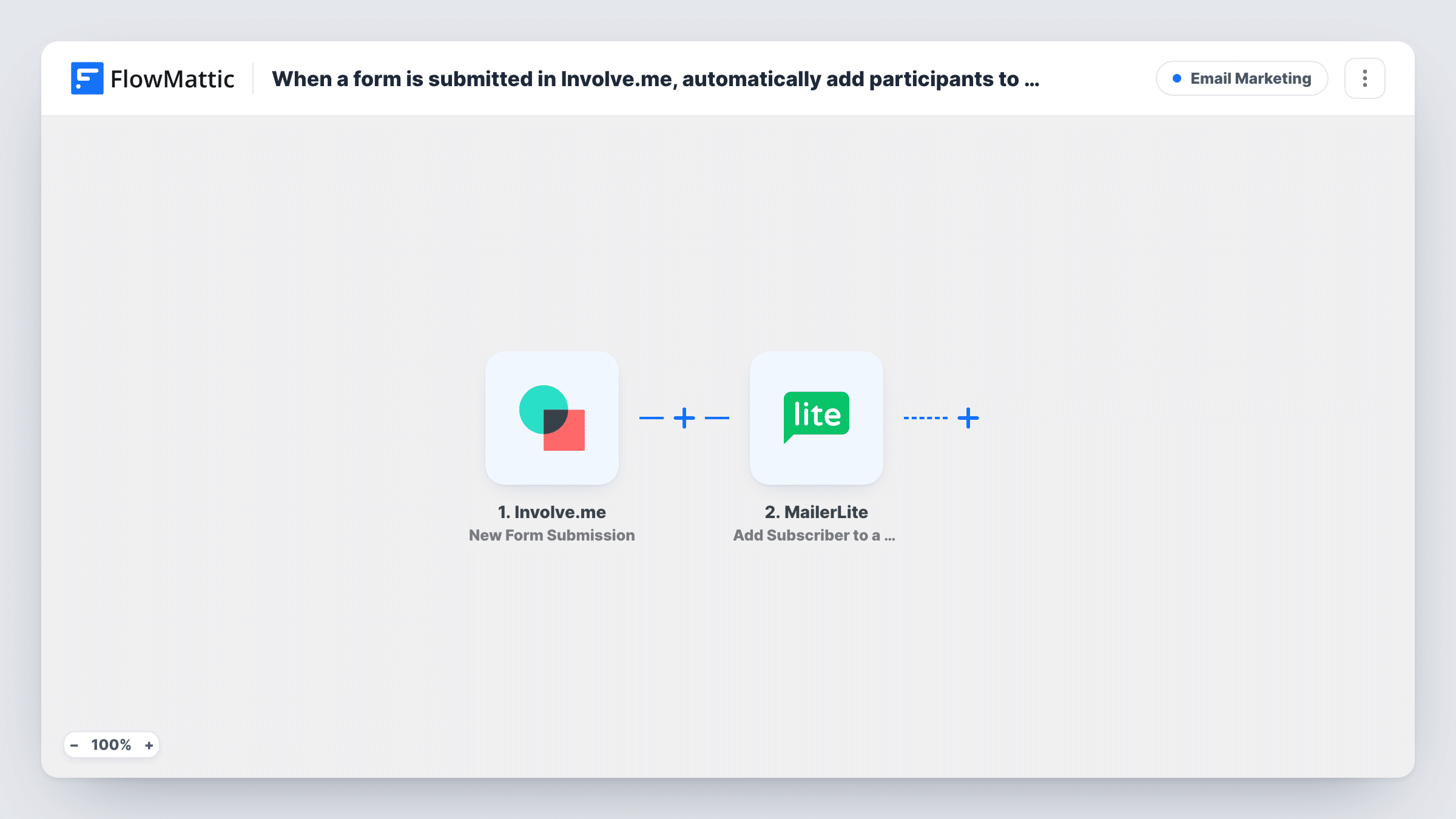
When someone completes an Involve.me funnel, they are created or updated as a MailerLite subscriber and then added to the MailerLite group you pick, so your follow-up emails reach them.
 Involve.me
 MailerLite
3 steps Setup ~5 min Used on 614 sites Free to import
What this workflow does
Quizzes, calculators and lead forms built in Involve.me collect an email address along with the answers. This workflow sends each participant straight to MailerLite and puts them in a group, so they get the emails meant for people who took that funnel instead of sitting in an export.
The Involve.me New Form Submission trigger fires when a participant completes a submission in your funnel. Their answers and contact details are passed on. The first MailerLite step creates a subscriber, or updates the existing one, with the custom fields you map. After import you connect MailerLite and map at least the email address, plus any answers you want stored as fields.
The second MailerLite step adds that subscriber to an existing group. Because step 2 has just created or updated the subscriber, the group step has someone to add. Create the group in MailerLite first, pick it in the step, and map the subscriber from step 2. Both steps ship unmapped.
Every completed submission runs the workflow. If a funnel doesn't ask for an email address, MailerLite has nothing to create a subscriber from, so check a test submission in Task History before you share the funnel.
Quiz results followed by emails
A fitness coach's Involve.me quiz adds each participant to a MailerLite group that sends a week of tips matched to the quiz.
Calculator leads for a service business
A solar installer's savings calculator puts every person who completes it into a group that receives a follow-up email with booking details.
Event sign-ups on their own group
A webinar host collects registrations in an Involve.me form and emails reminders to the MailerLite group the workflow fills.
How this workflow runs
What happens at each step once the workflow is on, and what you need before you import it.
 Involve.me New Form Submission
Runs whenever a participant reaches the end of your Involve.me funnel and their submission is complete. Their contact details and answers are passed on to the MailerLite steps.
- MailerLite Create or Update Subscriber
Creates a new MailerLite subscriber, or updates the existing one, with custom fields. The step ships unmapped: connect your account and map the email address and any funnel answers you want saved.
- MailerLite Add Subscriber to a Group
Adds the subscriber from the previous step to an existing MailerLite group. Create the group first, pick it here and map the subscriber step 2 returned. Confirm the result with a test submission.
What you need
- FlowMatticCore
- Involve.me AccountAccount
- MailerLite AccountAccount
After importing, map your own data. To keep the template universal, not every step is pre-filled. Open each step in the builder and connect your accounts and fields (channels, lists, sheets, recipients) before you switch the workflow on.
Make it yours
Changes worth making after you import it.
- Create the MailerLite group before importing, so it shows up when you configure the Add Subscriber to a Group step.
- Map quiz answers into MailerLite custom fields in the Create or Update Subscriber step, so you can personalise emails or segment by answer later.
- If your funnel has an optional marketing consent question, put a Filter between the Involve.me trigger and the first MailerLite step that continues only when it is ticked. The question is yours to pick.
Questions about this workflow
What if the participant is already a MailerLite subscriber?
The Create or Update Subscriber step updates their existing record, and the next step adds them to the group. They won't be duplicated.
Do I need an email field in my Involve.me funnel?
Yes. MailerLite creates subscribers by email address, so the funnel must collect one and you map it into the Create or Update Subscriber step.
Do partial Involve.me submissions reach MailerLite?
No. FlowMattic describes the trigger as firing when a participant completes a submission, so people who leave the funnel early don't start a run.
More Email Marketing workflows
Other ready-to-import templates from the same category.






Import this workflow into your WordPress site
Download the JSON, import it from the Workflows screen and connect your accounts. Every run stays on your server, with no per-task fees.
30-day money-back guarantee Unlimited workflows and runs Self-hosted