

When a form submission is received in WPForms, create a subscription in Pabbly Subscriptions
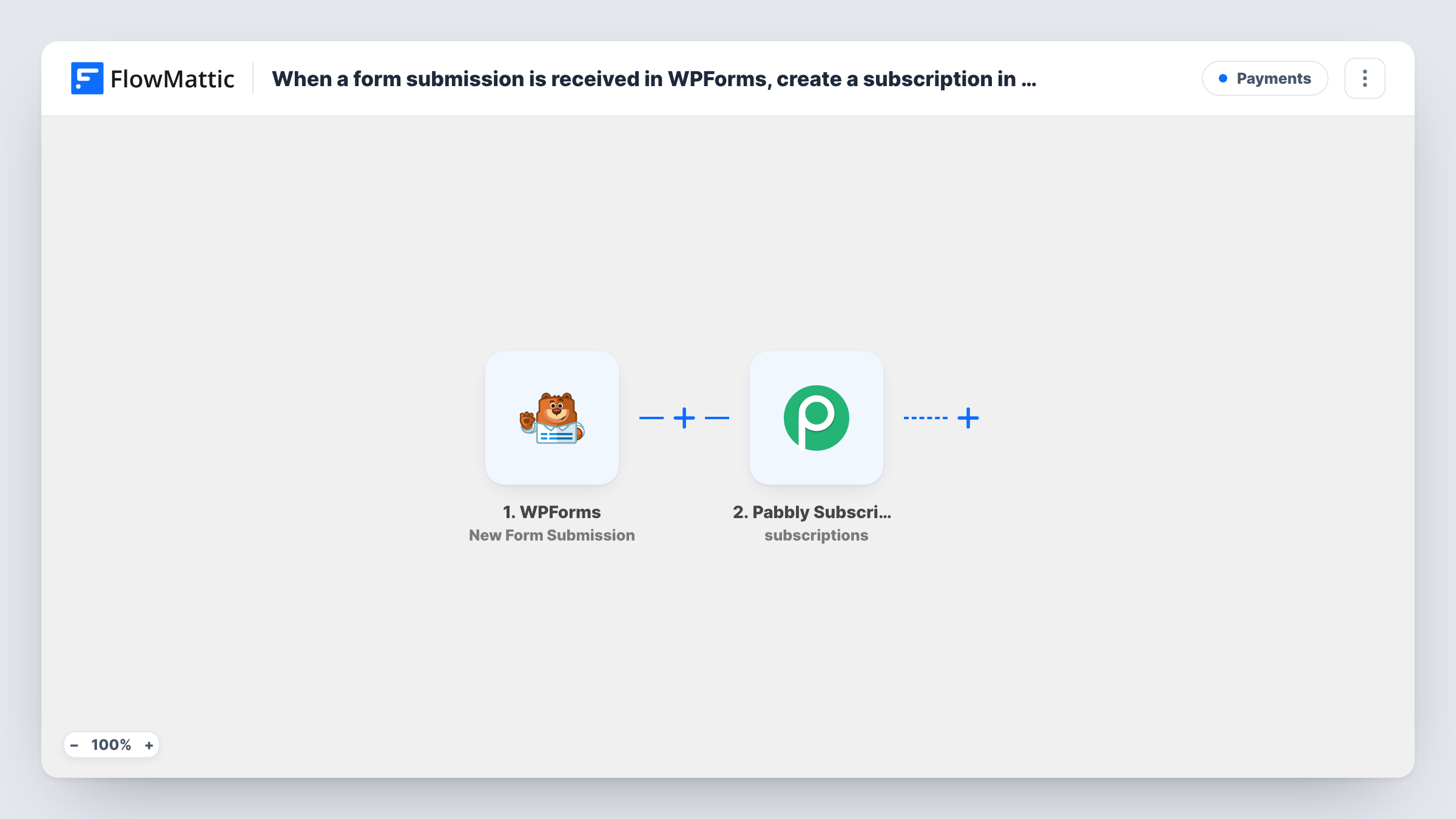
Each WPForms submission first creates a customer in Pabbly Subscription Billing, then starts a subscription for that new customer on the plan you choose.
 WPForms
 Pabbly Subscriptions
3 steps Setup ~5 min Used on 2.5k sites Free to import
What this workflow does
For a membership, a service retainer or a recurring box, a form submission is often the moment someone agrees to a plan. This workflow takes a WPForms entry and sets that person up in Pabbly Subscription Billing end to end: first as a customer, then with a subscription attached.
The WPForms trigger fires when a form is submitted on your WordPress site and passes the entry's fields on. The first Pabbly Subscriptions step creates the customer from those fields. It ships unmapped, so map the submitter's name and email after import.
The second Pabbly step creates a subscription. FlowMattic describes this action as working on an existing customer, which is why it comes after Create Customer: map the customer returned by step 2 into it, then choose the plan. This step is unmapped too.
How payment is collected depends on your Pabbly setup and the plan you choose, so walk through one full test submission and check the subscription in Pabbly before going live. Task History shows what each Pabbly step returned. Every submission runs both steps, so a person who submits twice gets a second attempt at both.
Membership application with a monthly plan
A local club takes membership applications through WPForms and wants each applicant set up in Pabbly with the monthly membership plan attached.
Retainer sign-up for a marketing agency
An agency's WPForms order form starts a recurring retainer in Pabbly Subscription Billing, so invoicing begins without anyone keying in the client.
Meal-plan subscriptions from a WordPress site
A meal-prep business collects weekly plan sign-ups on WPForms, and each one becomes a Pabbly customer with an active weekly subscription.
How this workflow runs
What happens at each step once the workflow is on, and what you need before you import it.
 WPForms New Form Submission
Fires when a visitor submits a WPForms form. All of the entry's fields are available to map into the two Pabbly steps that follow.
- Pabbly Subscriptions Create Customer
Adds the form submitter to Pabbly Subscription Billing as a customer. Unmapped in the template, so connect Pabbly and map the name and email fields from WPForms.
- Pabbly Subscriptions Create Subscription
Creates a subscription for the customer from step 2. After import, map that customer into the step and pick the plan; FlowMattic describes this action as working on an existing customer.
What you need
- FlowMatticCore
- WPForms PluginPlugin
- Pabbly Subscriptions AccountAccount
After importing, map your own data. To keep the template universal, not every step is pre-filled. Open each step in the builder and connect your accounts and fields (channels, lists, sheets, recipients) before you switch the workflow on.
Make it yours
Changes worth making after you import it.
- For a form with several plans, put a Router between Create Customer and Create Subscription, one route per plan choice, each holding its own copy of Create Subscription set to that plan. Every matching route runs, so use values that can't overlap.
- Make the WPForms email field required, so the customer step always has an address to send to Pabbly.
- Add an Email step after Create Subscription to confirm the plan to the subscriber, mapping in any subscription details Pabbly returns.
- Test with a trial plan first if you have one in Pabbly, so you can check the whole flow without charging anyone.
Questions about this workflow
Why does the WPForms workflow create the Pabbly customer first?
The subscription action in Pabbly needs a customer who is already on file. Step 2 creates that customer, and step 3 uses the customer it returns, so you map that value into the subscription step.
Which Pabbly plan does the subscription use?
The one you pick in the Create Subscription step after import. Every submission gets that plan unless you add a Router on a plan field from the form, placed between the Create Customer step and the Create Subscription step.
Does this collect payment from the WPForms submitter?
The workflow only creates the customer and subscription. Whether and how payment is taken depends on your Pabbly plan settings, so confirm it with a test submission.
What if the email is already a Pabbly customer?
Pabbly may return an error or make a second record for that email at the Create Customer step. Task History shows the response from each step, so test with an address you already have.
More Payments workflows
Other ready-to-import templates from the same category.





Import this workflow into your WordPress site
Download the JSON, import it from the Workflows screen and connect your accounts. Every run stays on your server, with no per-task fees.
30-day money-back guarantee Unlimited workflows and runs Self-hosted