

Notify the finance team via Telegram when a BlueSnap payout completes
Each time BlueSnap sends funds to your payout account, this workflow posts a Telegram message to your finance team, so they know a payout went out without logging in to BlueSnap.
 BlueSnap
 Telegram
2 steps Setup ~5 min Used on 500 sites Free to import
What this workflow does
Finance teams reconcile bank deposits against what the payment processor says it sent. Knowing when a BlueSnap payout leaves means someone can watch for it at the bank and match it. This workflow tells the team in Telegram as soon as BlueSnap reports a payout.
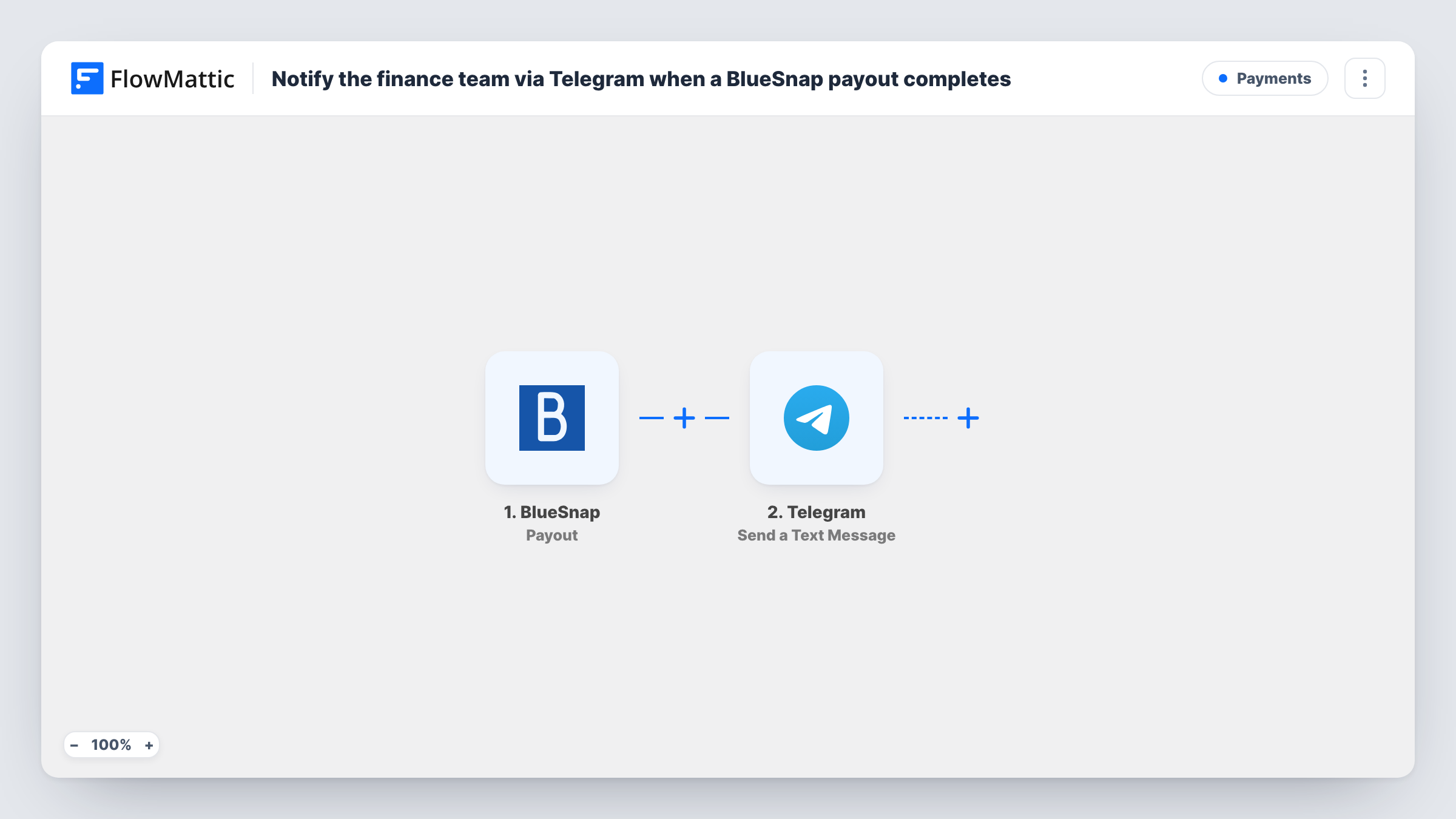
The BlueSnap trigger fires when BlueSnap sends funds to your payout account. The payout details in that event become values you can map. The Telegram step then sends a text message, which supports markup, to the chat you choose, such as a group the finance team shares.
Every payout event sends one message. Nothing filters by amount or currency, so small payouts are reported the same way as large ones. Check with a test event which payout values BlueSnap includes before you build the message, and use Task History to see what each run sent.
Matching payouts to bank deposits
The accountant sees the Telegram message when a payout is sent and knows to look for the matching deposit on the bank statement in the following days.
Cash flow updates for founders
A small online business posts each BlueSnap payout into a founders' Telegram group, so everyone sees money leaving the processor without sharing a BlueSnap login.
Month-end close checklist
During month-end, the finance group scrolls the Telegram chat to list every payout BlueSnap reported that month before checking the books.
How this workflow runs
What happens at each step once the workflow is on, and what you need before you import it.
 BlueSnap Payout
Runs when BlueSnap sends funds to your payout account. The payout details in the event are passed to the Telegram step for mapping; send a test event to see which ones arrive.
- Telegram Send a Text Message
Sends a text message to the Telegram chat you choose, such as your finance team's group. Write the message and map the payout values into it; markup is allowed in the message text.
What you need
- FlowMatticCore
- BlueSnap AccountAccount
- Telegram AccountAccount
After importing, map your own data. To keep the template universal, not every step is pre-filled. Open each step in the builder and connect your accounts and fields (channels, lists, sheets, recipients) before you switch the workflow on.
Make it yours
Changes worth making after you import it.
- Add a Filter after the BlueSnap trigger with a greater-than condition on the payout amount if the team only wants to hear about larger payouts. The comparison ignores anything after the decimal point.
- Add a Google Sheets step after Telegram to log each payout in a row, giving the finance team a list to reconcile from as well as the chat message.
- Put the payout amount and currency on the first line of the Telegram message so the notification preview shows them.
Questions about this workflow
When does the BlueSnap Payout trigger fire?
It fires when BlueSnap sends funds to your payout account. It does not fire for individual charges; those have their own BlueSnap triggers in FlowMattic.
Can the Telegram message go to a finance group chat?
Yes. Point the Telegram step at the group's chat when you set it up, then run a test payout event or a manual test to confirm the message appears in that group.
Does every BlueSnap payout send a Telegram message?
Yes, as imported. There is no Filter, so each payout event sends one message, whatever the amount.
More Payments workflows
Other ready-to-import templates from the same category.







Import this workflow into your WordPress site
Download the JSON, import it from the Workflows screen and connect your accounts. Every run stays on your server, with no per-task fees.
30-day money-back guarantee Unlimited workflows and runs Self-hosted