

When a Stripe subscription is created, create a Fluent Support ticket for onboarding and notify the agent on Slack
When a customer signs up for a new Stripe plan, FlowMattic opens an onboarding ticket in Fluent Support and posts a Slack channel message so your support team knows to start the welcome.
 Stripe
 Fluent Support
 Slack
Slack3 steps Setup ~5 min Used on 501 sites Free to import
What this workflow does
A new subscription is the moment to make a good first impression, but it is easy for onboarding to slip when sign-ups arrive in Stripe and your team works in a helpdesk. This workflow turns each new subscription into a Fluent Support ticket your agents can work through, and tells them about it in Slack.
A run begins each time Stripe signs a customer up to a new plan, through the New Subscription trigger. Subscription events can identify the customer only by a Stripe customer ID, so check a test run for the email and name. If they aren't there, add Stripe's Find Customer by ID step between the trigger and the ticket step and map from its result.
The Fluent Support step creates a ticket, with support for custom fields. It ships unmapped: write the ticket title and content, such as "Onboarding: {plan}", and map the customer's details. Run a test subscription to confirm the ticket is linked to the right customer.
Finally, FlowMattic sends a note to a Slack channel. It is also unmapped, so pick the channel and write the text, for example the customer's name and the new ticket's number. Task History shows what Stripe sent and what each step returned.
Kick-off calls for SaaS customers
A software company opens an onboarding ticket for every new Stripe subscriber, and an agent books a setup call from that ticket.
Welcome checklist for membership plans
A membership site's support team uses the Fluent Support ticket to send login help and a welcome pack to each new subscriber.
Service subscriptions that need setup
A managed hosting provider gets a ticket for each new plan so an engineer can provision the account, with a heads-up in the team's Slack channel.
How this workflow runs
What happens at each step once the workflow is on, and what you need before you import it.
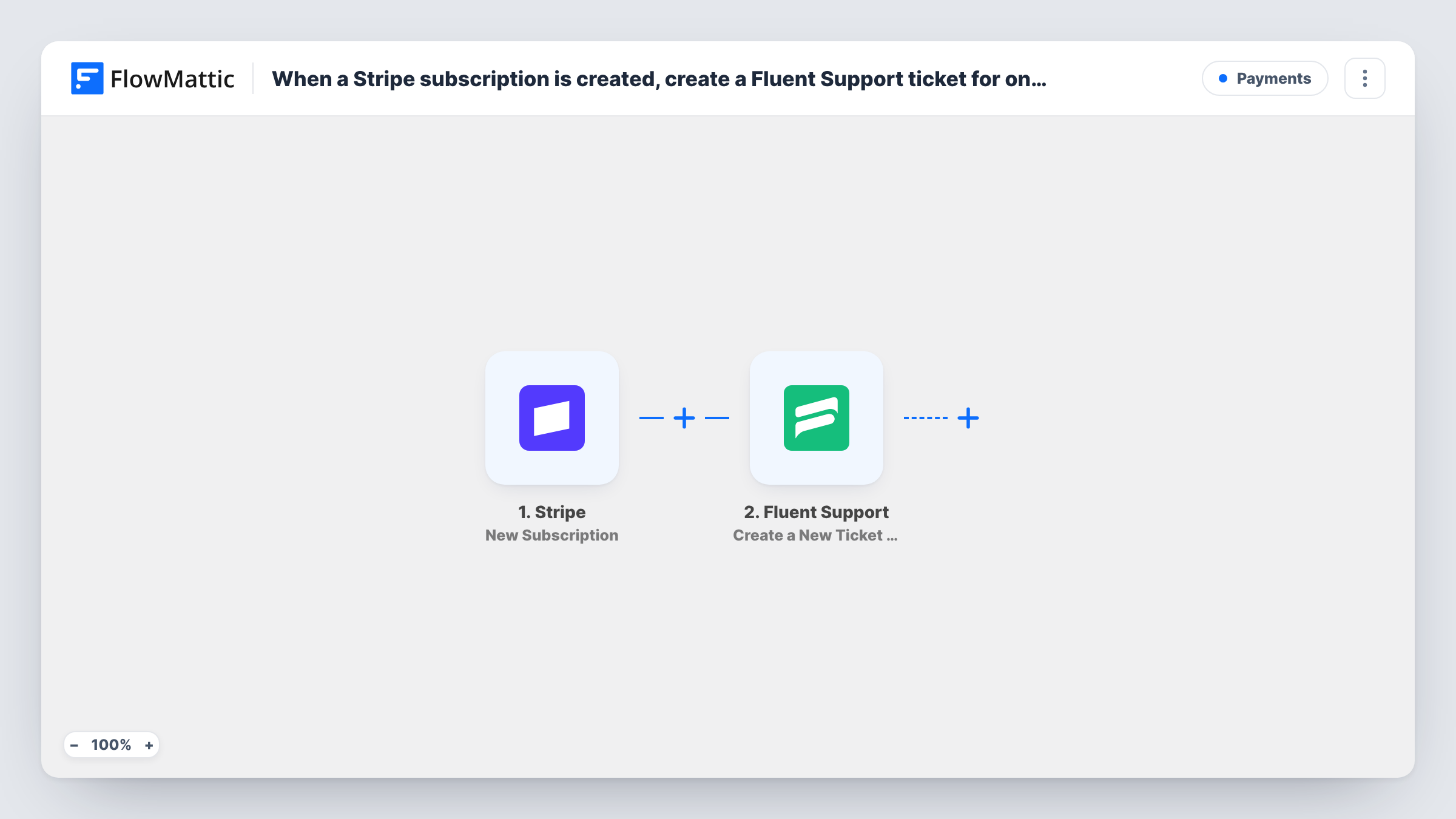
 Stripe New Subscription
Starts a run when Stripe records a new subscription for one of your customers. The subscription data may only carry the customer ID, so look at a test run before mapping email or name.
- Fluent Support Create a New Ticket Using Customer
Creates a Fluent Support ticket for the new subscriber. The step ships unmapped: write the ticket title and content, map the customer's details, and confirm with a test that the ticket links to them.
- Slack Send Channel Message
Posts a message in a Slack channel you choose. The template leaves the channel and text empty, so pick where your agents work and write a note with the customer and ticket details.
What you need
- FlowMatticCore
- Stripe AccountAccount
- Fluent Support PluginPlugin
- Slack AccountAccount
After importing, map your own data. To keep the template universal, not every step is pre-filled. Open each step in the builder and connect your accounts and fields (channels, lists, sheets, recipients) before you switch the workflow on.
Make it yours
Changes worth making after you import it.
- If the subscription event has no email, add Stripe's Find Customer by ID between the Stripe trigger and the Fluent Support step, and map the email and name from its result.
- To alert one agent instead of a channel, swap Send Channel Message for Slack's Send Direct Message action. If your agents share a private channel, Slack's Send Private Channel Message is the action to use.
- If the ticket step needs an existing Fluent Support customer, add the Create OR Get Customer Info action between the Stripe trigger and the ticket step, which creates the customer when they don't exist yet.
Questions about this workflow
Does the Stripe subscription event include the customer's email?
Not always. Subscription events can carry just the Stripe customer ID. Check a test run, and if the email is missing, add Find Customer by ID between the trigger and the Fluent Support step.
Is a Fluent Support ticket created for renewals too?
No. New Subscription fires when a customer is signed up for a new plan. Monthly or yearly renewals of that plan are separate Stripe events and don't start this workflow.
Which Slack channel gets the onboarding message?
Whichever channel you select when you set up the Slack step. The template doesn't choose a channel or write the message for you.
Can the Slack message link to the new Fluent Support ticket?
Yes, if the ticket step returns the ticket's ID. Run a test, look at the Fluent Support output in Task History, and map the ID or link into the Slack text.
More Payments workflows
Other ready-to-import templates from the same category.






Import this workflow into your WordPress site
Download the JSON, import it from the Workflows screen and connect your accounts. Every run stays on your server, with no per-task fees.
30-day money-back guarantee Unlimited workflows and runs Self-hosted