

When a form submission received in Elementor Forms, create a new responder in Crove for a specific document
Each Elementor form submission creates a new respondent on a Crove document you pick, giving that person their own invitation link to fill in the document.
 Elementor
 Crove
Crove2 steps Setup ~5 min Used on 2.0k sites Free to import
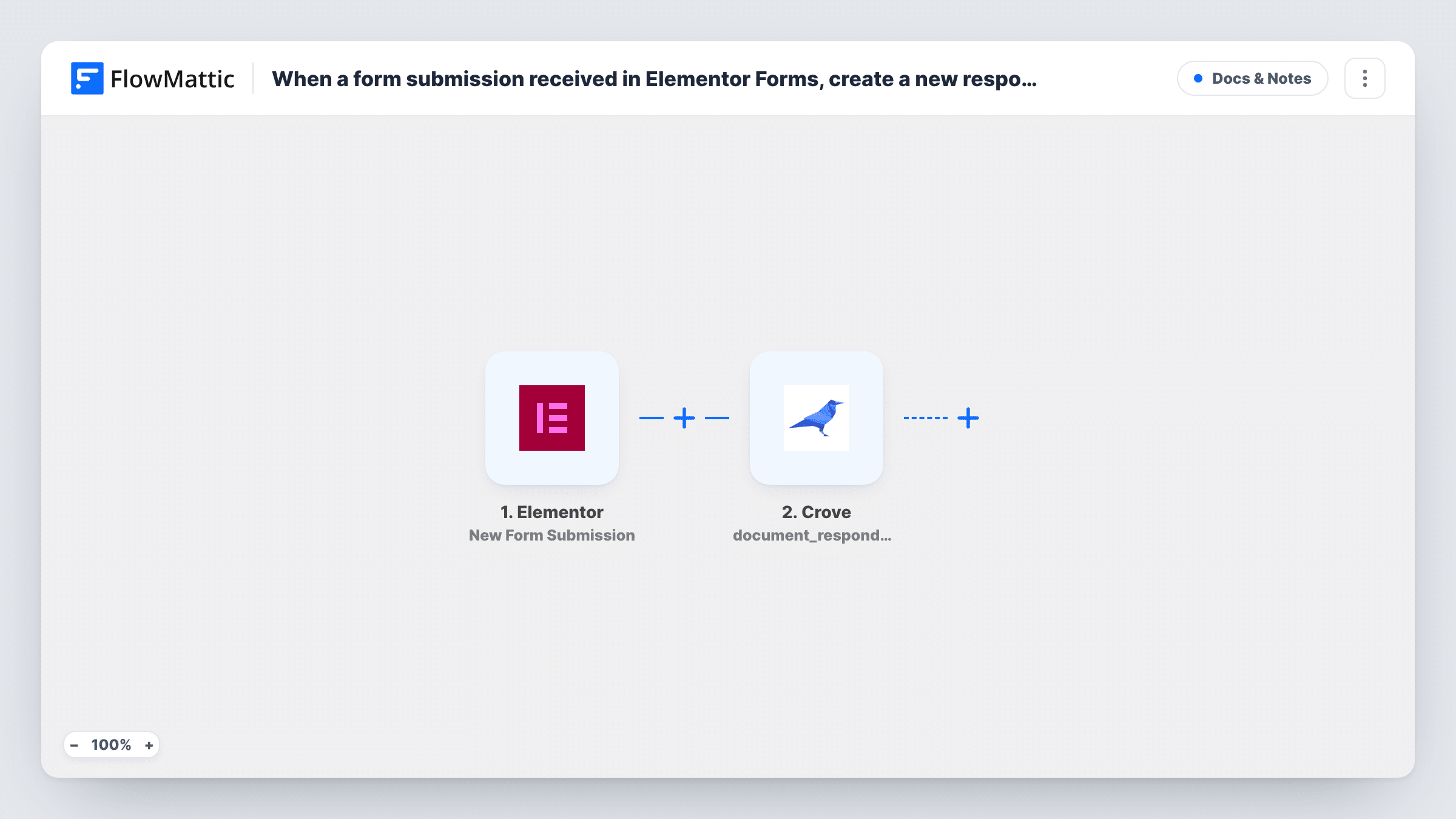
What this workflow does
Crove documents can be shared with several respondents, each with their own link to fill in their part. If those people first reach you through a form on your WordPress site, this workflow sets them up in Crove straight away, so you don't have to add each respondent by hand.
The Elementor trigger fires when an Elementor form is submitted. Elementor forms are part of Elementor Pro. The submitted fields, such as name and email, are passed to FlowMattic.
The Crove step, Create Invitation Link, then adds a new respondent to the Crove document you choose and returns an invitation link for them. It ships unmapped: after import you connect Crove, pick the document and map the form details the step asks for.
The template stops there. The link is created in Crove, but nothing sends it to the person who filled in the form. To deliver it, add an Email step after the Crove step and map the link from its result, or use Crove's Create Email Invitation action instead if you want Crove to email them. A test submission shows in Task History what Crove returned, including the link.
Tenant details for a lease
A letting agent's Elementor enquiry form adds each prospective tenant as a respondent on the Crove lease document, ready for the agent to share the link after a viewing.
Supplier onboarding pack
A manufacturer's supplier sign-up form on WordPress creates a Crove respondent for the onboarding questionnaire, and the team emails the link once the supplier is approved.
Event speaker agreements
A conference site's call-for-speakers form puts each applicant on the speaker agreement in Crove, so accepted speakers already have a link waiting.
How this workflow runs
What happens at each step once the workflow is on, and what you need before you import it.
 Elementor New Form Submission
Starts a run for each Elementor form entry your site receives. The field values, such as the person's name and email, are passed on to Crove.
- Crove Create Invitation Link
Creates a new respondent on your Crove document and returns their invitation link. Connect Crove, choose the document and map the form fields after import; no step sends the link on.
What you need
- FlowMatticCore
- Elementor PluginPlugin
- Crove AccountAccount
After importing, map your own data. To keep the template universal, not every step is pre-filled. Open each step in the builder and connect your accounts and fields (channels, lists, sheets, recipients) before you switch the workflow on.
Make it yours
Changes worth making after you import it.
- Add an Email step after the Crove step that sends the invitation link from Crove's result to the email entered on the Elementor form.
- If the site has several Elementor forms, put a Filter between the Elementor trigger and the Crove step that checks which form was sent, so only the right form creates respondents. A test submission shows the field to use.
- Log each new respondent and their link in Google Sheets with an extra step after Crove, so your team can find and resend links later.
Questions about this workflow
Does the person who filled in the Elementor form get the Crove link?
Not as imported. Create Invitation Link only creates the respondent and returns the link. Add an Email step after it, or swap to Crove's Create Email Invitation action, to get the link to them.
Do I need Elementor Pro to create Crove respondents this way?
Yes. The Elementor form widget that this trigger listens to is part of Elementor Pro, so the free version alone has no forms to submit.
Can each Elementor submission go to a different Crove document?
As imported, every submission goes to the one document you pick. For different documents, put a Router between the Elementor trigger and the Crove step with routes on a form field, move the Crove step into one route and give each other route its own copy for its document. Pick route values that one submission can't match twice.
More Docs & Notes workflows
Other ready-to-import templates from the same category.







Import this workflow into your WordPress site
Download the JSON, import it from the Workflows screen and connect your accounts. Every run stays on your server, with no per-task fees.
30-day money-back guarantee Unlimited workflows and runs Self-hosted