

When a Kickpages form is submitted, add the lead to ActiveCampaign and log it in Google Sheets
Each Kickpages custom form submission creates or updates the lead in ActiveCampaign, then adds the same details to a Google Sheets row, so your nurture emails and your lead log both get every entry.
 Kickpages
 ActiveCampaign
 Google Sheets
3 steps Setup ~5 min Used on 1.8k sites Free to import
What this workflow does
Kickpages funnels capture leads, but your follow-up emails live in ActiveCampaign and your reporting often lives in a spreadsheet. Moving each lead into both places by hand is slow and easy to forget on busy days. Here both happen for you each time the Kickpages form is sent.
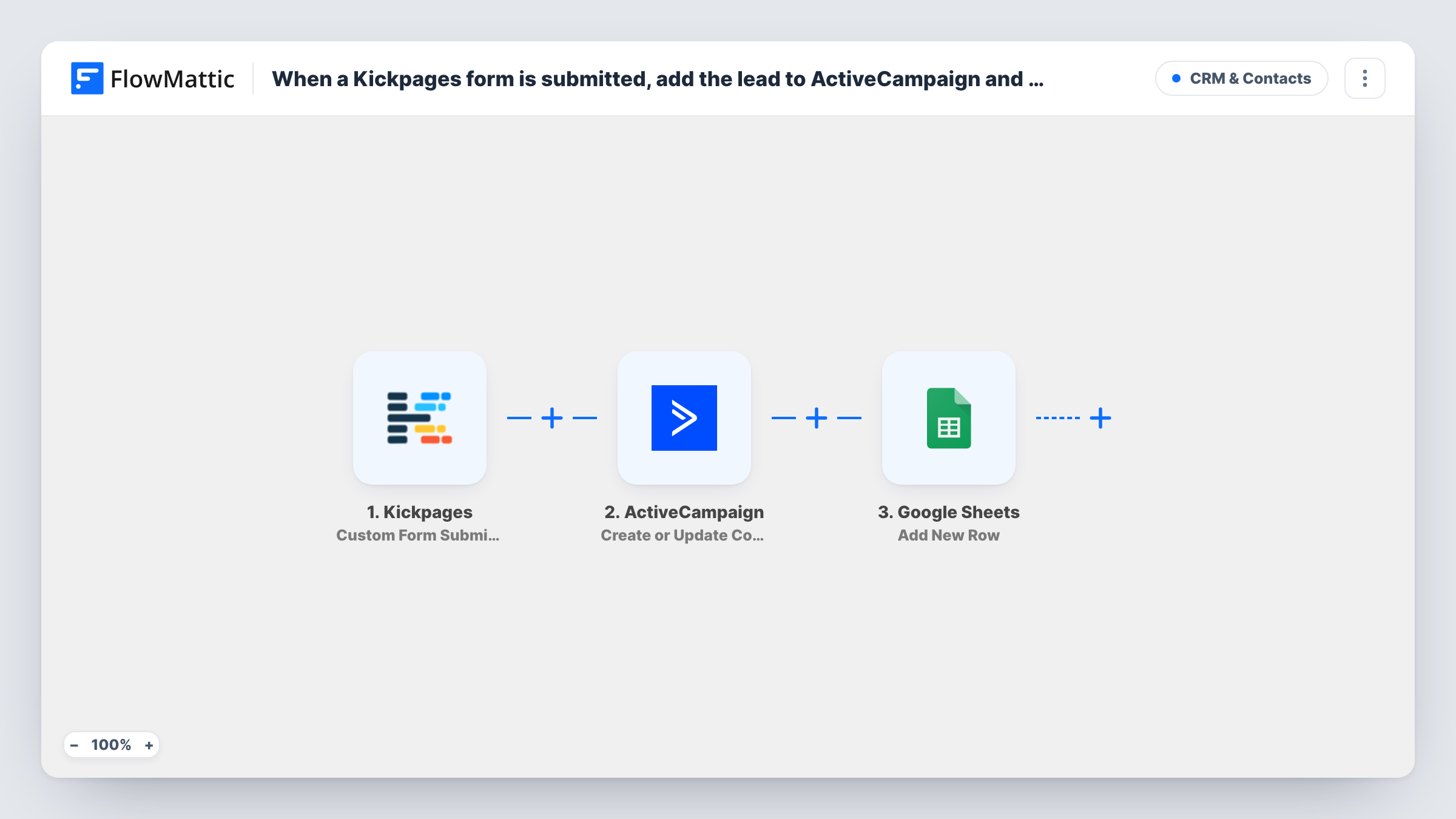
The Kickpages trigger starts a run as soon as a visitor sends one of your Kickpages custom forms. FlowMattic sends the lead's details to ActiveCampaign, where Create or Update Contact adds a new contact or updates the one with the same email. The run then continues to Google Sheets and adds a row with the submission.
The sheet gets a row for every submission, including repeat ones, so it reads as a log of form entries rather than a contact list. Task History holds the details of every run.
Lead magnet funnel
A Kickpages opt-in for a free guide puts each lead into ActiveCampaign for a welcome series, and the sheet tracks daily sign-ups by funnel.
Consultation requests
A booking form on a Kickpages page feeds ActiveCampaign for reminders, while the sales manager reviews requests in the shared sheet.
Ad campaign tracking
Hidden fields carry the campaign name into the sheet, so you can count leads per ad while ActiveCampaign handles the emails.
How this workflow runs
What happens at each step once the workflow is on, and what you need before you import it.
 Kickpages Custom Form Submission
Starts the run when a Kickpages custom form comes in. The form values are passed to ActiveCampaign and Google Sheets.
- ActiveCampaign Create or Update Contact
Creates a new ActiveCampaign contact, or updates the existing one with that email. Map the email and any name or phone values the Kickpages form collects.
- Google Sheets Add New Row
Writes the Kickpages submission into a new row of the spreadsheet you choose. Map each form value to a column; this happens on every run.
What you need
- FlowMatticCore
- Kickpages AccountAccount
- ActiveCampaign AccountAccount
- Google Sheets AccountAccount
After importing, map your own data. To keep the template universal, not every step is pre-filled. Open each step in the builder and connect your accounts and fields (channels, lists, sheets, recipients) before you switch the workflow on.
Make it yours
Changes worth making after you import it.
- After Create or Update Contact, add ActiveCampaign's list subscription action so new leads join the list your automations start from.
- Leave optional Kickpages fields unmapped where you can. Create or Update Contact can overwrite an existing contact's details with blanks from a shorter form.
- Add a date column and map the submission time, if the trigger sends one, so you can chart leads by day.
Questions about this workflow
What happens when a Kickpages lead is already in ActiveCampaign?
The existing contact is updated with the values you map instead of a duplicate being made. The Google Sheets step still adds a new row for that submission.
Will Kickpages leads be subscribed to an ActiveCampaign list?
Not as imported. As shipped, the ActiveCampaign step only saves the contact record. Add a list subscription step after it if your automations start from a list.
Do Kickpages sales trigger this workflow?
No. This template reacts to Kickpages custom forms only. Kickpages has a separate product sale trigger in FlowMattic if you want to handle orders.
More CRM & Contacts workflows
Other ready-to-import templates from the same category.






Import this workflow into your WordPress site
Download the JSON, import it from the Workflows screen and connect your accounts. Every run stays on your server, with no per-task fees.
30-day money-back guarantee Unlimited workflows and runs Self-hosted