

When a new conversation is started in Chatra, add row in Google Sheets
Add a row to Google Sheets each time a new Chatra conversation starts, whether a visitor or an agent opens it, so you have a spreadsheet list of chats to review and follow up.
 Chatra
 Google Sheets
2 steps Setup ~5 min Used on 1.7k sites Free to import
What this workflow does
Live chat happens fast, and once a chat closes it is easy to lose track of who got in touch. Chatra keeps the conversations, but a spreadsheet is simpler to sort, share and count. This workflow writes a row for every new conversation as it begins.
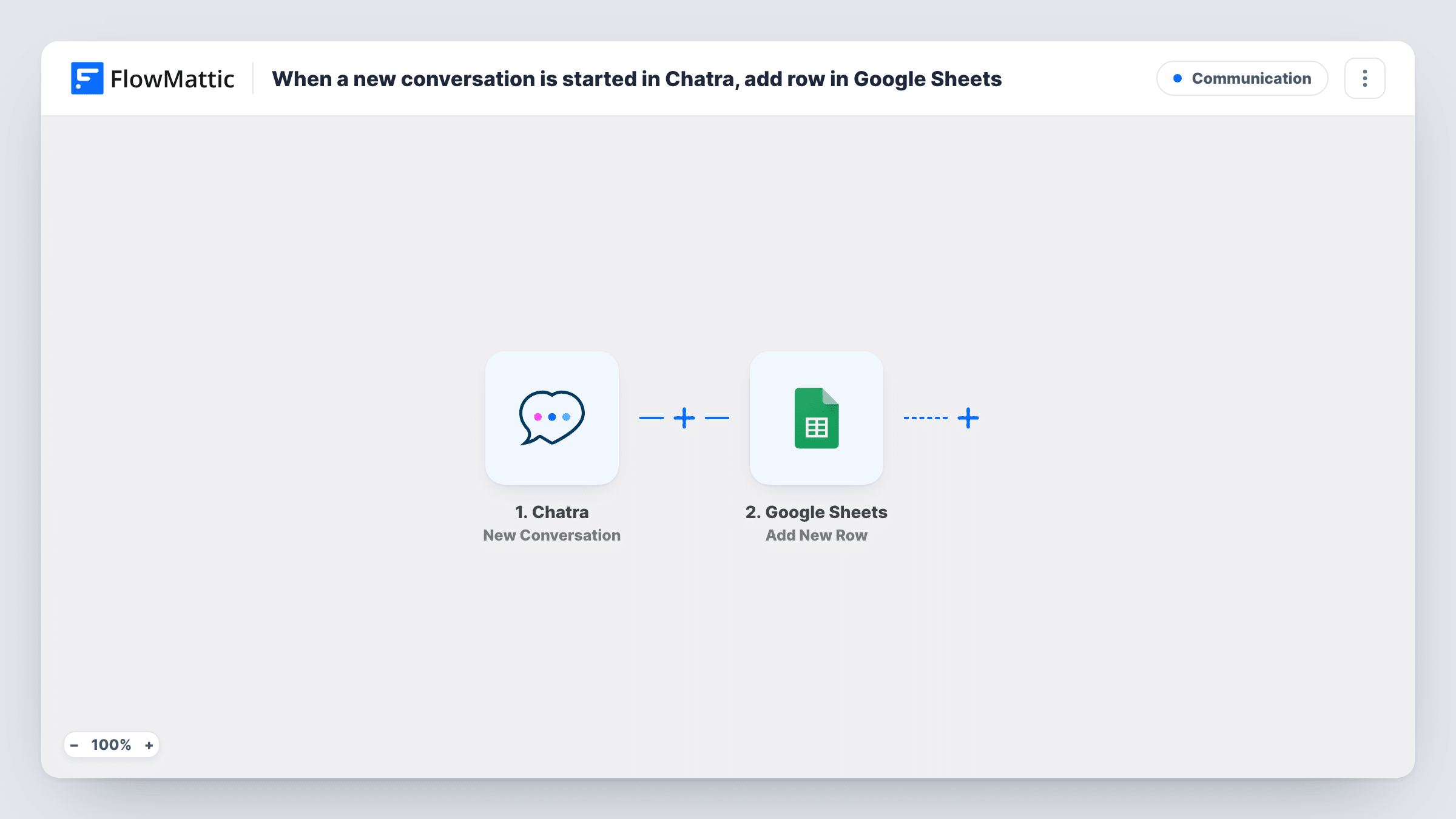
The Chatra trigger fires when a new conversation is started, either by a visitor or by one of your agents. FlowMattic passes the conversation data to Google Sheets, where Add New Row writes the details you mapped into the spreadsheet you pick.
Note that the row is created when the chat starts, so it holds what Chatra sends at that point, not the later messages. Chats your agents begin also count. Task History shows each row's run, which helps when you check a mapping.
Weekly chat volume review
A manager counts rows per day in the sheet to see when visitors start chats and plan who covers the chat window.
Follow-up list for sales chats
A salesperson works through the sheet each morning, contacting visitors who opened a chat the day before, using whatever contact details Chatra passed on.
Sharing chat activity with a client
An agency running chat for a client shares the sheet so the client sees each new conversation without a Chatra seat.
How this workflow runs
What happens at each step once the workflow is on, and what you need before you import it.
 Chatra New Conversation
Fires when a new conversation is started in Chatra by a visitor or an agent. The conversation data from that moment is passed to the next step.
- Google Sheets Add New Row
Adds a row to your chosen Google Sheets spreadsheet with the mapped Chatra data. Connect your Google account and match each column to a conversation detail.
What you need
- FlowMatticCore
- Chatra AccountAccount
- Google Sheets AccountAccount
After importing, map your own data. To keep the template universal, not every step is pre-filled. Open each step in the builder and connect your accounts and fields (channels, lists, sheets, recipients) before you switch the workflow on.
Make it yours
Changes worth making after you import it.
- Start a test chat on your site after import so FlowMattic captures the conversation data, then decide which details belong in the sheet.
- Add a column for the date and time from the trigger data so you can sort and group rows by when each chat began.
- Put a Filter after the trigger if you only want visitor-started chats. Compare a test chat you start as an agent with one started as a visitor to find a field that tells them apart.
Questions about this workflow
Does the Google Sheets row include the full Chatra chat transcript?
No. The row is written when the conversation starts, so it holds the data Chatra sends then. Later messages in the chat are not added.
Are chats started by my Chatra agents logged too?
Yes. The trigger fires for new conversations started by visitors or agents, so both add a row unless you add a Filter.
Will past Chatra conversations be added to the sheet?
No. Only conversations started after you switch the workflow on are logged.
What accounts does this Chatra to Sheets workflow need?
A Chatra account connected to the trigger and a Google account with edit access to the spreadsheet you want rows added to.
More Communication workflows
Other ready-to-import templates from the same category.






Import this workflow into your WordPress site
Download the JSON, import it from the Workflows screen and connect your accounts. Every run stays on your server, with no per-task fees.
30-day money-back guarantee Unlimited workflows and runs Self-hosted