

Send a Twilio SMS to follow up with each new Calldrip lead
When Calldrip generates a new lead from a call, this workflow sends that lead a text message through your Twilio number, so they get a written follow-up with your details.
 Calldrip
 Twilio
2 steps Setup ~5 min Used on 1.9k sites Free to import
What this workflow does
After a call, a lead may not remember your name or number. A short text gives them something to save and reply to. Sending that text by hand for each lead is easy to forget when the phones are busy. This workflow sends it through Twilio for every new Calldrip lead.
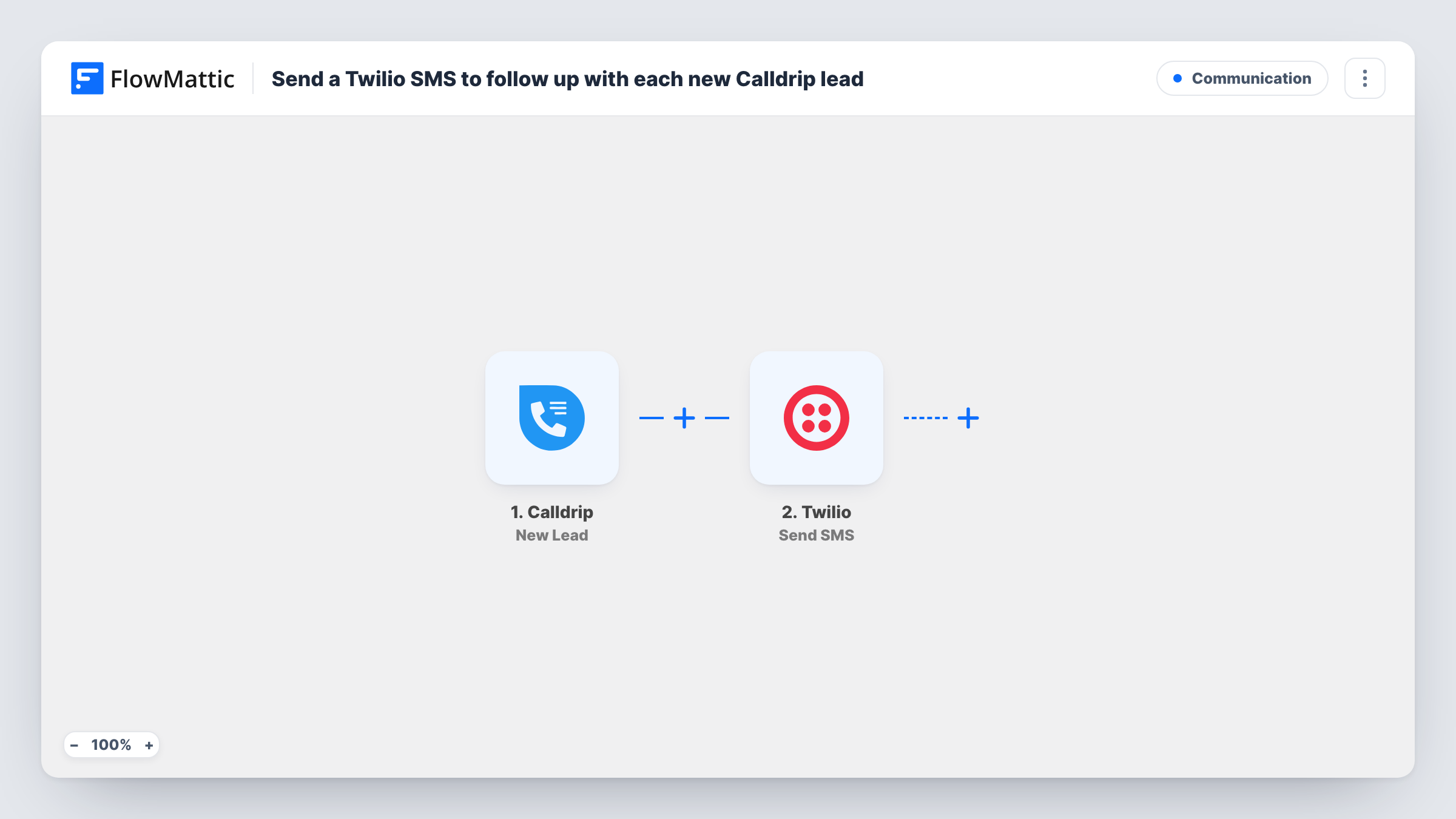
Each lead that Calldrip generates from a call starts the run through its New Lead trigger. The lead data Calldrip sends, including the phone number if the lead has one, can be mapped. The Twilio step runs Send SMS: you map the lead's phone number as the recipient and write the text, using the lead's name or other values if you like.
Every new lead gets one text. There is no Filter, so leads without a usable phone number still start a run; Twilio returns an error and Task History shows it on that step. Twilio may expect numbers in international format with a country code, so check a test lead.
Home services company
A plumber's Calldrip lead gets a text with the business name and a line saying someone will call back to book the job.
Car dealership sales line
Each caller who becomes a lead receives a text with the salesperson's direct number and a link to current stock.
Clinic appointment requests
Leads from the clinic's phone line get a text confirming their request was received and when the front desk is open.
How this workflow runs
What happens at each step once the workflow is on, and what you need before you import it.
 Calldrip New Lead
Starts the workflow once per Calldrip call lead. Connect Calldrip; the lead's phone number and other details are then ready for the Twilio step.
- Twilio Send SMS
Sends a text through your Twilio account to the lead. Map the Calldrip phone number as the recipient, write the message, and check the sending number in a test run.
What you need
- FlowMatticCore
- Calldrip AccountAccount
- Twilio AccountAccount
After importing, map your own data. To keep the template universal, not every step is pre-filled. Open each step in the builder and connect your accounts and fields (channels, lists, sheets, recipients) before you switch the workflow on.
Make it yours
Changes worth making after you import it.
- Add a Filter after the trigger that continues only when the lead's phone number is not empty, so leads without one don't produce Twilio errors.
- Want a pause before the text? Add a Delay of a few minutes, so the message doesn't arrive while the caller is still on the line.
- Make sure you have permission to text leads under the rules where you operate, and include your business name and a way to opt out.
Questions about this workflow
Which number does the Calldrip follow-up text come from?
From a number in your Twilio account. You need one that can send texts to your leads' country, and you check it in the Send SMS step.
What happens if a Calldrip lead has no phone number?
The run still reaches Twilio, which can't send without a recipient. Task History records the error. Add a Filter on the phone field to skip those leads.
Can leads reply to the Twilio text?
They can reply to your Twilio number. To act on replies, build a second workflow on Twilio's Incoming SMS trigger.
More Communication workflows
Other ready-to-import templates from the same category.




Import this workflow into your WordPress site
Download the JSON, import it from the Workflows screen and connect your accounts. Every run stays on your server, with no per-task fees.
30-day money-back guarantee Unlimited workflows and runs Self-hosted